Windows 12 Rumors: Everything We Know About Microsoft’s Next OS
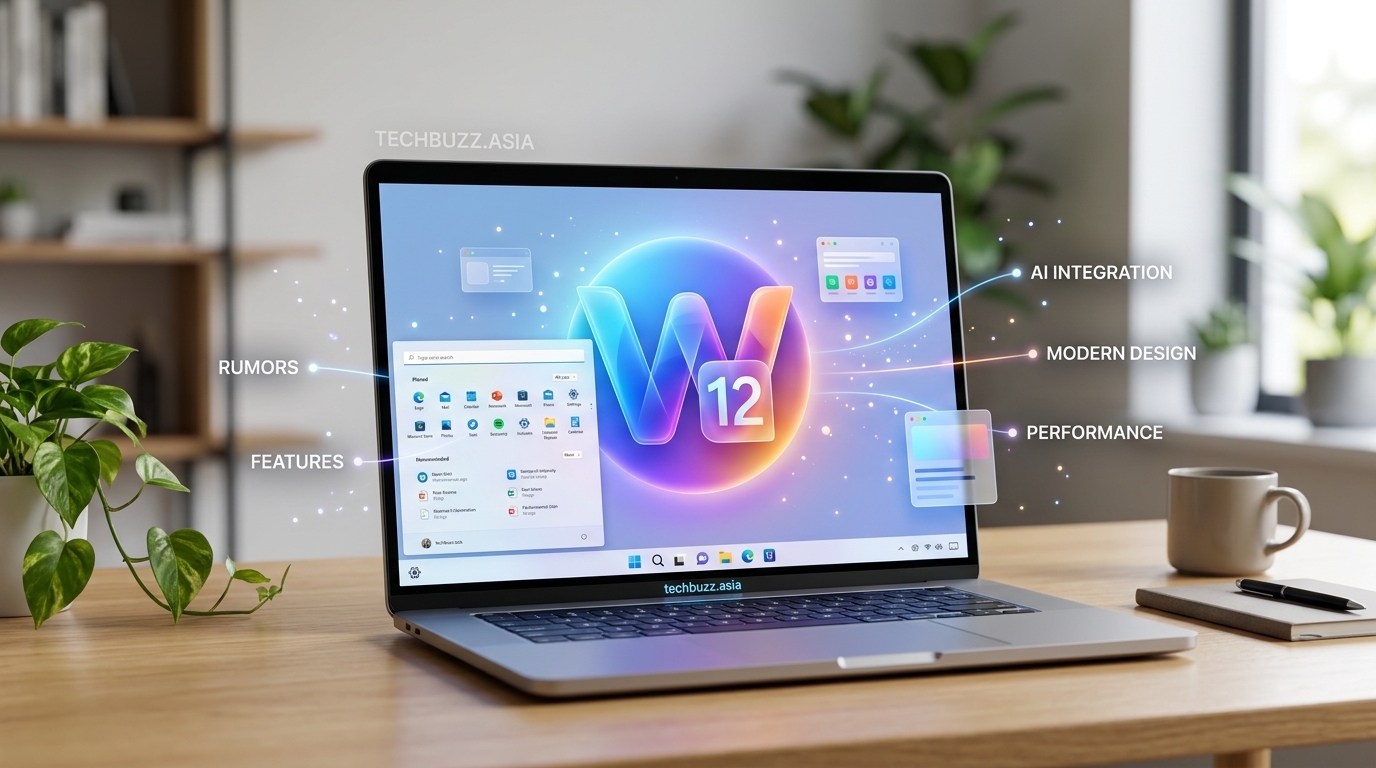
Microsoft hasn’t officially announced Windows 12, but that hasn’t stopped the tech world from buzzing with speculation. Windows 11 launched in October 2021, and if history repeats itself, we could see its successor within the next year or two. The question on everyone’s mind is simple: when will Windows 12 actually arrive?
Microsoft has not officially confirmed Windows 12, but industry insiders predict a release between late 2024 and mid 2025. The company traditionally updates Windows every three years, which aligns with this timeline. Leaked builds and job postings hint at active development, though Microsoft may shift to a continuous update model instead of numbered releases. Your current Windows 11 device will likely receive support through 2028 regardless.
Predicting the Windows 12 release date based on Microsoft’s history
Microsoft doesn’t follow a rigid release schedule, but patterns exist. Windows 10 arrived in July 2015. Windows 11 came out in October 2021. That’s a six-year gap, but the company had originally planned to make Windows 10 the “last version” with continuous updates.
That plan changed. Windows 11 introduced a new design language and stricter hardware requirements. It signaled a return to numbered releases.
If Microsoft sticks to a three-year cycle, Windows 12 could launch in late 2024. Some industry watchers push that estimate to early or mid 2025. Both timeframes make sense given typical development cycles and beta testing periods.
Here’s how Microsoft has historically rolled out major Windows versions:
| Version | Announcement Date | General Availability | Gap from Previous |
|---|---|---|---|
| Windows 7 | January 2009 | October 2009 | 3 years |
| Windows 8 | October 2012 | October 2012 | 3 years |
| Windows 10 | September 2014 | July 2015 | 3 years |
| Windows 11 | June 2021 | October 2021 | 6 years |
The pattern suggests a 2024 or 2025 launch window for Windows 12.
What Microsoft has actually said about Windows 12
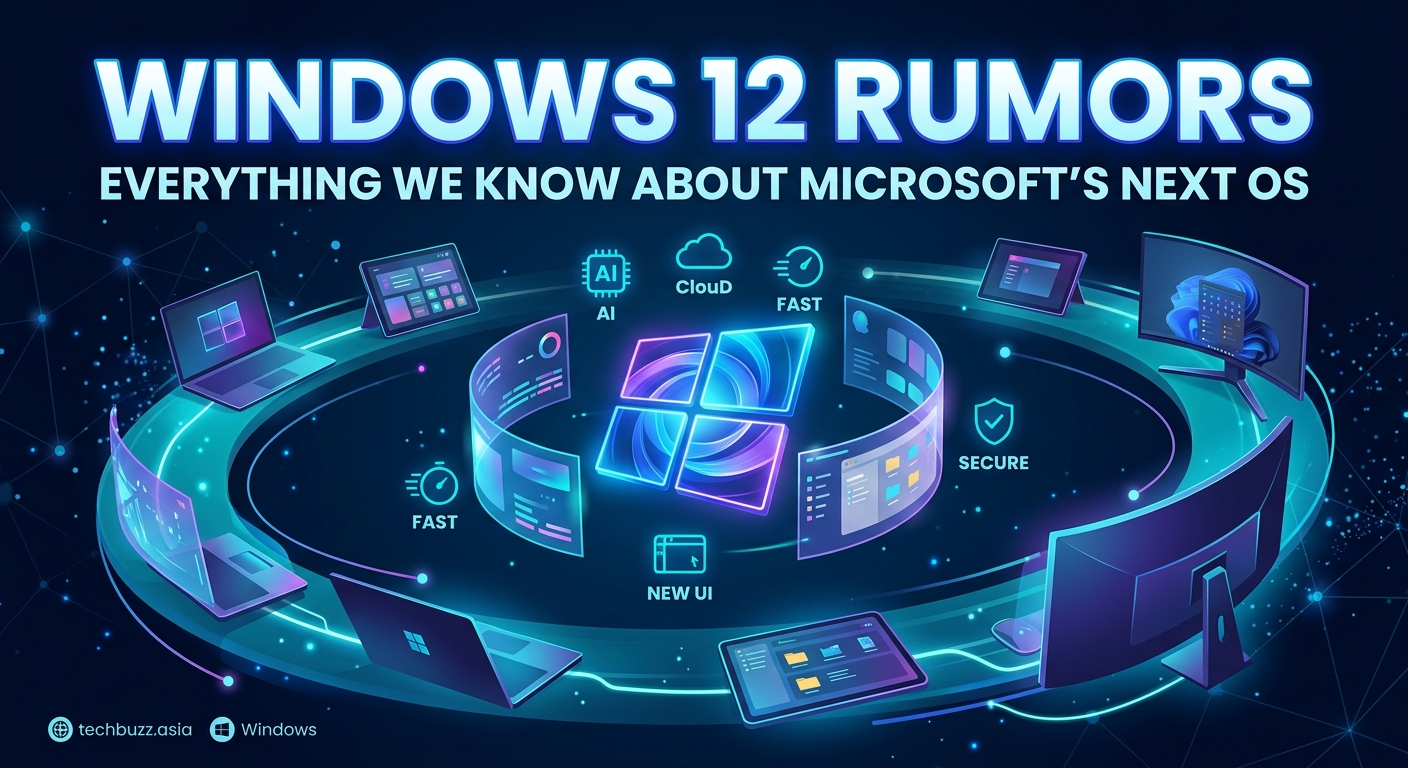
Nothing official. Microsoft executives have remained tight-lipped about any successor to Windows 11. The company continues to push feature updates for Windows 11, including the recent 23H2 update that brought Copilot AI features to the operating system.
This silence doesn’t mean development isn’t happening. Large software projects require years of planning, coding, and testing. Microsoft likely has teams working on the next major release right now, even if they’re not ready to talk about it publicly.
Some Microsoft job postings from 2023 mentioned “next generation Windows” development. These listings didn’t specify Windows 12 by name, but they hinted at significant architectural changes coming to the platform.
“We’re committed to supporting Windows 11 with regular updates and new features. Our focus remains on delivering the best experience for our current users.” – Microsoft spokesperson, 2023
That statement doesn’t confirm or deny Windows 12. It’s corporate speak for “we’re not ready to announce anything yet.”
Leaked builds and insider information
Tech leakers have spotted references to “Hudson Valley” in Microsoft’s internal documentation. This codename reportedly refers to the next major Windows release. Previous Windows versions had similar internal names before launch.
Some supposed screenshots surfaced online showing a redesigned taskbar and new AI integration features. These images haven’t been verified, and many could be elaborate fakes. The internet loves Windows rumors, which makes separating fact from fiction challenging.
What we do know from reliable sources:
- Microsoft is testing new AI capabilities that go beyond current Copilot features
- The company is working on improved touch and pen input for hybrid devices
- Security enhancements are in development, particularly around passwordless authentication
- Performance optimizations for both old and new hardware are being tested
None of this confirms a Windows 12 release date, but it shows active development on major Windows improvements.
How to prepare for the Windows 12 release
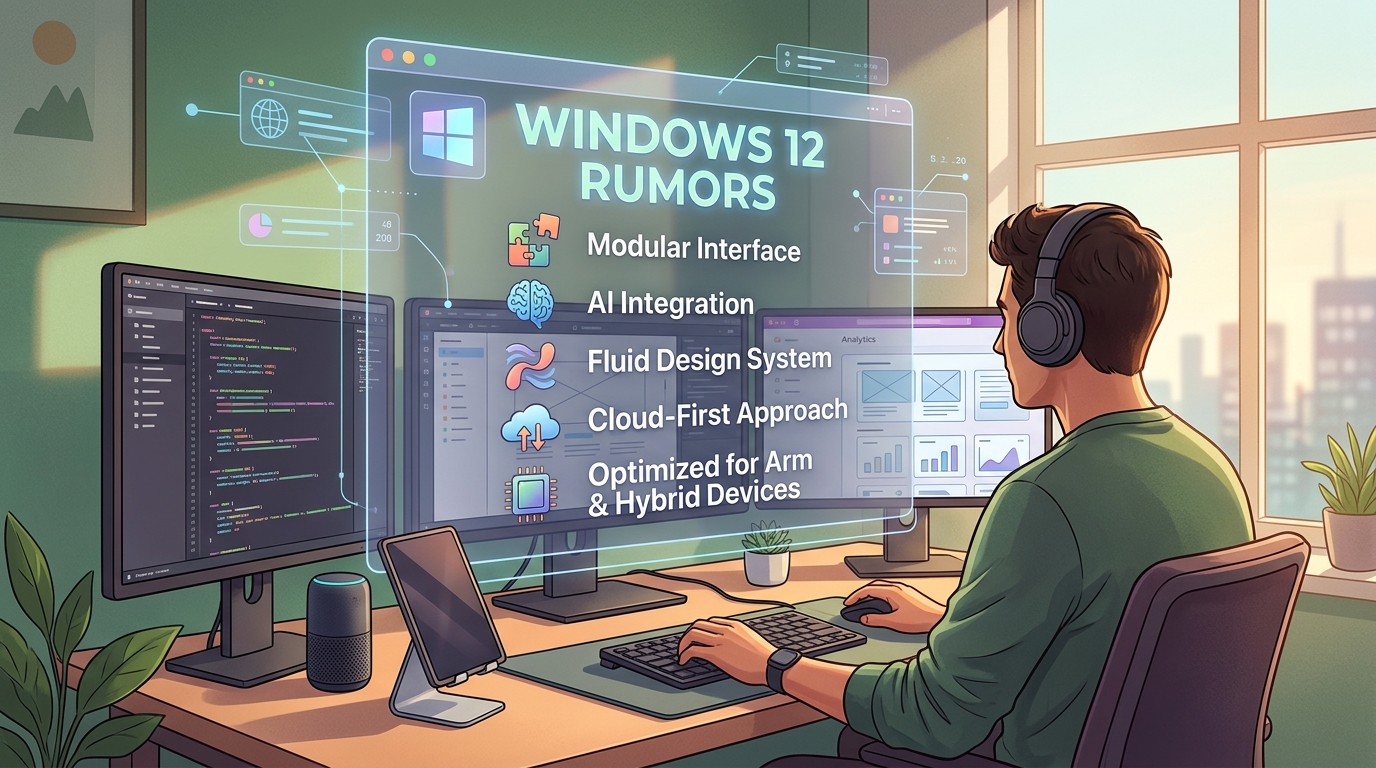
You don’t need to do much right now, but staying informed helps. Here’s a practical roadmap:
- Keep your Windows 11 installation updated with the latest patches and feature updates
- Check your hardware against Windows 11 requirements, which will likely carry over to Windows 12
- Back up your important files regularly using cloud storage or external drives
- Join the Windows Insider Program if you want early access to new features
- Monitor Microsoft’s official blog and social media channels for announcements
Your current PC might already meet Windows 12 requirements if it runs Windows 11. The controversial TPM 2.0 requirement from Windows 11 will almost certainly remain. If your machine handles Windows 11 smoothly, you’re probably fine for the next version.
Will Windows 12 be a free upgrade?
Microsoft made Windows 10 free for Windows 7 and 8 users. Windows 11 was free for compatible Windows 10 devices. This pattern suggests Windows 12 will also be a free upgrade for existing users.
The catch is hardware compatibility. Windows 11 left millions of older PCs behind with its strict requirements. What happens when tech giants stop supporting your device becomes a real concern for users with aging hardware.
If your computer can’t meet the requirements, you’ll need to:
- Purchase new hardware that meets specifications
- Stick with Windows 11 until your next computer upgrade
- Consider alternative operating systems for older machines
Windows 11 will receive support until at least October 2028. That gives you several years even if Windows 12 launches tomorrow.
Alternative scenarios beyond a traditional release
Microsoft might not release “Windows 12” at all. The company has experimented with different update models over the years. Here are some possibilities:
Continuous updates model: Windows becomes a perpetual service with no version numbers. Features roll out gradually instead of in major releases. This approach mirrors how modern browsers update.
Subscription-based Windows: Microsoft could shift to a monthly or yearly subscription model. Windows 365 already exists for business users. A consumer version might follow.
Cloud-first Windows: The operating system could move primarily to the cloud, with your local device running a thin client. Internet connectivity would become essential.
Modular Windows: Users pick and choose components they want, creating customized installations. This would reduce bloat and improve performance on varied hardware.
Each scenario has pros and cons. A traditional numbered release remains the most likely option for now, but Microsoft has surprised us before.
Performance expectations and hardware requirements
Windows 12 will probably demand more from your hardware than Windows 11. That’s how technology works. Each generation adds features that require additional processing power, memory, and storage.
Expected minimum requirements (educated guesses based on trends):
- Processor: 8th generation Intel Core or AMD Ryzen 2000 series (or newer)
- RAM: 8GB minimum, 16GB recommended
- Storage: 128GB SSD
- TPM: Version 2.0
- Graphics: DirectX 12 compatible with WDDM 3.0 driver
- Display: 1080p resolution minimum
These specifications would push out some Windows 11 compatible devices. Microsoft faces criticism every time it raises the bar, but the company argues that modern security features require modern hardware.
If you’re shopping for a new PC this year, buying hardware that exceeds Windows 11 requirements gives you headroom for Windows 12. How to speed up your Windows 11 PC without buying new hardware can help you maximize your current setup while you wait.
Common mistakes to avoid while waiting
| Mistake | Why It’s Problematic | Better Approach |
|---|---|---|
| Skipping Windows 11 updates | Missing security patches and features | Enable automatic updates |
| Buying incompatible hardware | Wasting money on devices that won’t support Windows 12 | Check TPM 2.0 and processor generation |
| Trusting leaked screenshots | Many are fake or outdated | Wait for official Microsoft announcements |
| Ignoring backup routines | Risk losing data during future upgrades | Implement regular automated backups |
| Panic-buying new hardware | Your current PC might work fine | Wait for official requirements |
The biggest mistake is obsessing over release dates instead of using what you have effectively. Windows 11 works well for most users. The features you need probably already exist.
What features might come with Windows 12
Speculation runs wild, but some educated guesses make sense:
- Deeper AI integration: Copilot will likely expand beyond its current capabilities, potentially handling more complex tasks and learning from your usage patterns
- Enhanced gaming features: DirectStorage improvements, better HDR support, and tighter Xbox integration
- Redesigned interface: Microsoft loves tweaking the UI, so expect visual changes to the Start menu, taskbar, and system settings
- Improved multitasking: Better window management and virtual desktop features for productivity
- Advanced security: Passwordless authentication becoming the default, with biometric options expanding
- Better touch support: More gesture controls and pen input improvements for tablets and 2-in-1 devices
Some of these features might arrive in Windows 11 updates instead. Microsoft doesn’t always wait for major releases to introduce significant changes.
The company has been testing AI features aggressively. 5 emerging technologies that will change how we work by 2026 explores how AI integration is reshaping software across the industry.
Should you wait for Windows 12 before buying a new PC?
Probably not. If you need a computer now, buy one now. Technology always has something better coming soon. Waiting indefinitely means never upgrading.
Here’s the reality: any PC you buy today that meets Windows 11 requirements will likely support Windows 12. The upgrade will be free. You won’t lose anything by purchasing before the official announcement.
The exception is if you’re buying in late 2024 and credible rumors point to an imminent release. In that case, waiting a few months might make sense. But we’re not there yet.
Consider your actual needs. Do you need better performance for work? Is your current laptop dying? Are you starting college and need reliable hardware? Answer those questions first. The Windows version matters less than having functional equipment.
Tracking official announcements
Microsoft typically announces major Windows releases at specific events:
- Build Conference: The company’s annual developer conference, usually held in May
- Surface Events: Hardware announcements sometimes include Windows previews
- Dedicated Windows Events: Microsoft occasionally hosts standalone events for major OS releases
Follow these sources for reliable information:
- Windows Blog (official Microsoft announcements)
- Microsoft’s Twitter/X accounts
- Tech news sites with good track records (avoid clickbait)
- Windows Insider Program emails if you’re enrolled
Set up Google Alerts for “Windows 12 announcement” and “Windows 12 release date” to get notifications when legitimate news breaks. Filter out the noise by sticking to reputable sources.
How the Windows 12 release date affects different users
Home users: You have the most flexibility. Stick with Windows 11 until Windows 12 proves stable. Early adopters often encounter bugs.
Business users: IT departments need planning time. They’ll likely wait six months to a year after release before deploying Windows 12 across company devices. 10 hidden Windows features that will change how you work can boost productivity on your current setup while you wait.
Gamers: New DirectX features and performance improvements might make early adoption tempting. But game compatibility issues sometimes plague new Windows versions initially.
Developers: You’ll want to test applications on Windows 12 as soon as beta builds become available. The Windows Insider Program provides early access for this purpose.
Students: Stability matters more than cutting-edge features. Wait until your school’s IT department confirms compatibility with required software.
Each group has different priorities. There’s no universal “right time” to upgrade.
What happens to Windows 11 after Windows 12 launches
Microsoft supports Windows versions for years after their successors arrive. Windows 10 still receives security updates despite Windows 11 being available since 2021.
Windows 11 support timeline:
- Mainstream support: Continues until at least October 2028
- Security updates: Will extend beyond mainstream support end date
- Feature updates: Might slow down after Windows 12 releases, but won’t stop immediately
You won’t be forced to upgrade on day one. Your Windows 11 installation will keep working. Critical security patches will continue arriving. The pressure to upgrade only builds as support end dates approach.
This gives you time to evaluate Windows 12, read reviews, and decide when the transition makes sense for your situation.
Staying productive while you wait
The Windows 12 release date matters less than making the most of your current system. Here are practical steps:
- Clean up startup programs to improve boot times
- Uninstall software you don’t use
- Run disk cleanup and defragmentation tools
- Update all your drivers from manufacturer websites
- Review privacy settings and adjust as needed
- Learn keyboard shortcuts for common tasks
- Customize your workspace for efficiency
Your productivity depends on skills and habits more than operating system versions. Windows 11 has powerful features most users never touch. Is Windows Defender good enough in 2026? We tested it against premium antivirus shows how built-in tools often exceed expectations.
Making sense of the speculation
The Windows 12 release date remains unconfirmed. We’re working with patterns, leaks, and educated guesses. Microsoft will announce official details when they’re ready.
Until then, focus on what you can control. Keep your current system updated and running smoothly. Research hardware if you’re planning a purchase. Stay informed through reliable sources. But don’t put your life on hold waiting for the next Windows version.
The operating system is a tool, not a destination. Whether Windows 12 arrives in six months or eighteen months, your ability to work, create, and play depends more on you than on Microsoft’s release schedule. Use what you have. Learn what it can do. Upgrade when it makes practical sense for your situation, not because a version number changed.

Post Comment