Are Gaming Monitors with 360Hz Refresh Rates Overkill or Game-Changers?
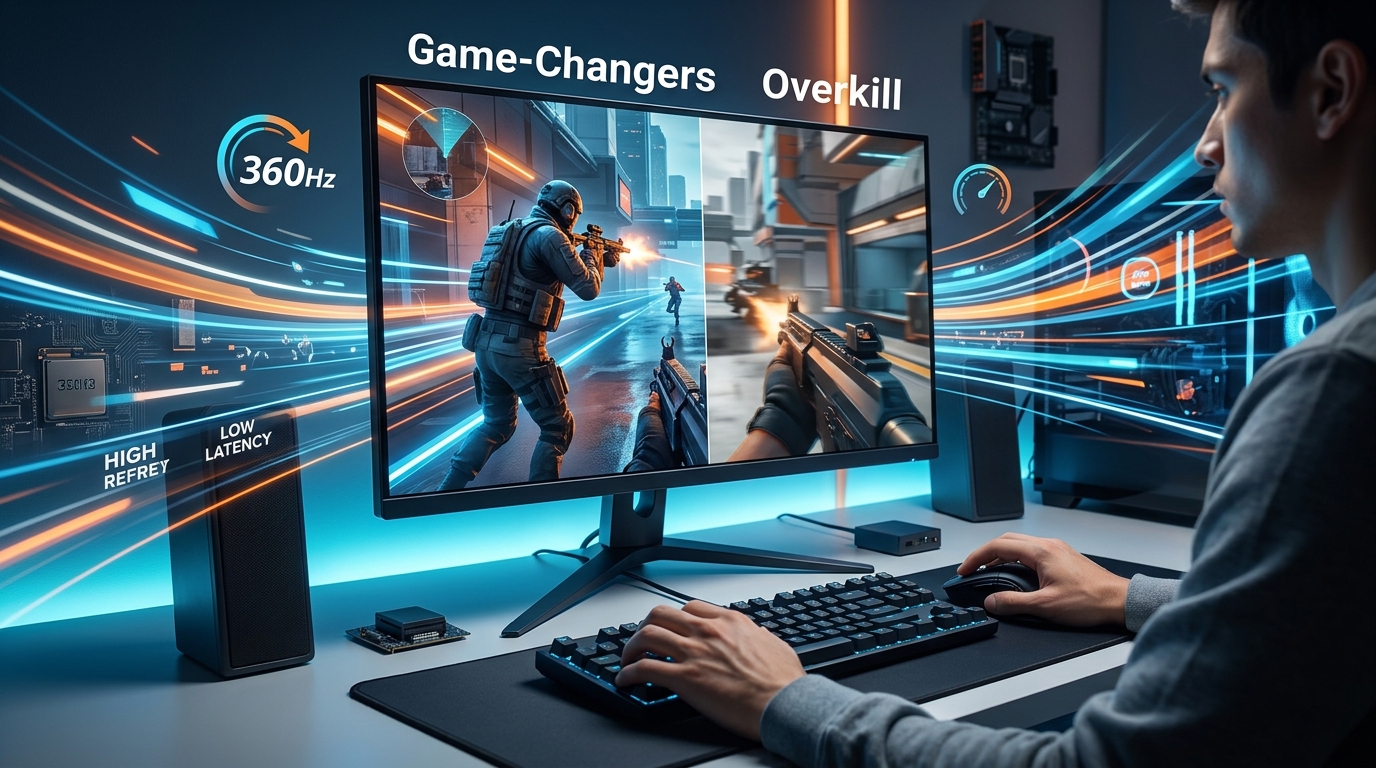
You’re staring at a $700 price tag on a 360Hz gaming monitor, and your wallet is screaming. Your current 144Hz display works fine, but that voice in your head keeps asking: could those extra frames actually make you a better player?
Whether 360Hz is overkill depends entirely on your skill level, game choice, and hardware capabilities. Competitive esports players in fast-paced shooters see measurable advantages, but casual gamers and those without high-end GPUs won’t justify the steep premium. Most players get better value from 240Hz displays or investing in other peripherals that impact performance more directly.
What 360Hz Actually Means for Your Gaming Experience
Refresh rate measures how many times your monitor updates the image per second. A 360Hz panel refreshes 360 times every second.
That sounds impressive on paper. But here’s the reality check: your eyes can’t consciously perceive individual frames at that speed.
The benefit isn’t about seeing more frames. It’s about reducing motion blur and input lag to microscopic levels. Every millisecond between your mouse click and the on-screen reaction shrinks.
Professional esports players measure advantages in milliseconds. That’s where 360Hz finds its purpose.
For everyone else, the question becomes whether those milliseconds matter enough to justify the cost.
Breaking Down Who Actually Benefits from 360Hz
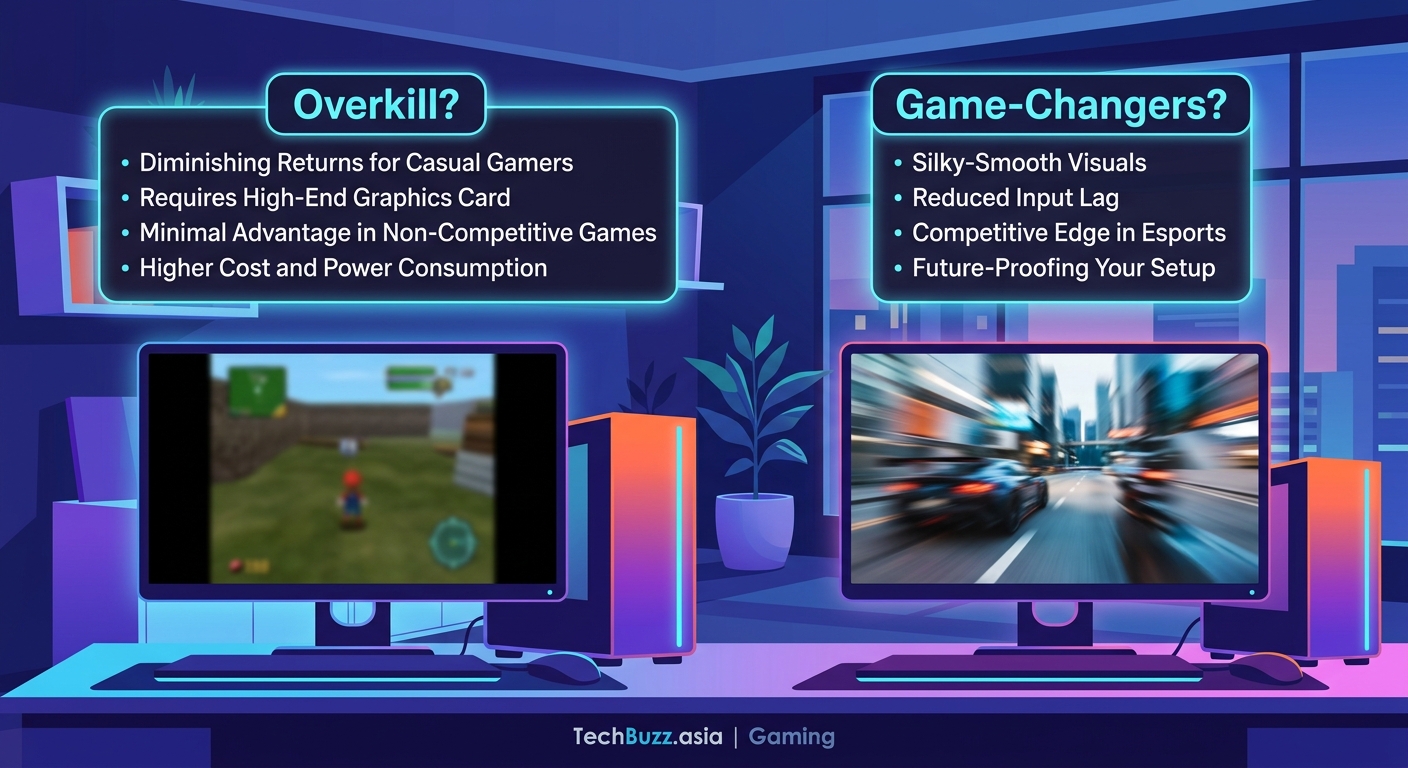
Not all gamers gain the same advantages from ultra-high refresh rates. Your gaming habits determine whether 360Hz makes sense.
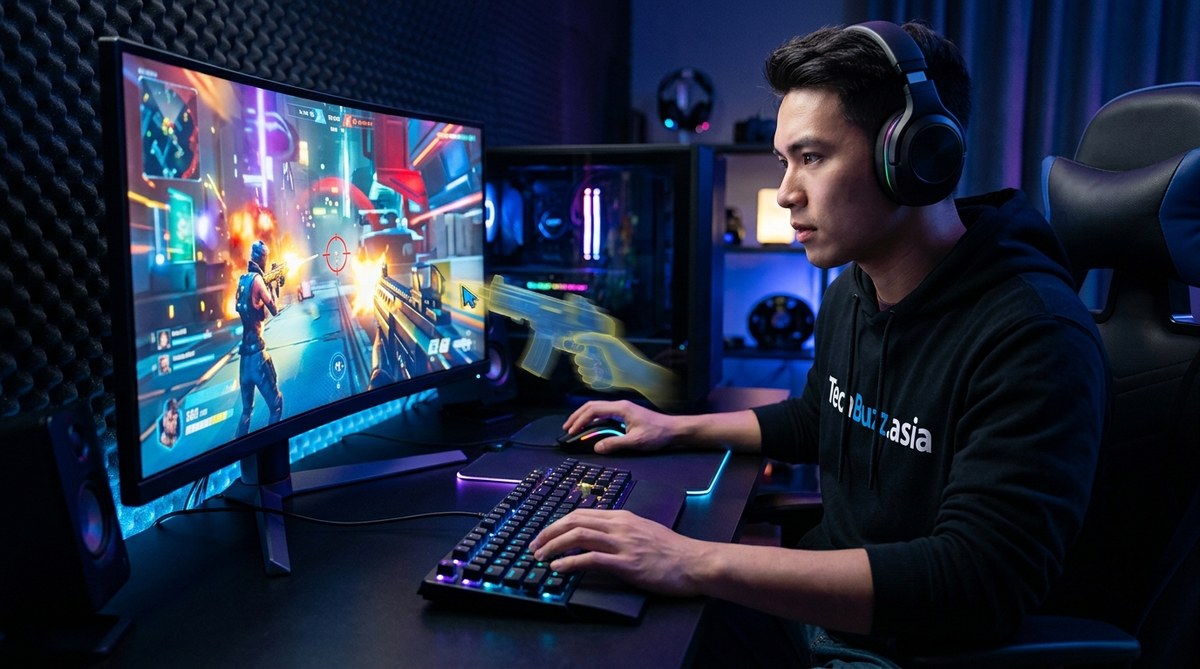
Competitive FPS players in games like Valorant, Counter-Strike, and Apex Legends operate in an environment where milliseconds decide rounds. Top-tier players already have the mechanical skills to capitalize on reduced input lag.
Professional esports athletes who earn money from tournament placements treat 360Hz as a business investment. When prize pools reach six figures, every edge counts.
High-ranked players climbing competitive ladders in reaction-based games see tangible benefits. If you’re already in the top 5% of players, 360Hz might push you higher.
Casual players won’t notice meaningful improvements. If you play story-driven games, RPGs, or strategy titles, you’re paying for features you can’t use.
Players with mid-range GPUs face a hardware bottleneck. A 360Hz monitor needs your graphics card to push 360+ frames per second. If your GPU can’t deliver, you’re wasting money on unused refresh rate headroom.
The Hardware Requirements Nobody Talks About
Buying a 360Hz monitor is just the first expense. You need serious hardware to feed it frames.
Your GPU must consistently hit 360+ FPS in your chosen games. That means:
- A high-end graphics card like the RTX 4080, RTX 4090, or AMD equivalent
- A modern CPU that won’t bottleneck frame generation
- Fast RAM (at least 16GB at 3200MHz or higher)
- Settings tweaked for performance over visual quality
Most competitive titles like Valorant and CS2 can hit these frame rates on powerful systems. But games like Cyberpunk 2077 or Microsoft Flight Simulator? Not happening, even on the best hardware.
You’ll also need to accept lower graphics settings. Ultra textures and ray tracing tank your frame rate. Competitive players already run low settings for visibility advantages, but if you bought a gaming PC to see beautiful graphics, this feels like a compromise.
Optimizing your Windows 11 settings becomes critical when chasing high frame rates. Background processes and unnecessary features steal precious frames.
Comparing Refresh Rate Tiers: Where’s the Sweet Spot?
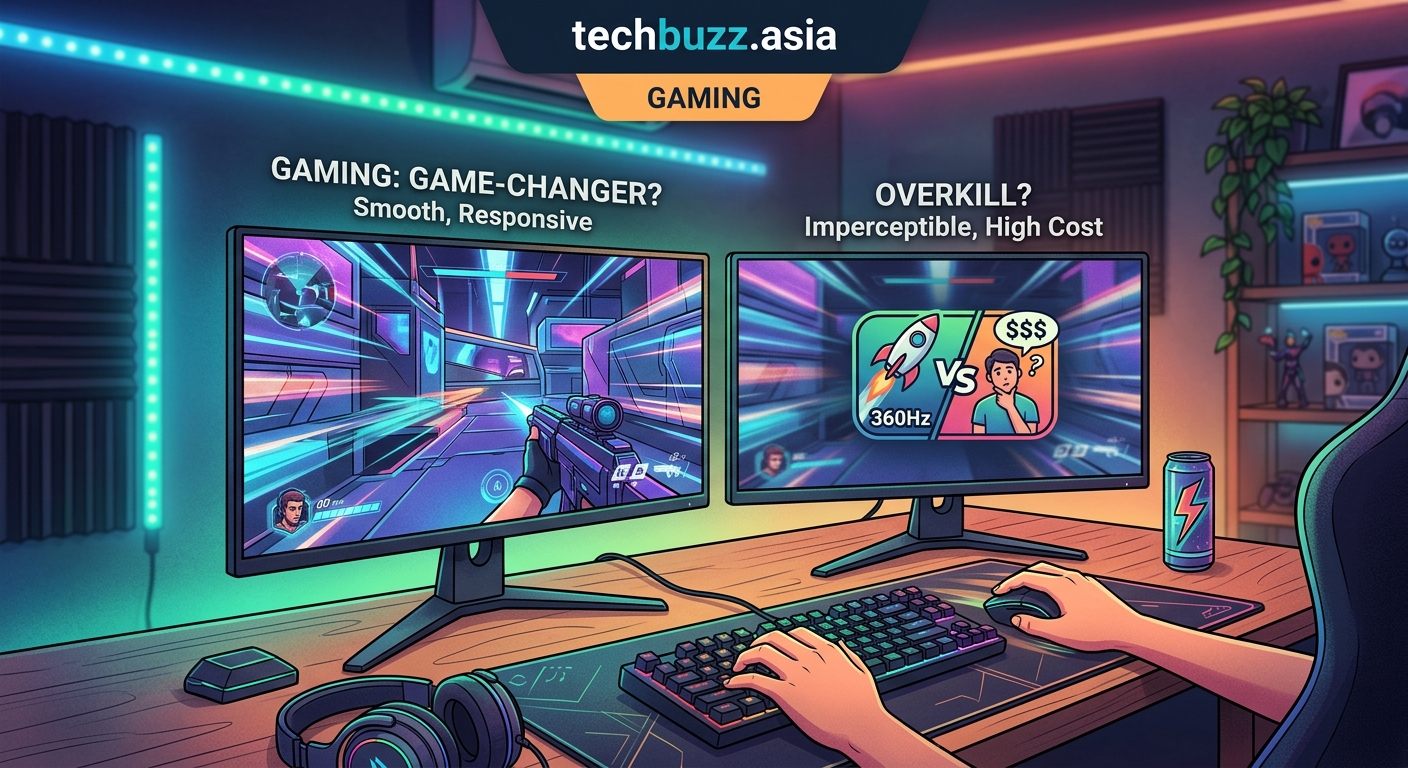
The jump from 60Hz to 144Hz feels transformative. The difference between 144Hz and 240Hz remains noticeable. But 240Hz to 360Hz? That’s where diminishing returns hit hard.
| Refresh Rate | Best For | Price Range | Noticeable Difference |
|---|---|---|---|
| 144Hz | Most gamers, excellent value | $200-$350 | Massive upgrade from 60Hz |
| 240Hz | Competitive players, serious enthusiasts | $350-$500 | Clear improvement over 144Hz |
| 360Hz | Professional players, top 1% competitors | $500-$800 | Subtle gains over 240Hz |
The performance gap between 240Hz and 360Hz measures around 1.2 milliseconds. That’s the difference between a 4.16ms frame time and a 2.77ms frame time.
Can you feel 1.2 milliseconds? Professional players with thousands of hours in specific games claim they can. Most players cannot.
Your money might deliver better results elsewhere. A high-quality gaming mouse, mechanical keyboard, or better audio setup often impacts performance more than the jump from 240Hz to 360Hz.
Choosing the right gaming mouse matters more than many players realize. Sensor quality and click latency affect your aim directly.
The Real-World Performance Tests
Independent testing reveals interesting patterns about who benefits from 360Hz displays.
Players below Diamond rank in competitive games showed no statistical improvement when switching from 240Hz to 360Hz. Their reaction times and decision-making remained the bottleneck, not their hardware.
Professional players demonstrated measurable improvements in specific scenarios. Flick shots, tracking fast-moving targets, and reaction-based duels showed minor but consistent advantages.
The testing also revealed something important: the jump to 360Hz only mattered when players already had perfect setups. Good internet connection, low-latency peripherals, and optimized game settings all needed to be in place first.
Adding a 360Hz monitor to a setup with 30ms of network lag or a cheap mouse with sensor issues delivered zero benefit.
“The monitor is the last 2% of optimization. Fix everything else first, then consider if you need that final edge.” — Professional CS2 coach
Common Mistakes When Buying High Refresh Rate Monitors
Gamers make predictable errors when shopping for 360Hz displays.
Ignoring panel technology. TN panels offer the fastest response times but terrible viewing angles and color accuracy. IPS panels look better but may introduce slight ghosting. Your priorities determine the right choice.
Forgetting about resolution. Most 360Hz monitors run at 1080p. If you’re used to 1440p or 4K gaming, the visual downgrade feels significant. Text looks less sharp. Games appear less detailed.
Skipping response time specs. A 360Hz monitor with slow pixel response times creates motion blur that defeats the purpose. Look for 1ms or lower response times.
Not testing return policies. Many players can’t tell the difference between 240Hz and 360Hz. Buy from retailers with solid return policies so you can test whether you actually benefit.
Assuming all 360Hz monitors perform equally. Build quality, color calibration, and feature sets vary wildly. Some $500 models outperform $700 competitors.
Reading genuine tech reviews helps you avoid overpriced models with poor quality control.
The Budget-Conscious Alternative Strategy
Most gamers get better overall value from a different approach.
Buy a quality 240Hz monitor for $350-$400. You’ll capture 95% of the benefits at half the cost.
Invest the $300-$400 savings into:
- A better GPU that maintains higher average frame rates
- Premium peripherals like a tournament-grade mouse or mechanical keyboard
- Acoustic treatment or better headphones for competitive audio advantages
- A comfortable gaming chair that lets you play longer without fatigue
This strategy improves your actual performance more than the marginal gains from 360Hz.
Professional players often use 360Hz because sponsors provide equipment. When you’re spending your own money, the calculation changes.
Future-Proofing Considerations
Technology moves fast. Today’s cutting-edge becomes tomorrow’s standard.
360Hz monitors will drop in price as manufacturing improves and competition increases. The $700 displays today might cost $400 in two years.
GPU technology continues advancing. Cards that struggle to hit 360 FPS today will be replaced by more powerful options. Your 360Hz monitor becomes more useful as hardware improves.
But display technology also advances. MicroLED and OLED gaming monitors are entering the market. Better contrast, faster response times, and improved color accuracy might make today’s 360Hz TN panels look outdated soon.
Game developers optimize for the hardware most players own. Few studios target 360+ FPS as a design goal when most gamers play at 60-144Hz.
The safe bet? Buy for your current needs, not hypothetical future scenarios. If you don’t benefit from 360Hz today, you probably won’t benefit from it in two years either.
Testing Whether You Can Actually Tell the Difference
Before spending $700, try this simple test if possible.
Visit a store or friend with both 240Hz and 360Hz displays. Play your main game on each monitor for 30 minutes.
Can you consistently identify which monitor you’re using without looking at the settings? If not, you won’t benefit from the upgrade.
Pay attention to specific scenarios:
- Fast flick shots in FPS games
- Tracking enemies moving at high speed
- Reading text and UI elements during rapid camera movement
- Overall smoothness during intense combat
Some players immediately notice the difference. Others need it pointed out. Many can’t tell at all.
Your perception matters more than specifications. Trust your own experience over marketing claims.
When 360Hz Makes Complete Sense
Despite the skepticism, 360Hz isn’t always overkill.
You’re a professional player earning money from competitions. The monitor becomes a tax-deductible business expense. Even marginal improvements justify the cost.
You’re ranked in the top 1% of your game and actively grinding to go pro. You’ve already optimized everything else and need every possible advantage.
You have disposable income and want the absolute best regardless of value proposition. Some people buy flagship phones or luxury cars knowing cheaper options perform 90% as well.
You play specific games that benefit most from ultra-high refresh rates. Fast-paced arena shooters, competitive fighting games, and reaction-based titles show the clearest advantages.
Your current setup already includes high-end everything else. Top-tier GPU, premium peripherals, optimized network connection, and professional-grade audio.
Making sure your gaming PC stays cool becomes even more critical when pushing for maximum frame rates.
The Honest Recommendation for Most Players
Is 360Hz overkill? For 95% of gamers, absolutely yes.
The performance difference between 240Hz and 360Hz remains small enough that most players won’t notice meaningful improvements. The price premium doesn’t match the marginal benefits.
Spend your money where it creates obvious, immediate improvements. A better GPU delivers higher frame rates across all games. Quality peripherals improve comfort and precision. Faster internet reduces lag more than any monitor upgrade.
If you’re already at the top of the competitive ladder with perfect hardware, 360Hz might provide that final 2% edge. For everyone else, it’s an expensive solution to a problem you don’t have.
The gaming industry loves selling incremental upgrades as revolutionary improvements. Sometimes the smart play is recognizing when good enough really is good enough.
Save your money, get the 240Hz display, and invest the difference in skills training, better hardware, or simply more games to enjoy. Your rank will thank you more than a spec sheet will.

Post Comment