Why Your Next Laptop Will Have a Dedicated AI Coprocessor
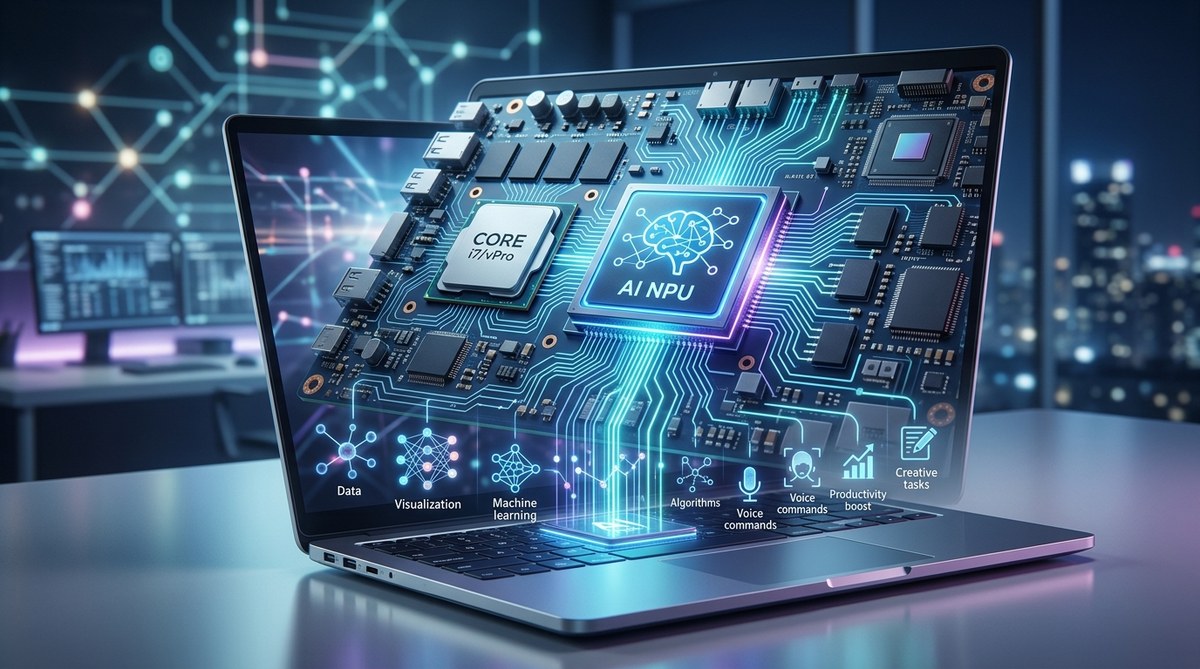
The laptop landscape is shifting under our feet. For years, we measured performance by clock speed and core count. Those metrics still matter, but a new player has entered the chat. It is the AI coprocessor, a tiny, power efficient brain designed specifically for artificial intelligence tasks. And it is about to become as standard as the webcam on every laptop you buy.
An AI coprocessor, or Neural Processing Unit (NPU), is a dedicated chip designed to handle artificial intelligence tasks much more efficiently. Unlike traditional CPUs and GPUs, it excels at processing machine learning models with minimal power consumption. This technology enables real-time language translation, smart image editing, background blur during video calls, and advanced voice assistance. As software increasingly demands on-device AI features, laptops with built-in NPUs will become essential for everyday productivity and creative work.
What Exactly Is an AI Coprocessor?
Think of your laptop’s CPU as a general manager. It handles everything from opening apps to managing system resources. The GPU is the creative director, great at rendering graphics and visuals. The AI coprocessor, often called a Neural Processing Unit or NPU, is a specialist. It is built from the ground up for one type of work: running machine learning models.
These models power features like real-time background removal, voice recognition, and photo enhancement. A regular CPU can do these tasks, but slowly and with high power draw. An NPU crunches these workloads in a fraction of the time while sipping battery. That means your video call background stays blurred all day without your fan spinning up.
Every major chipmaker has embraced this shift. Intel includes NPUs in its Core Ultra series. AMD builds them into Ryzen 7040 and newer chips. Apple has included its Neural Engine in M-series chips since 2020. Qualcomm’s Snapdragon X Elite brings a powerful NPU to Windows laptops. By 2026, an AI coprocessor laptop is not a premium luxury. It is becoming the baseline.
Why Your Laptop Needs Dedicated AI Hardware
You might wonder if your current laptop can handle AI tasks. It probably can, but not well. Running AI models on a CPU is like using a butter knife to chop wood. It works, but it is slow and exhausting for the system. Here is why dedicated hardware changes everything.
Battery Life and Heat
The biggest difference is efficiency. When you run an AI model on a CPU or GPU, those chips draw significant power. This drains your battery and generates heat. An NPU is optimized for the mathematical patterns used in neural networks. It performs thousands of simple calculations at once with very little energy. This means you can keep AI features running in the background without reaching for your charger.
Real Time Performance
AI features need to happen instantly. When you apply a studio lighting effect on a Zoom call, there is no time to wait. The NPU processes the video frames as they come in. There is no lag. Your laptop does not stutter. It just works.
Privacy and Offline Capability
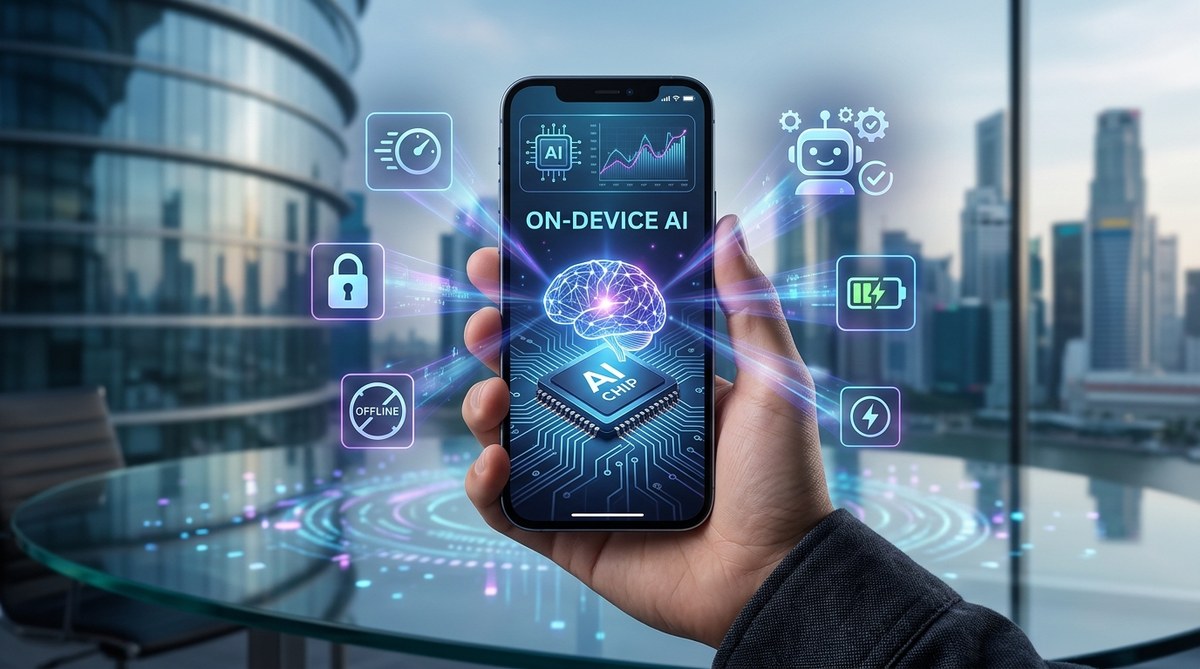
Cloud based AI services send your data to remote servers. That works, but it raises privacy questions and requires internet access. An AI coprocessor laptop runs models locally. Your photos, documents, and voice data stay on your machine. You also get AI features on a plane, in a coffee shop with bad Wi-Fi, or anywhere offline.
How NPUs, CPUs, and GPUs Compare
Understanding the differences helps you make a smarter purchase. Here is a simple breakdown of how each component handles AI tasks.
| Component | Strengths | Weaknesses | Best For |
|---|---|---|---|
| CPU | Handles general tasks, good for sequential logic | Slow at parallel AI math, high power draw under load | Running the OS, launching apps, basic logic |
| GPU | Excellent at parallel processing, great for training models | High power consumption, bulky, expensive | Gaming, video editing, 3D rendering, AI training |
| NPU | Ultralow power consumption, purpose built for inference | Limited to AI workloads, not general purpose | Real-time AI features, always-on assistants, background tasks |
When you see a spec sheet that mentions TOPS (trillions of operations per second), that measures AI performance. A 40 TOPS NPU can perform 40 trillion operations every second. That is the benchmark you should watch for in 2026 laptops.
Real World Uses for an AI Coprocessor Today
The benefits are not theoretical. Here are practical ways an AI coprocessor laptop improves your daily workflow.
1. Smarter Video Calls
Platforms like Zoom, Teams, and Google Meet now use AI for background effects, eye contact correction, and noise suppression. With an NPU, these effects run smoothly without bogging down your CPU. Your video stays fluid even when you share your screen or run other apps.
2. Intelligent Photo and Video Editing
Apps like Adobe Lightroom and DaVinci Resolve use AI for object selection, mask creation, and upscaling. The NPU accelerates these tasks. A complex selection that takes seconds on a CPU happens in milliseconds on an NPU. Batch processing hundreds of photos no longer means walking away from your desk.
3. Real Time Language Translation
Tools like Microsoft Translator and Windows Live Captions can translate speech as you talk. The NPU processes the audio locally. There is no cloud delay. Conversations flow naturally, and your data never leaves your laptop.
4. Advanced Voice Assistants
Windows Recall and Copilot features rely on AI to analyze your activity and answer questions. The NPU keeps these assistants responsive while using minimal power. You can ask your laptop to find a document from last week without typing a single search term.
5. Gaming Enhancements
Nvidia’s DLSS and AMD’s FSR upscale games using AI. While these typically run on GPUs, future implementations may offload certain tasks to the NPU for better efficiency. Anti-cheat systems and in-game voice chat could also benefit from dedicated AI processing.
Common Misconceptions About AI Laptops
I hear a lot of confusion when talking to readers about this technology. Let me clear up a few things.
- You do not need an AI laptop for basic tasks. Browsing the web, writing documents, and watching videos work fine on older hardware.
- AI laptops are not just for developers. The benefits apply to everyone who uses video calls, photo editing, or voice commands.
- An NPU does not replace your GPU. They work together. The NPU handles AI inference while the GPU focuses on graphics.
- You do not need internet access for AI features. Local processing means everything stays on your device.
- AI laptops are not much more expensive. The NPU is integrated into the main chip. You are already paying for it in modern processors.
If you want to stay ahead of the curve, understanding how to spot fake tech reviews before making your next purchase can help you filter out hype from real value.
Expert Advice for Choosing Your Next Laptop
“When shopping for a laptop in 2026, look for an NPU rated at least 40 TOPS. That is the sweet spot where current and future AI applications run comfortably. Do not buy a new laptop without dedicated AI hardware unless you plan to replace it within two years. The software ecosystem is moving fast, and you will want local AI capabilities sooner than you think.”
TechBuzz Asia hardware analyst
This is solid guidance. Chipmakers have aligned around the 40 TOPS threshold. Microsoft’s Copilot+ PC initiative also uses this as a baseline. Laptops meeting this spec will run the next generation of Windows AI features smoothly.
Making the Right Choice for Your Next Laptop
Let me walk you through a simple decision process.
- Check the processor. Look for Intel Core Ultra (Series 2 or later), AMD Ryzen 8040 or newer, Apple M3 or later, or Qualcomm Snapdragon X Elite.
- Confirm the NPU specs. Aim for 40 TOPS or higher. Some budget chips offer lower performance, which may limit future features.
- Consider your software. If you use Adobe Creative Suite, Microsoft Office, or video conferencing tools, you will benefit immediately.
- Think about longevity. AI features are coming to every major operating system. Investing in an AI coprocessor laptop today future proofs your purchase.
- Balance with other specs. A great NPU cannot fix a bad screen or limited RAM. Look at the whole package.
For creative professionals, understanding how gaming laptops are evolving to meet the demands of modern gamers can also inform your choice, since many performance features overlap.
What the Future Holds for AI Powered Computing
The adoption of dedicated AI hardware is not a trend. It is a fundamental shift. Over the next few years, expect every major software application to weave AI into its core functions. Here is what is coming.
Operating systems will use the NPU for constant adaptive optimization. Your laptop will learn your habits and adjust power profiles, storage caching, and network priority without asking. Antivirus software will run behavioral analysis locally with zero performance impact. Creative tools will offer one click edits that currently require multiple steps.
We are also seeing the rise of local large language models. Imagine running a personal AI assistant on your laptop that knows your files, your calendar, and your preferences. All of it stays private. No cloud subscription required. The NPU makes this possible.
If you want to understand how other devices are getting smarter, check out our guide on why your next webcam should have AI features built in. The same principles apply across the ecosystem.
Your Next Laptop Decision Starts Here
The era of the AI coprocessor laptop is already here. By the time you read this, every major laptop manufacturer has released models with integrated NPUs. The question is no longer whether you need one. The question is which one fits your workflow.
Start by looking at your daily tasks. If you spend time on video calls, edit photos, use voice commands, or want a laptop that stays fast and cool for years, prioritize dedicated AI hardware. The difference is not subtle. It is the difference between a laptop that works for you and a laptop that works with you.
Go ahead and check the specs on your next shortlist. Look for the NPU. Look for the TOPS rating. Your future self, running seamless background effects, instant translations, and intelligent assistants, will thank you.


Post Comment