What Happens When Tech Giants Stop Supporting Your Device?
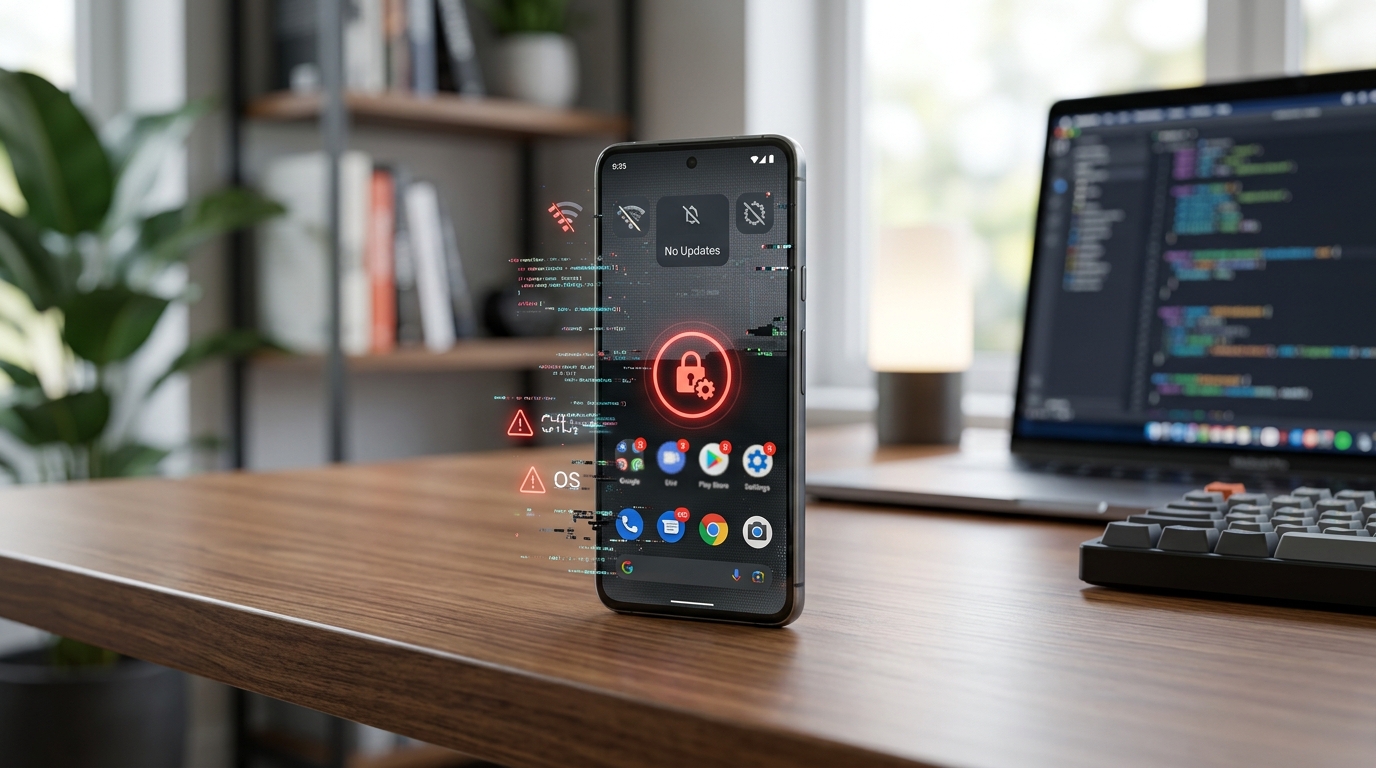
You just got another notification that your phone can’t install the latest update. The message says your device is no longer supported. You dismiss it and move on with your day, but that nagging feeling lingers. Should you actually be worried?
When your phone stops receiving updates, you lose critical security patches that protect against new threats, miss out on app compatibility improvements, and experience declining performance. Your device becomes vulnerable to malware, phishing attacks, and data breaches. While you can still use the phone for basic tasks, the risks grow significantly over time, making it essential to understand your options and take protective measures.
Security vulnerabilities pile up fast
The biggest problem with an unsupported phone is security. Every month, researchers discover new vulnerabilities in operating systems. Manufacturers release patches to fix these holes. When your phone stops updating, those holes stay open.
Hackers know which devices no longer get support. They specifically target older phones because the vulnerabilities are documented and easy to exploit. Your personal data, banking apps, photos, and messages all become easier targets.
Think about it like leaving your front door unlocked in a neighborhood where everyone knows your house has no alarm system. Sure, you might get lucky. But why take that chance?
The scary part is you won’t know when you’ve been compromised. Modern malware runs silently in the background, stealing information without any obvious signs.
Apps stop working properly
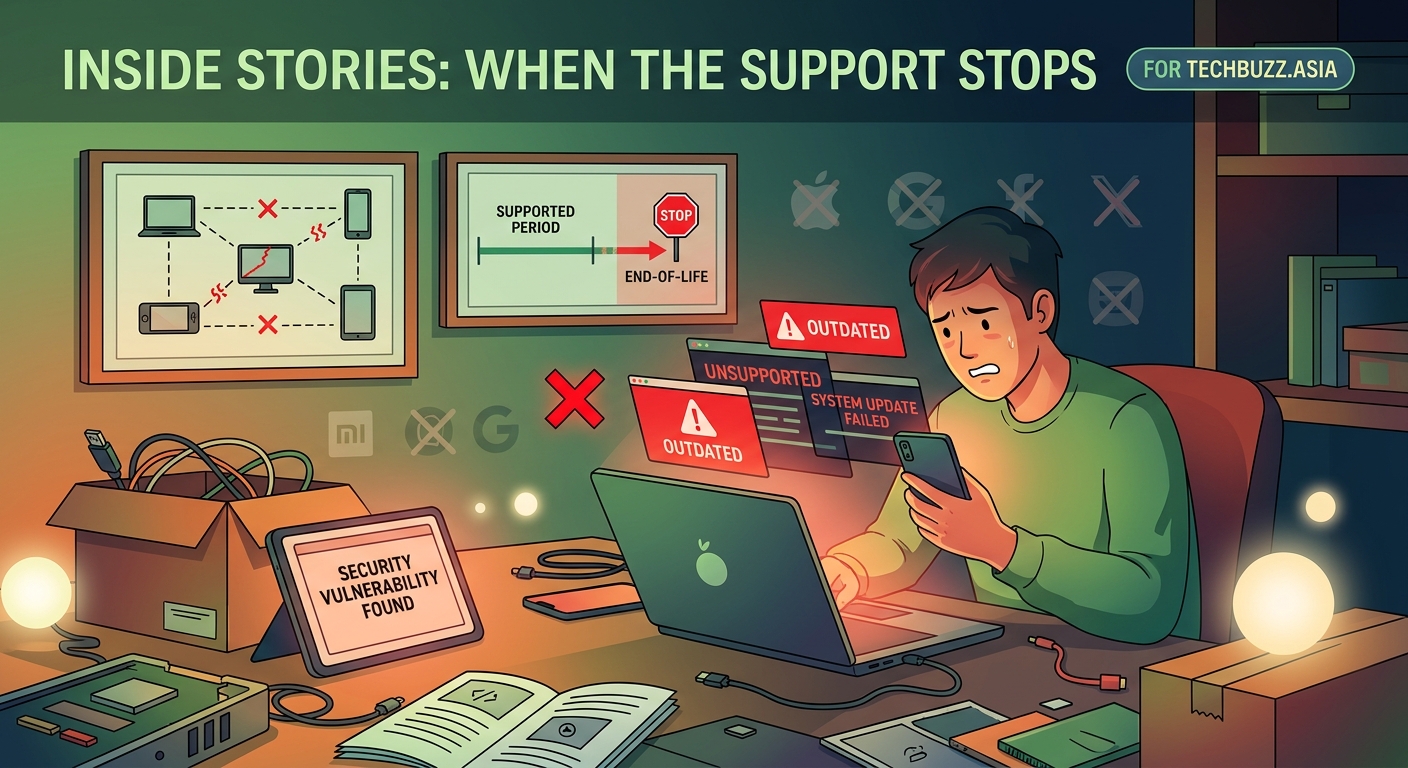
Developers build apps for current operating systems. As time passes, they drop support for older versions. You’ll start seeing apps that won’t install or won’t update on your device.
Social media apps might lose features. Banking apps could stop working entirely. Even basic apps like email clients may refuse to sync properly.
This happens gradually. First, you can’t get the latest version of an app. Then the version you have starts acting buggy. Eventually, the app might refuse to open at all.
Games are usually the first to go. They need the latest features and security protocols. Streaming services follow closely behind. Financial apps are typically the last to drop support, but they will eventually.
Performance gets worse over time
Your phone feels slower because the software isn’t optimized anymore. New apps are built for newer systems. Running them on old software is like trying to play a modern video game on a computer from 2010.
Battery life takes a hit too. Apps running inefficiently drain power faster. Background processes that should be optimized aren’t. The battery itself degrades naturally, but outdated software makes it worse. If you’re already dealing with battery issues, an unsupported phone compounds the problem.
You’ll notice more crashes. Apps freeze. The phone might restart randomly. These aren’t always hardware problems. Often, it’s the mismatch between old software and new app requirements.
Storage fills up faster too. Without system updates that optimize storage management, temporary files accumulate. Cache data piles up. Before you know it, you’re constantly clearing space just to take a photo.
What manufacturers actually stop supporting
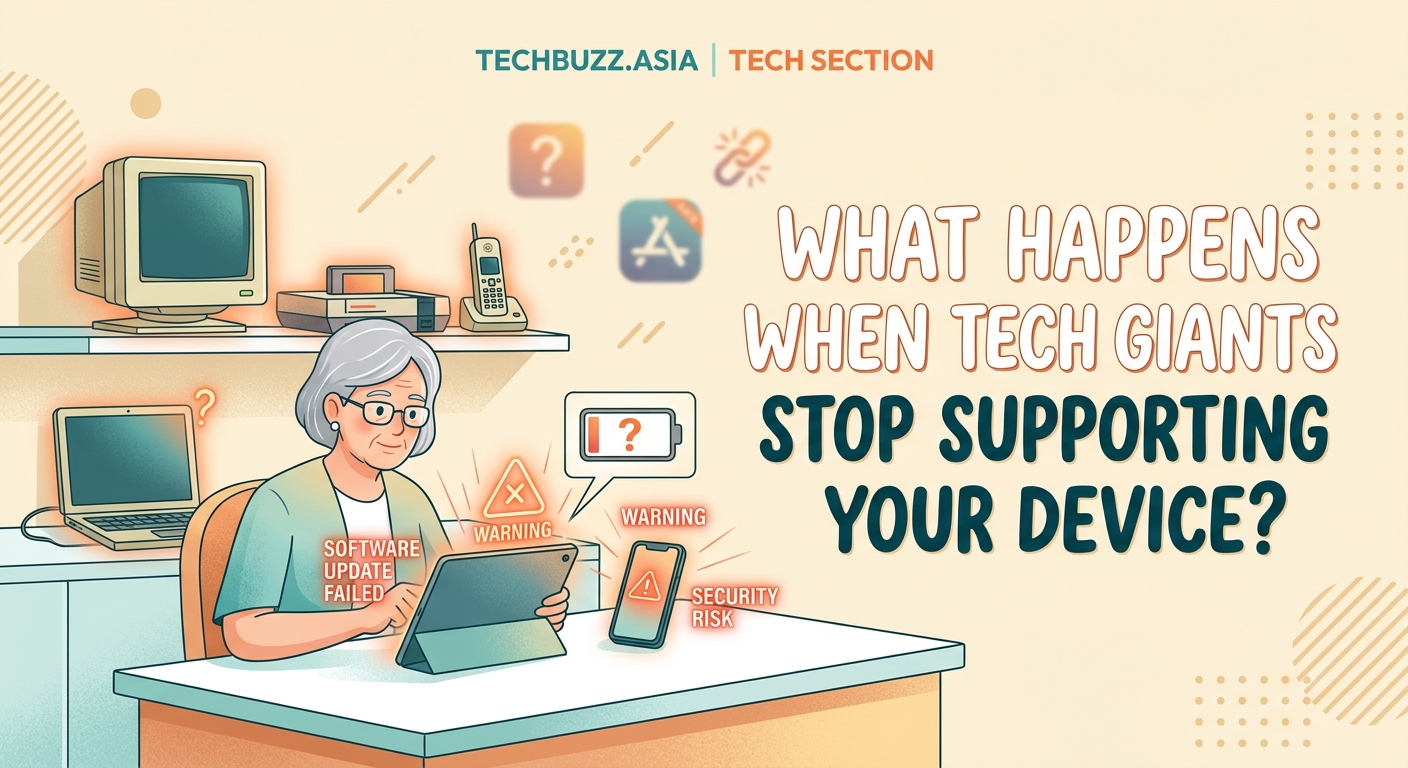
Different companies have different support timelines. Understanding what you’re losing helps you make better decisions.
| Manufacturer | Typical Support Window | What Stops |
|---|---|---|
| Apple iPhone | 5-6 years | iOS updates, security patches, new features |
| Samsung flagship | 4-5 years | Android updates, One UI features, monthly patches |
| Google Pixel | 3-5 years | Android updates, feature drops, security patches |
| Budget Android | 2-3 years | Major updates, security patches, manufacturer apps |
Apple generally provides the longest support. A phone from 2018 might still get updates in 2024. Samsung has improved significantly, now offering five years of security updates on flagship models.
Budget phones get the shortest support. Some stop receiving updates after just two years. That’s barely enough time to pay off the device if you bought it on a payment plan.
The real world risks you face
Let’s talk about what actually happens when you keep using an unsupported phone.
Banking becomes risky. Your bank’s app might still work, but the underlying security is compromised. If malware gets on your phone, it can potentially intercept your banking credentials. Some banks will eventually force you to upgrade by blocking access from unsupported devices.
Public Wi-Fi turns dangerous. That coffee shop network was already risky. On an unsupported phone, it’s a nightmare. Attackers can exploit known vulnerabilities to intercept your data. Even browsing regular websites becomes a security risk.
Phishing gets easier. Scammers send fake messages that look like legitimate apps. Modern phones have built-in protections against these. Older, unsupported phones don’t. You’re more likely to fall for sophisticated phishing attempts.
Your contacts are at risk. If your phone gets compromised, attackers can access your contact list. They might send malicious messages to your friends and family, pretending to be you.
Steps to protect an unsupported device
If you can’t upgrade right now, you can still reduce your risk. These steps won’t make your phone as secure as a supported device, but they help.
-
Stop using banking apps. Switch to using your bank’s website on a computer or a newer device. Never access financial accounts on an unsupported phone.
-
Disable automatic Wi-Fi connections. Only connect to networks you absolutely trust. Avoid public Wi-Fi entirely. Use your mobile data instead.
-
Install a reputable security app. While it can’t fix system vulnerabilities, it can catch some malware. Look for well-known brands with good track records.
-
Stop downloading new apps. Only keep essential apps. Each new app is another potential security hole. Uninstall apps you don’t use regularly.
-
Turn off Bluetooth when not using it. Bluetooth has its own vulnerabilities. Keeping it off reduces your attack surface.
-
Use two-factor authentication everywhere. If someone gets your password, 2FA provides a second layer of protection. Use an authenticator app rather than SMS when possible.
-
Back up your data regularly. If your phone gets compromised, you might need to wipe it. Having backups means you won’t lose everything.
Security experts recommend replacing a phone within six months of losing update support. The longer you wait, the more vulnerabilities accumulate. If you must keep using an unsupported device, treat it like a basic phone. Calls, texts, and simple tasks only. Nothing sensitive.
When you should definitely upgrade
Some situations make keeping an unsupported phone too risky.
-
You use your phone for work. Business data needs protection. Your employer might have policies requiring updated devices.
-
You handle sensitive information. Medical records, legal documents, or confidential communications shouldn’t be on an unsupported device.
-
You use mobile payments regularly. Apple Pay, Google Pay, and similar services need current security. Using them on old software is asking for trouble.
-
Your phone is more than five years old. At this point, even basic functionality suffers. The security risks are extreme.
-
You’ve noticed suspicious behavior. Random pop-ups, battery draining fast, or apps you didn’t install are red flags. Your phone might already be compromised.
Understanding the update lifecycle
Phone manufacturers follow a pattern. Knowing this helps you plan better for your next device.
New phones get major updates for two to five years. These bring new features and interface changes. After major updates stop, security updates usually continue for another year or two.
Then you enter the danger zone. No more patches. No more fixes. The phone still works, but it’s living on borrowed time.
Some manufacturers announce end-of-support dates publicly. Others just quietly stop releasing updates. Check your manufacturer’s website to see where your device stands.
Budget phones reach end-of-support faster. That $200 phone might seem like a bargain, but if it only gets two years of updates, you’ll need to replace it sooner. A $600 phone with five years of support might actually be cheaper in the long run.
Alternatives to buying a new phone
Not everyone can afford a new device right away. Here are some options.
Buy a certified refurbished phone. These are used phones that have been tested and restored. You can get a newer model with several years of support left for half the price of new.
Look for trade-in programs. Many carriers and manufacturers offer trade-ins. Even an old phone has some value. That credit can make a newer device more affordable.
Consider a mid-range model. You don’t need the latest flagship. A mid-range phone from a reputable manufacturer often gets the same update support at a much lower price.
Check if your carrier has deals. Carriers frequently run promotions. You might get a significant discount by switching providers or adding a line.
Use a basic feature phone for sensitive tasks. Keep your unsupported smartphone for music and photos. Get a simple phone for calls and texts. Feature phones have fewer vulnerabilities because they do less.
Making your next phone last longer
When you do upgrade, plan ahead to maximize your investment.
Choose a manufacturer with a strong update track record. Apple and Samsung currently lead in this area. Google Pixel phones also get long support windows.
Buy the best phone you can reasonably afford. A more expensive phone with longer support is cheaper over time than replacing budget phones every two years.
Take care of the hardware. A phone that physically lasts longer can actually receive all its promised updates. Use a case. Replace the battery if it degrades. These small steps extend your device’s useful life. Maximizing battery life from the start helps too.
Pay attention to announced support timelines. When manufacturers promise five years of updates, that’s a strong signal the phone is worth buying.
Your device, your choice, your risk
Nobody can force you to upgrade. Your phone will keep working after updates stop. You can make calls, send texts, and use it as a camera.
But understand what you’re risking. Every day you use an unsupported phone, you’re gambling with your personal data. The odds get worse over time.
If you decide to keep using it, minimize the damage. Follow the protection steps. Avoid sensitive tasks. Treat it like the security risk it is.
And start planning your upgrade. Even if you can’t buy a new phone today, knowing your options helps you make a smart choice when the time comes. Your digital security is worth the investment.



Post Comment