Android 15 Update: Every New Feature Worth Getting Excited About
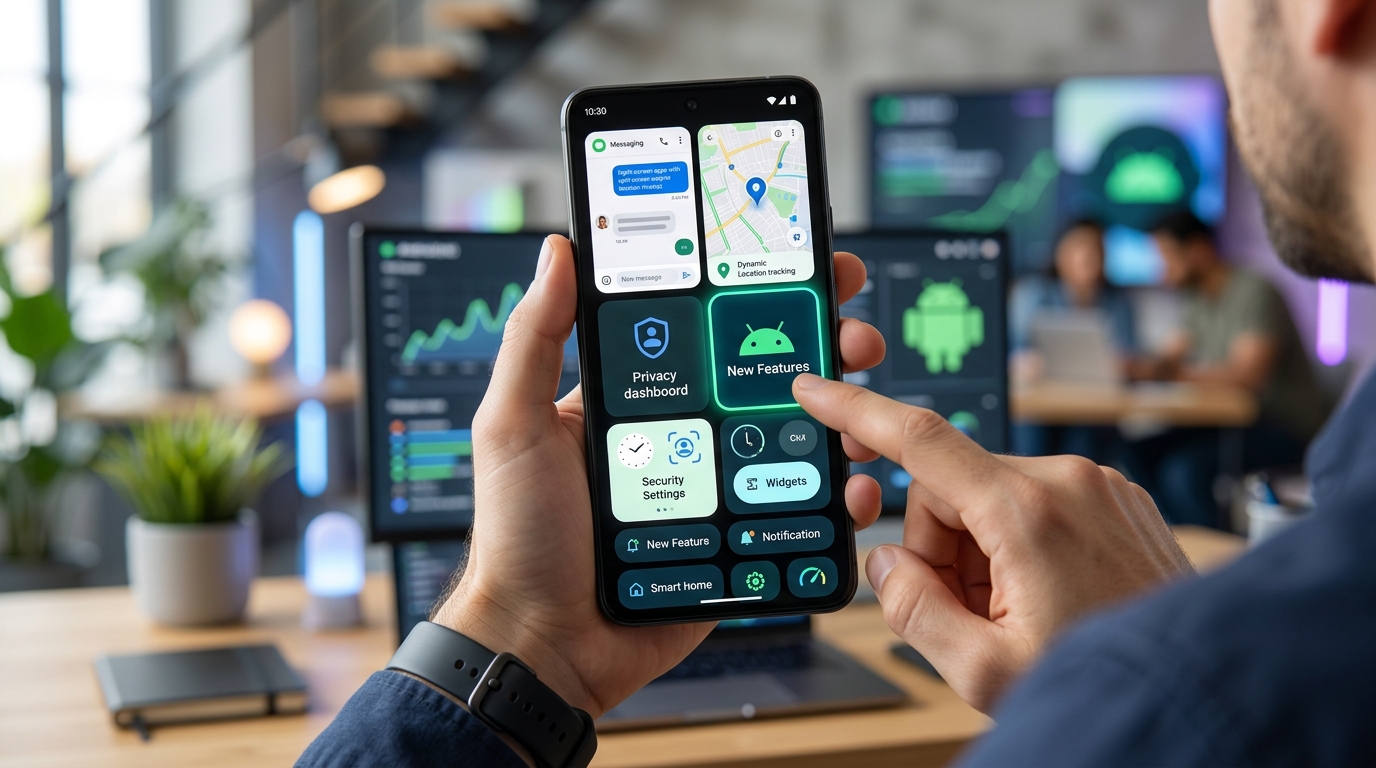
Google’s latest Android 15 update landed with a mix of headline features and subtle refinements that change how you interact with your phone every day. Whether you’re holding a Pixel or waiting for your manufacturer to roll out the update, understanding what’s actually new helps you decide if the upgrade is worth your time.
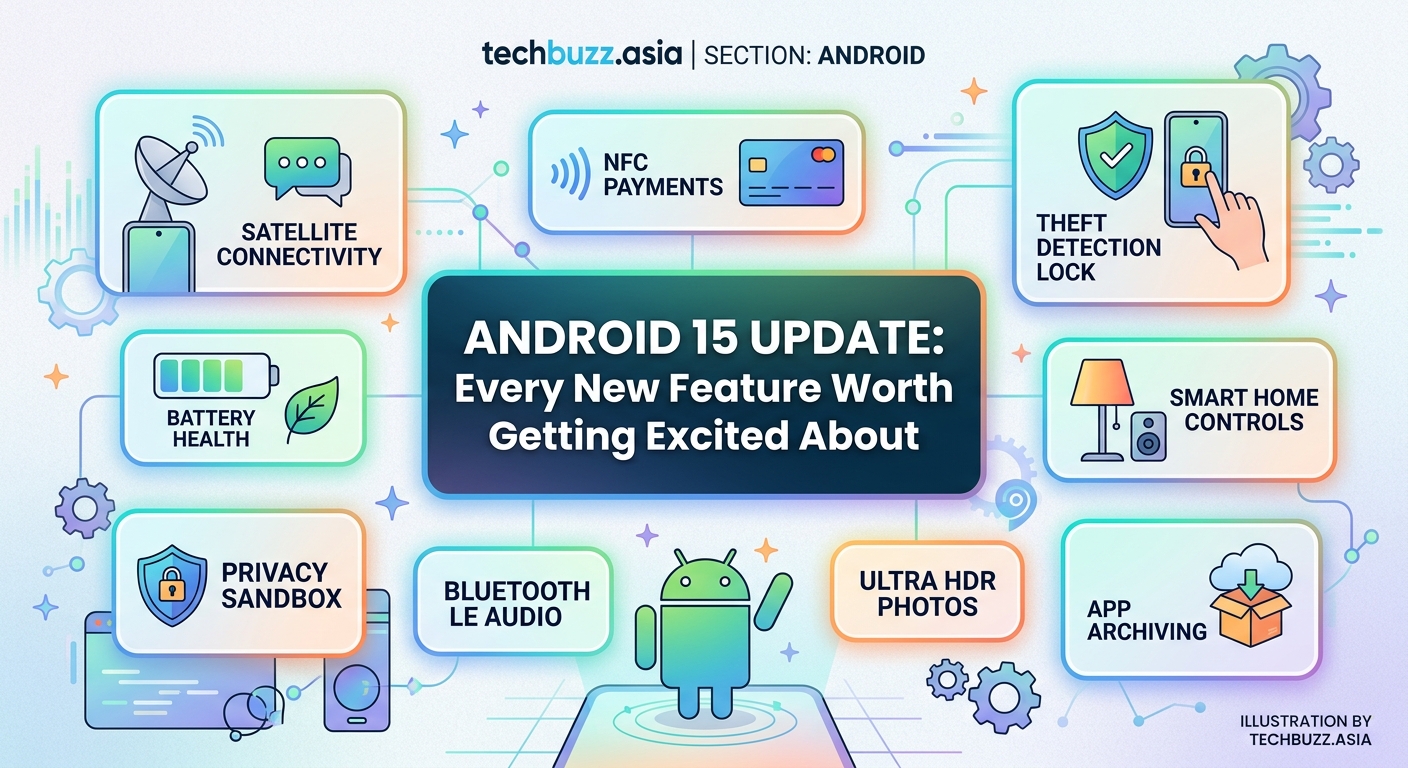
Android 15 introduces adaptive notifications that learn your priorities, extends battery life through intelligent background app management, strengthens privacy with granular permission controls, enhances camera capabilities with better low-light performance, and improves multitasking on foldable devices. Most Pixel users will see immediate benefits, while other manufacturers may customize or delay certain features during their rollout schedules.
Smarter notifications that actually respect your time
Android 15 reshapes how notifications interrupt your day. The system now learns which apps deserve immediate attention and which can wait.
Notification cooldown automatically reduces the volume and vibration intensity for apps that send multiple alerts within a short window. If a messaging app fires off five notifications in two minutes, the first one arrives at full volume while subsequent ones arrive more quietly.
Contextual notification grouping bundles related alerts based on your activity patterns. When you’re at work, emails from your boss appear separately while promotional messages stack together. The phone recognizes location, time of day, and your interaction history to make these decisions.
The new notification permission system gives you three options instead of two:
- Allow all notifications
- Allow only important notifications
- Block all notifications
That middle option lets apps send alerts, but only ones the system deems urgent based on your past behavior. You stop missing package delivery updates while avoiding every promotional ping.
Battery improvements you’ll notice by day three
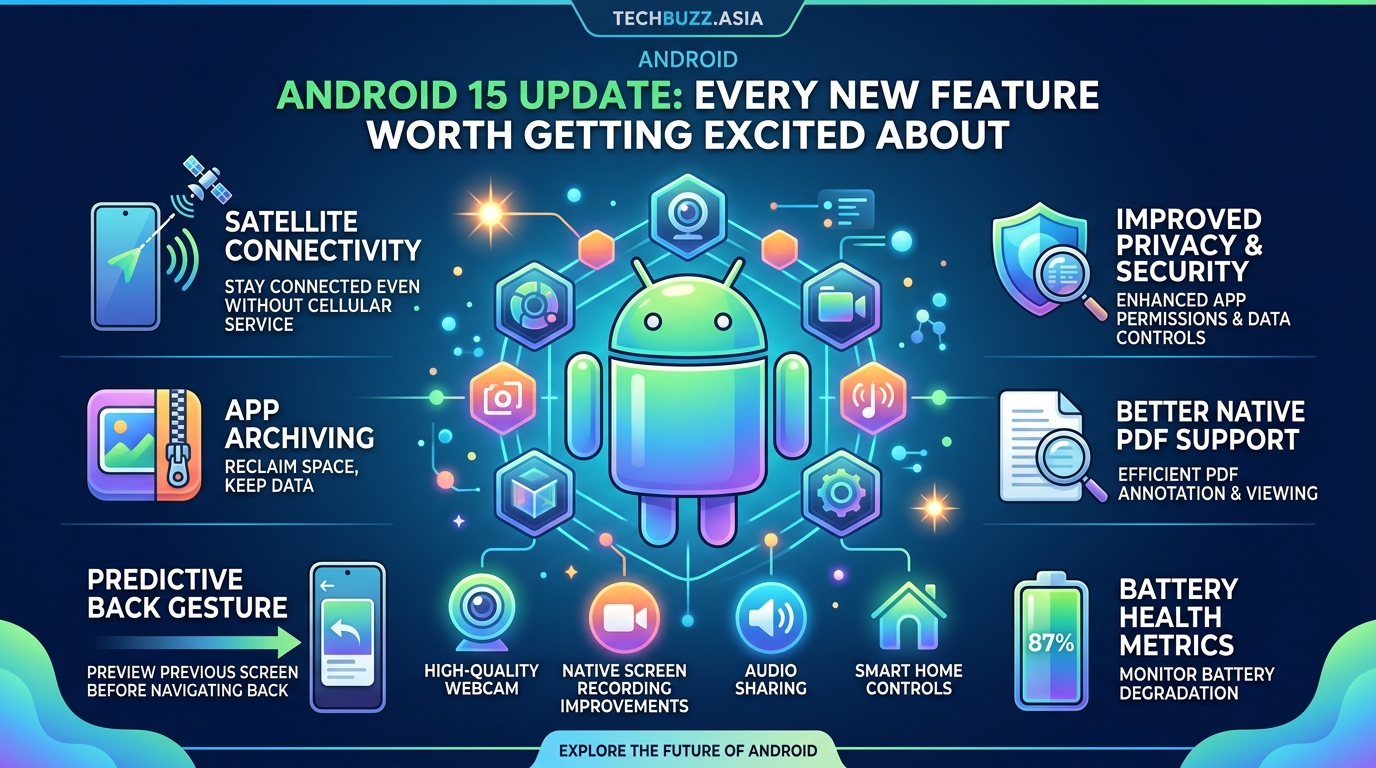
Android 15 extends battery life without requiring you to change your habits. The improvements work silently in the background.
Adaptive battery management now tracks which apps you actually use during specific times. If you never open your fitness tracker between midnight and 6 AM, Android 15 prevents it from waking your processor during those hours. Previous versions restricted background activity broadly, but this version makes surgical cuts.
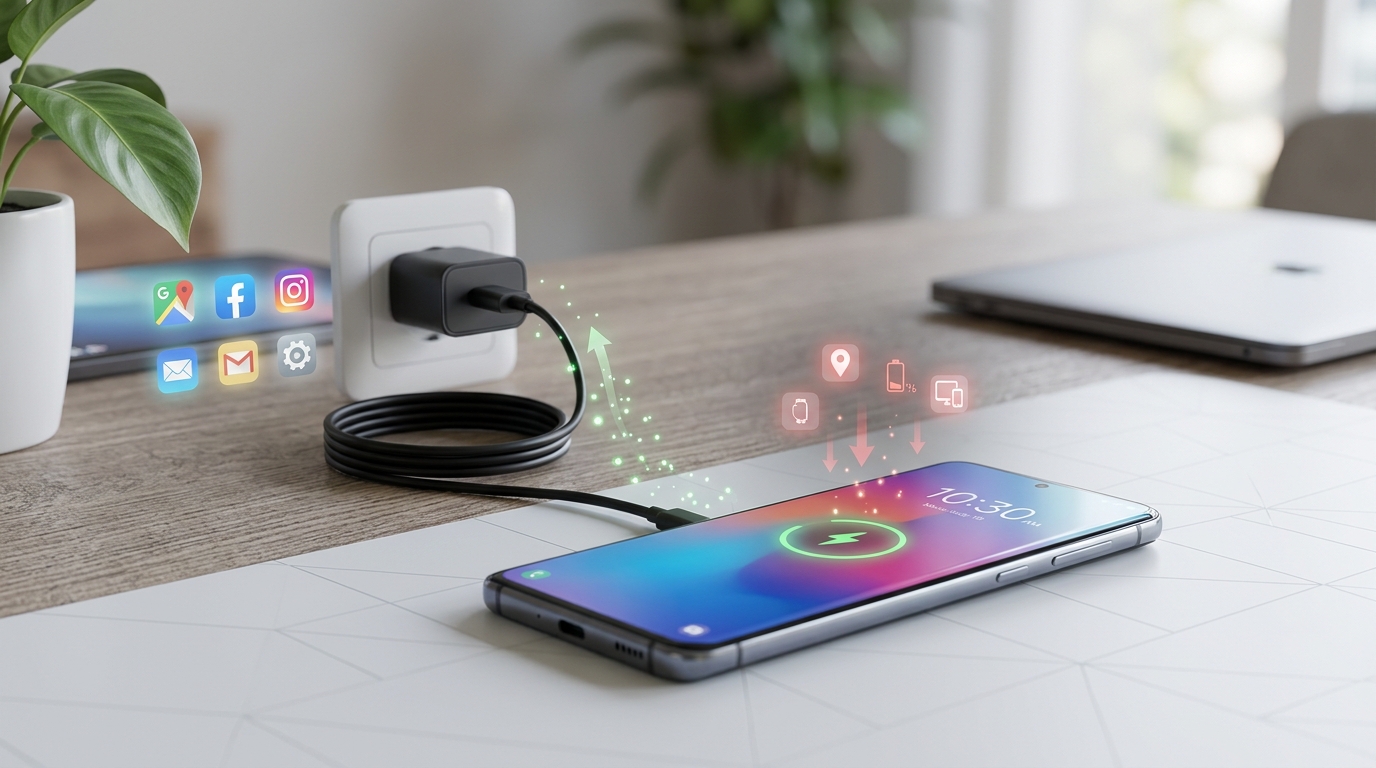
The charging optimization feature delays your phone from reaching 100% until just before your alarm. If you plug in at 10 PM and wake at 7 AM, the phone charges to 80% relatively fast, then trickles to full capacity around 6:45 AM. This reduces the time your battery spends at maximum charge, which extends overall battery health over months and years.
Extreme battery saver mode now allows you to select five essential apps that remain fully functional. Previous versions locked down everything except calls and texts, which made the feature useless if you needed navigation or messaging apps during an emergency.
Privacy controls that give you actual choices
Google added granular permission controls that let you share less data while keeping apps functional.
Photo picker permissions let you grant apps access to specific images instead of your entire gallery. When a messaging app requests photo access, you select individual pictures rather than opening your complete photo library. The app never knows what else you have stored.
Partial location sharing provides apps with your approximate area instead of precise coordinates. A weather app works fine knowing you’re somewhere in Brooklyn without needing your exact street address. You toggle between precise and approximate location for each app individually.
Health Connect integration centralizes fitness and health data from multiple apps while giving you control over what each app can see. Your running app might access step counts while your meditation app only sees sleep data. Everything routes through one permission hub instead of scattered across individual app settings.
The new privacy dashboard shows which apps accessed sensitive permissions in the past 24 hours. You see exactly when your camera activated, which apps read your location, and what accessed your microphone. Tap any entry to revoke permissions immediately.
Camera upgrades that work in challenging light
Android 15 improves photo quality through software enhancements rather than requiring new hardware.
Ultra HDR capture mode takes multiple exposures simultaneously and combines them before you even see the preview. The phone captures one image optimized for shadows, another for highlights, and merges them in real time. Previous HDR modes required a brief pause between shots, which caused blur if you or your subject moved.
Night mode now activates automatically when light levels drop below a threshold. You don’t need to remember to enable it manually. The camera app switches modes, takes the shot, and processes it within two seconds.
Low-light video recording applies noise reduction and exposure adjustment frame by frame. Videos shot in dim restaurants or evening outdoor events show significantly less grain than Android 14 footage from the same device.
The viewfinder now displays a live histogram showing exposure distribution. You see if parts of your image are blown out or too dark before taking the shot, not after reviewing it.
Multitasking features built for bigger screens
Android 15 acknowledges that phones are getting larger and some fold open entirely.
Split-screen app pairing saves your favorite combinations. If you regularly browse Reddit while watching YouTube, you create a pair that opens both apps in split view with one tap. The phone remembers the exact size ratio you prefer for each app.
Taskbar customization on tablets and foldables lets you pin up to eight apps for instant access. You drag apps into your preferred order and remove ones you rarely use. The taskbar persists across all screens and apps.
Desktop mode activates when you connect your phone to an external display. Apps open in resizable windows instead of full-screen views. You can run your email, calendar, and messaging apps simultaneously, just like on a laptop.
Drag and drop between apps works across split-screen views. Select text in your browser, drag it to your notes app, and release. Images, links, and files move between apps without copying and pasting.
How to prepare your phone for the update
Getting Android 15 on your device requires a few preparatory steps to avoid problems.
- Back up your data to Google One or a local computer before starting the update process.
- Clear at least 5GB of storage space to ensure the update files have room to download and extract.
- Connect to WiFi instead of using mobile data, as the update typically exceeds 2GB.
- Charge your battery to at least 50% or keep your phone plugged in during installation.
- Disable any VPN or firewall apps that might interfere with the download process.
The installation takes between 15 and 45 minutes depending on your device model. Your phone will restart multiple times. Don’t interrupt the process even if the screen stays dark for several minutes.
Feature availability across different manufacturers
Not every Android 15 feature reaches every phone simultaneously. Manufacturers customize the base Android experience, which delays or modifies certain capabilities.
| Manufacturer | Update Timeline | Customized Features | Excluded Features |
|---|---|---|---|
| Google Pixel | Immediate | None (stock Android) | None |
| Samsung | 2-4 months | One UI overlay changes notification grouping | Desktop mode replaced by DeX |
| OnePlus | 3-5 months | OxygenOS modifies battery management | Some privacy controls delayed |
| Motorola | 4-6 months | Minimal changes | Multitasking features limited on budget models |
Pixel phones receive the purest Android 15 experience without manufacturer modifications. Samsung, OnePlus, and other brands add their own interface layers, which means some features work differently or arrive later.
Budget phones from the same manufacturer often skip advanced features entirely. A $200 device might get security updates and basic improvements while missing camera enhancements or multitasking tools.
Check your manufacturer’s official update schedule before expecting Android 15. Some companies announce rollout plans months in advance, while others provide little communication until the update actually arrives for your specific model.
Settings worth adjusting after installation
Android 15 ships with default settings that don’t suit everyone. A few adjustments improve your experience immediately.
Turn off notification cooldown for messaging apps you want to hear from repeatedly. The feature works great for news apps but becomes annoying when you’re having an active conversation.
Set partial location sharing as the default for most apps. Switch to precise location only for navigation and ride-sharing apps that genuinely need exact coordinates.
Customize your battery charging limit if you typically leave your phone plugged in overnight. Setting an 80% charge limit extends battery longevity if you don’t need a full charge every morning.
Review the new privacy dashboard weekly for the first month. You’ll spot apps accessing permissions you didn’t realize you granted. Revoke unnecessary access to location, camera, and microphone.
Enable Ultra HDR as your default camera mode if you frequently photograph high-contrast scenes. The processing takes slightly longer but produces noticeably better results in challenging lighting.
Common problems and their fixes
Early adopters report a handful of recurring issues after updating to Android 15.
Apps crashing on launch usually resolve by clearing the app cache. Navigate to Settings > Apps > Select the problematic app > Storage > Clear Cache. Restart your phone afterward.
Excessive battery drain during the first 48 hours is normal. Android 15 reindexes your apps and optimizes background processes, which temporarily increases power consumption. Battery life typically improves by day three.
Bluetooth connection problems often stem from outdated device firmware. Update your headphones, speakers, or car system before assuming Android 15 broke compatibility.
Missing features that were advertised might be manufacturer-specific exclusions. Check if your phone model supports the feature you’re looking for, as some capabilities require specific hardware.
Slow performance immediately after updating usually improves within 24 hours as the system completes optimization tasks. If sluggishness persists beyond two days, consider a factory reset after backing up your data.
Features that integrate with other improvements
Several Android 15 features work better when combined with adjustments you might have already made.
The new notification intelligence pairs well with hidden Android features that further reduce interruptions. Combining notification channels with the cooldown system gives you precise control over what reaches you and when.
Battery optimizations complement strategies for reducing Android battery drain through manual settings adjustments. The automatic management handles most apps while you fine-tune the handful that need special treatment.
Privacy controls become more powerful when you also manage your storage efficiently, since apps with less cached data have fewer opportunities to access your information in the background.
What this means for your daily phone use
Android 15 new features create a phone that adapts to you instead of demanding you adapt to it. The notification system learns your priorities over time. Battery management extends your charge without requiring you to enable aggressive power-saving modes. Privacy controls let you share exactly what each app needs without oversharing.
The update won’t transform a budget phone into a flagship device, but it makes your current hardware work smarter. Give the new features a week to learn your patterns before judging their effectiveness. Most improvements become more noticeable as the system gathers data about your habits and preferences.
Install the update when you have an hour to spare and your important data is backed up. The improvements are worth the temporary inconvenience of the installation process.



Post Comment