Are Progressive Web Apps Finally Ready to Replace Native Apps?
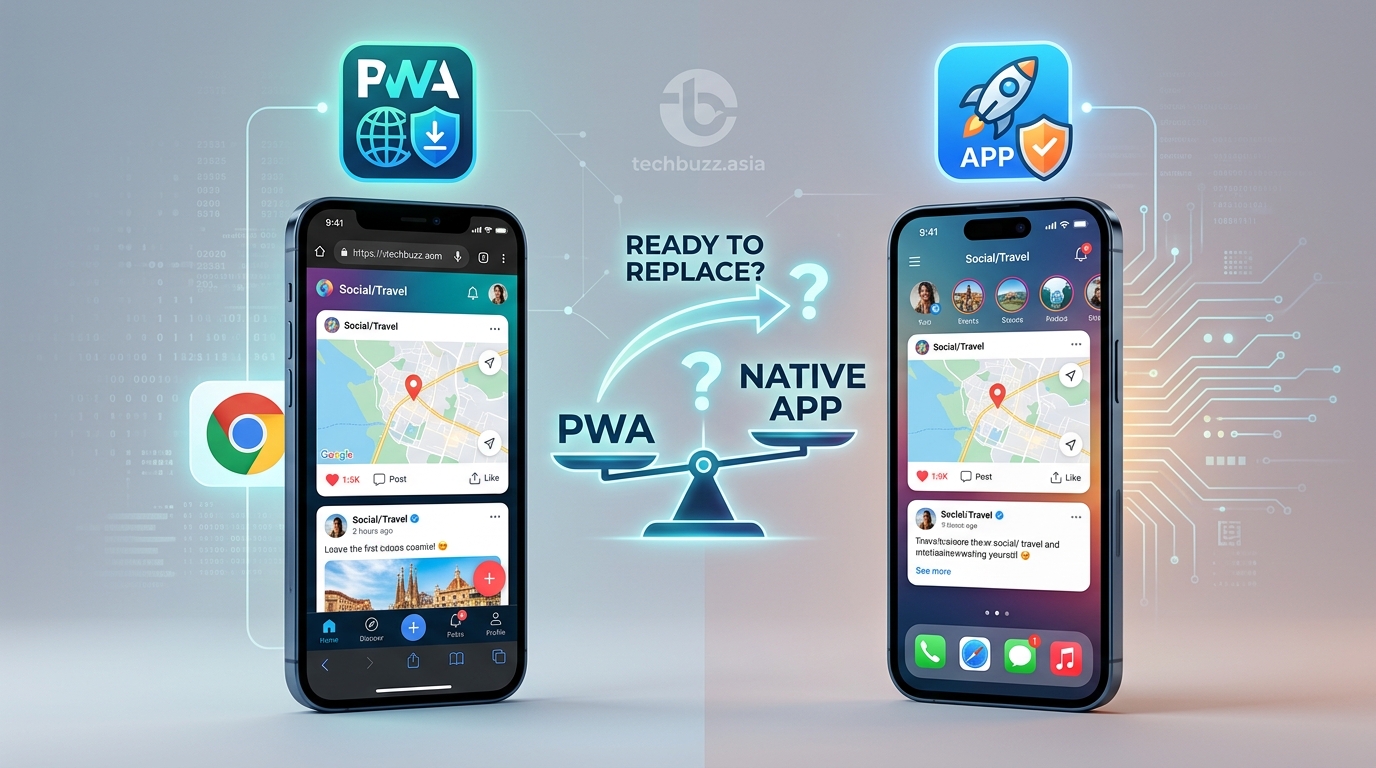
You’re staring at a project roadmap and a budget spreadsheet. Your team needs an app, but the decision between building a progressive web app or a native app feels like choosing between two different futures. One promises lower costs and faster deployment. The other offers deeper integration and better performance. Both claim they’re the future.
Let’s cut through the noise.
Progressive web apps offer cross-platform compatibility, lower development costs, and instant updates without app store approval, making them ideal for content-heavy services. Native apps deliver superior performance, offline functionality, and hardware access, better suited for gaming, AR/VR, or feature-rich applications requiring deep system integration. Your choice depends on budget, timeline, required features, and target audience behavior.
What Actually Separates PWAs from Native Apps
Progressive web apps run inside a browser but behave like installed applications. They use modern web technologies like service workers, web app manifests, and HTTPS to deliver app-like experiences without requiring downloads from app stores.
Native apps are platform-specific software built using languages like Swift for iOS or Kotlin for Android. They install directly on devices and access system-level features through native APIs.
The technical foundation creates different user experiences. PWAs load through URLs and can be added to home screens. Native apps require installation from app stores, taking up storage space and going through approval processes.
Performance differences show up immediately. Native apps compile to machine code optimized for specific operating systems. PWAs interpret JavaScript at runtime, creating a performance gap that matters for graphics-intensive tasks or complex calculations.
Development Cost and Timeline Realities
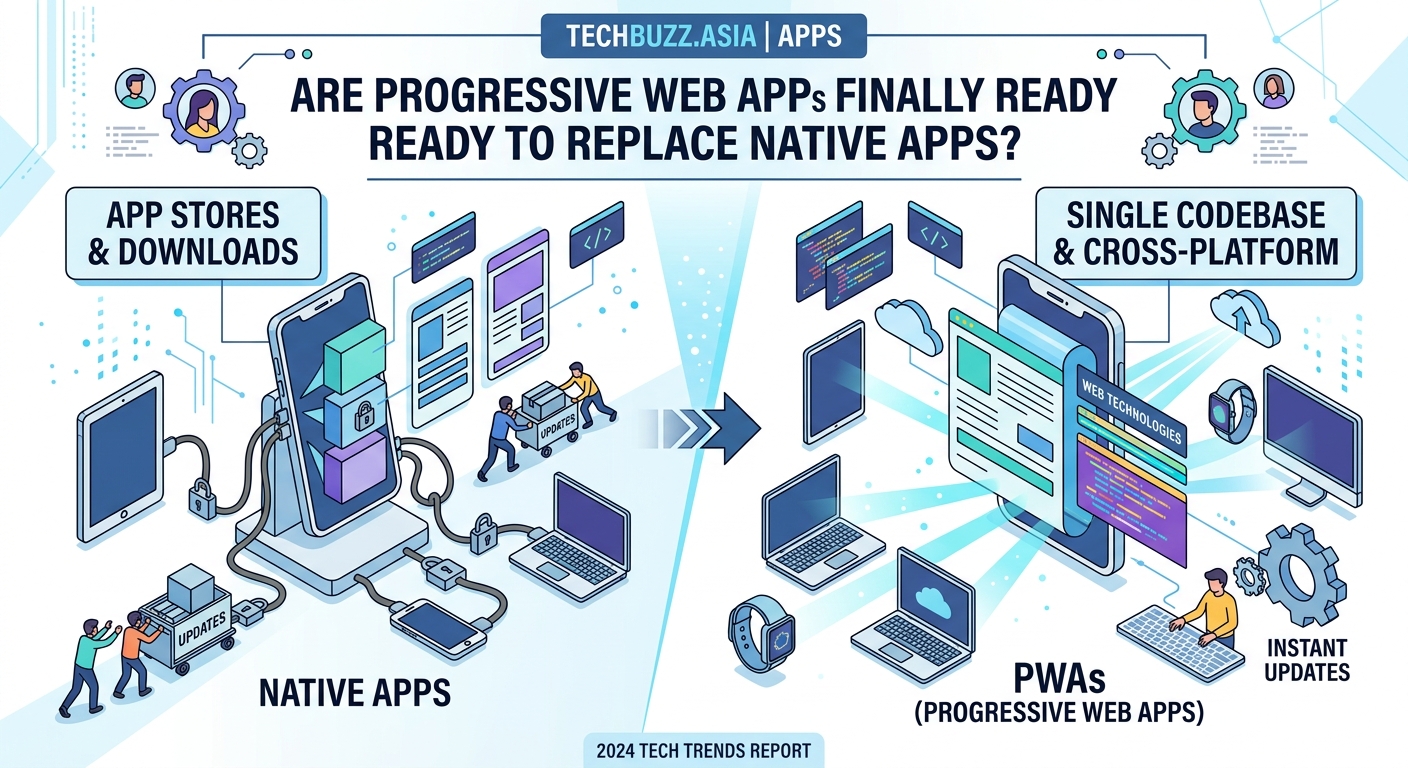
Building one PWA covers all platforms. Your team writes code once using web technologies like React, Vue, or Angular. The same codebase serves iOS users, Android users, and desktop browsers.
Native development requires separate teams or developers fluent in multiple ecosystems. An iOS app needs Swift or Objective-C. Android demands Kotlin or Java. Windows requires .NET or C++. Each platform multiplies your development hours and testing cycles.
Budget impact becomes clear when you run the numbers:
| Development Aspect | PWA | Native App |
|---|---|---|
| Codebase | Single shared codebase | Separate for each platform |
| Developer Skills | Web technologies (HTML, CSS, JavaScript) | Platform-specific languages |
| Testing | One set of tests across platforms | Platform-specific test suites |
| Maintenance | Update once, deploy everywhere | Update each platform separately |
| Time to Market | 2-4 months typical | 4-8 months per platform |
Maintenance costs compound over time. Every feature update in a native app requires changes across multiple codebases. PWAs update instantly on your server without waiting for app store reviews or user downloads.
Similar to how what happens when tech giants stop supporting your device affects long-term planning, your app development choice creates ongoing obligations.
Performance and User Experience Trade-offs
Native apps win on raw speed. They compile to binary code that runs directly on device processors. Games, photo editors, and video streaming apps benefit from this performance advantage.
PWAs close the gap for content-driven applications. News sites, e-commerce platforms, and social networks perform well as progressive web apps because they primarily display information and handle user input.
Offline functionality differs significantly. Native apps store data locally and sync when connectivity returns. PWAs use service workers to cache resources, but the implementation requires careful planning. Complex offline scenarios still favor native development.
Animation smoothness reveals platform differences. Native apps access hardware acceleration directly. PWAs rely on browser rendering engines, which sometimes struggle with complex transitions or 60fps animations.
Battery consumption matters for mobile users. Native apps optimize power usage through platform APIs. PWAs run inside browsers, adding an extra layer that drains batteries faster during intensive tasks.
Hardware Access and System Integration
Native apps control device features completely. They access cameras, GPS, accelerometers, Bluetooth, NFC, and biometric sensors through direct API calls. This access enables features like augmented reality, fitness tracking, and contactless payments.
PWAs gained hardware access gradually. Modern browsers support:
- Camera and microphone through WebRTC
- Location services via Geolocation API
- Push notifications using Web Push
- Local storage through IndexedDB
- Background sync for deferred actions
But gaps remain. PWAs cannot access:
- Advanced Bluetooth Low Energy features
- NFC for payment processing
- Full file system management
- Custom system keyboards
- Deep background processing
For applications requiring extensive hardware integration, native development remains necessary. A fitness app tracking heart rate variability needs native Bluetooth access. A payment app processing contactless transactions requires native NFC APIs.
App Store Presence and Discovery
Native apps appear in app stores where users actively search for solutions. App Store and Google Play provide discovery mechanisms through categories, featured listings, and search rankings.
PWAs bypass app stores entirely. Users find them through web searches, social media links, or direct URLs. This creates different distribution challenges and opportunities.
App store visibility drives downloads, but the approval process creates delays and ongoing compliance requirements. PWAs deploy instantly but require different marketing strategies to reach users.
Consider your audience behavior. Users searching “fitness tracker app” in app stores expect native applications. Users searching “calculate mortgage payment” on Google find web tools that work perfectly as PWAs.
App store fees affect long-term costs. Apple and Google take 15-30% of in-app purchases and subscriptions. PWAs handle payments directly through web payment APIs, avoiding these fees entirely.
Update control differs dramatically. Native apps wait for app store approval, sometimes taking days or weeks. Critical bug fixes sit in review queues while users experience problems. PWAs update instantly when you push changes to your server.
How to Decide Which Path Fits Your Project
Start by mapping your required features against platform capabilities. Make a list of must-have functionality:
-
Identify hardware dependencies. Does your app need NFC, advanced Bluetooth, or AR capabilities? Native development becomes necessary.
-
Evaluate performance requirements. Will users perform graphics-intensive tasks, play games, or edit media? Native apps handle these better.
-
Consider your target audience. Do they expect an app store presence? Are they comfortable installing PWAs from browsers?
Your budget and timeline create practical constraints. Teams with limited resources benefit from PWA development. Organizations with dedicated mobile teams can justify native investment.
Maintenance capacity matters long-term. Can you support multiple codebases? Do you have iOS and Android expertise in-house? PWAs reduce ongoing maintenance burden significantly.
User expectations vary by industry. Banking apps and games typically require native development for trust and performance. News sites, booking platforms, and productivity tools work well as PWAs.
Real-World Examples That Prove Both Approaches Work
Twitter built a PWA called Twitter Lite that reduced data usage by 70% and increased pages per session by 65%. The lightweight app serves users on slower networks without sacrificing core functionality.
Starbucks created a PWA that works offline, allowing customers to browse menus and customize orders without connectivity. The app is 99.84% smaller than their native iOS app while delivering similar functionality.
Spotify and Instagram remain exclusively native because their feature sets demand it. Real-time audio streaming, complex filters, and AR effects require platform-specific optimization.
Pinterest rebuilt as a PWA and saw time spent increase by 40% and ad revenue increase by 44%. The web app performs well enough that many users never download the native version.
These examples show context matters more than technology trends. Match your choice to your specific needs rather than following industry hype.
Common Mistakes That Derail App Projects
Teams often choose technology before defining requirements. They commit to native development because “apps should be in app stores” without evaluating whether PWA capabilities suffice.
Underestimating maintenance costs causes budget overruns. Native apps require ongoing updates for new OS versions, device types, and security patches across multiple platforms.
Ignoring user acquisition channels wastes resources. Building a native app without a marketing budget for app store visibility leaves you with an invisible product.
Overlooking browser compatibility creates fragmented PWA experiences. Safari lags behind Chrome in PWA support, affecting iOS users who might expect native-quality performance.
Skipping performance testing until late in development reveals problems when changes become expensive. Test on actual devices with real network conditions early and often.
Platform-Specific Considerations for Each Approach
iOS users face PWA limitations. Safari restricts service worker capabilities and limits storage. Push notifications work differently than on Android. Home screen installation feels less integrated than native apps.
Android provides better PWA support. Chrome implements web standards fully, and users can install PWAs that feel nearly identical to native apps. The platform even supports PWAs in the Play Store through Trusted Web Activities.
Desktop users benefit from PWAs more than mobile users in some cases. Electron apps like Slack and Discord essentially wrap web apps in native containers, proving web technologies can deliver desktop experiences.
Cross-platform frameworks like React Native and Flutter blur the lines. They promise native performance with shared codebases, but introduce their own complexity and limitations. These hybrid approaches deserve separate evaluation.
Security and Privacy Implications
Native apps request permissions explicitly. Users see clear dialogs asking for camera access, location tracking, or contact list reading. Denying permissions limits functionality but protects privacy.
PWAs request permissions through browser APIs. The experience varies by browser, sometimes feeling less transparent than native permission dialogs.
Data storage security differs. Native apps encrypt local databases using platform keychain services. PWAs rely on browser storage mechanisms with varying security implementations.
Code protection matters for some businesses. Native apps compile to binary code that’s harder to reverse engineer. PWA JavaScript remains readable in browser developer tools, though obfuscation helps.
The privacy concerns that arise when your favorite apps are suddenly asking for more permissions apply differently to PWAs versus native apps.
Future-Proofing Your App Strategy
Web standards evolve constantly. PWA capabilities expand as browsers implement new APIs. Features impossible today might become standard tomorrow.
Platform fragmentation affects native development. Supporting older iOS and Android versions requires maintaining compatibility code. PWAs handle this through progressive enhancement naturally.
Investment protection varies. Native app codebases become obsolete when platforms change. Web technologies show remarkable backward compatibility.
Team skill development differs. Web developers transition between projects easily. Native developers specialize in platforms that might lose market share.
Consider your five-year roadmap. Will your app need frequent updates? Do you plan to expand to new platforms? PWAs scale to new devices automatically while native apps require platform-specific development.
Making the Choice That Fits Your Situation
The progressive web apps vs native apps decision depends on your specific context. No universal answer exists.
Choose PWAs when you need:
– Fast time to market with limited budget
– Cross-platform compatibility from day one
– Instant updates without app store delays
– Content-focused experiences without heavy hardware needs
Choose native apps when you need:
– Maximum performance for games or media editing
– Deep hardware integration like AR or advanced sensors
– App store presence for discovery and trust
– Offline-first functionality with complex data sync
Many successful products use both approaches. They build PWAs for broad reach and native apps for power users who need advanced features.
Your decision creates a foundation for everything that follows. Choose based on user needs, technical requirements, and business constraints rather than technology trends or developer preferences.
Start with your users. What problems are you solving? Where do they expect to find solutions? How do they currently accomplish these tasks?
Then match technology to those answers. The right choice becomes obvious when you focus on outcomes instead of implementation details.



Post Comment