Do You Really Need a Gaming Mouse If You’re Not a Professional Gamer?
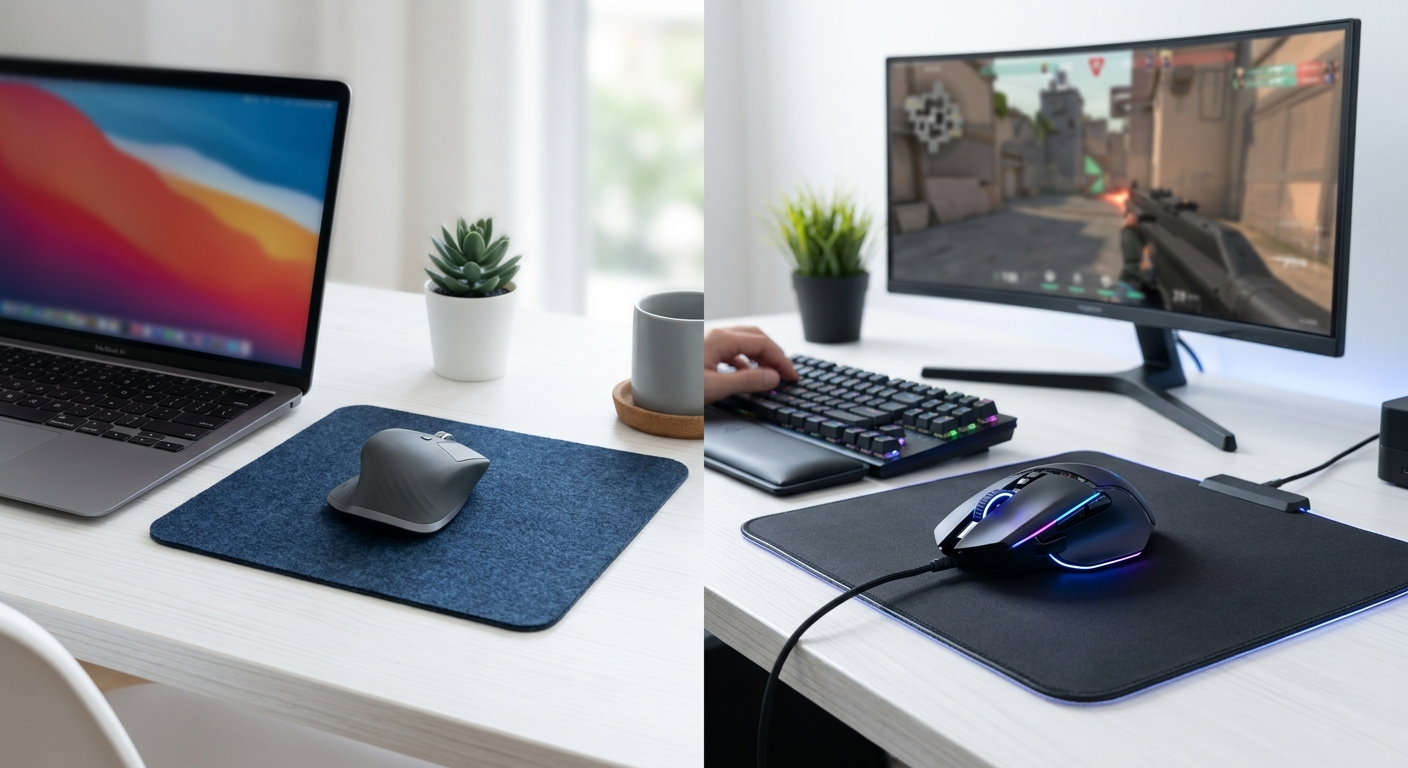
You’ve been scrolling through tech forums and YouTube reviews, watching gamers rave about their high-end mice with adjustable DPI and RGB lighting. Your basic office mouse still works fine, but you can’t help wondering if you’re missing out on something that could make your computer experience better. The gaming mouse industry wants you to believe their products are essential, but the truth is more nuanced than their marketing suggests.
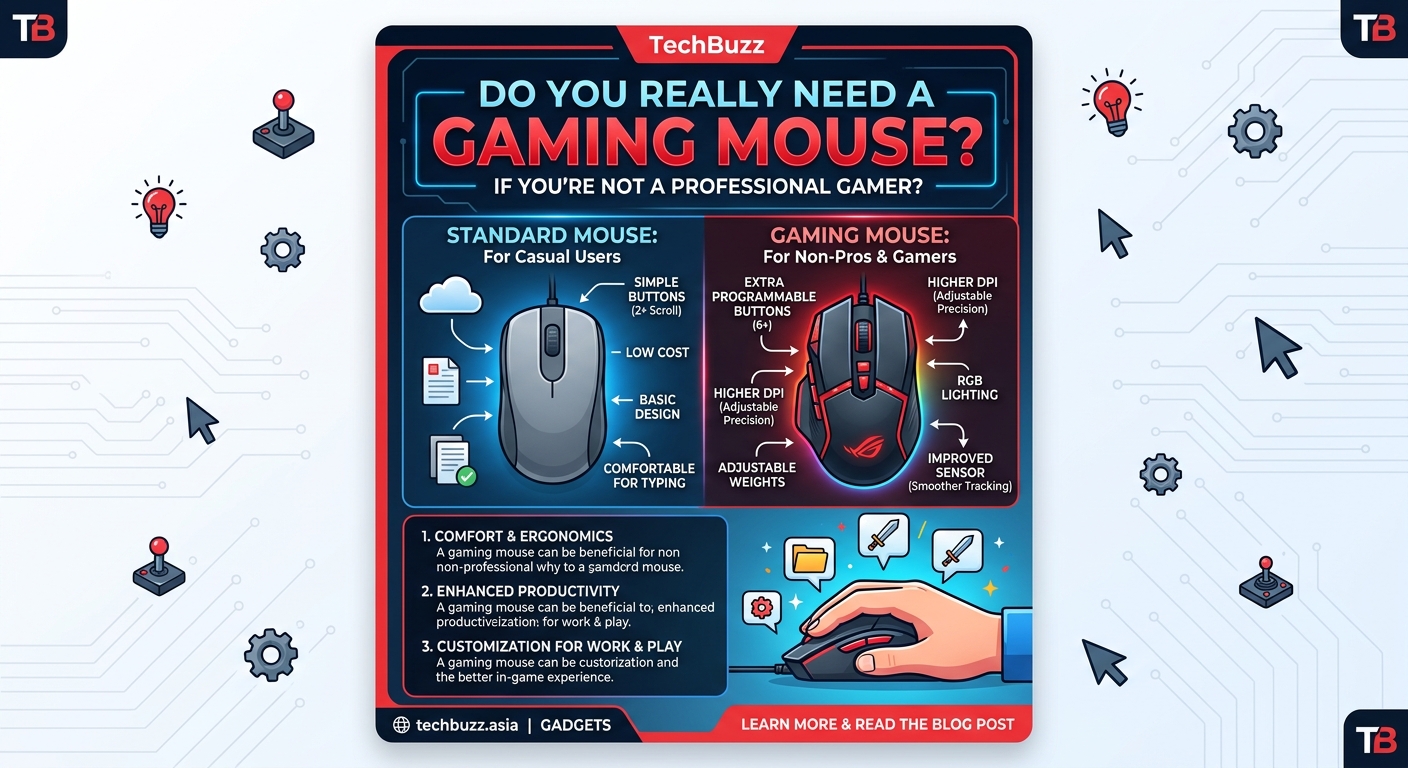
Gaming mice offer precision sensors, customizable buttons, and ergonomic designs that benefit more than just professional gamers. Casual users who work with spreadsheets, edit photos, or browse extensively may find value in better accuracy and comfort. However, standard mice work perfectly fine for basic tasks, making gaming mice a luxury rather than necessity for most people. Your usage patterns and budget should guide your decision.
What actually makes a gaming mouse different
Standard mice get the job done for clicking and scrolling. Gaming mice take things several steps further with specialized hardware.
The sensor is the biggest difference. Gaming mice use optical or laser sensors that track movement with extreme precision, measured in dots per inch (DPI). A typical office mouse might max out at 1600 DPI, while gaming mice often reach 16,000 DPI or higher. This means the cursor moves exactly where you intend, with no acceleration curves or prediction algorithms interfering.
The polling rate matters too. This measures how often your mouse reports its position to your computer. Standard mice poll at 125 Hz, sending position updates eight times per second. Gaming mice typically poll at 1000 Hz, updating every millisecond. The difference feels subtle during normal browsing but becomes noticeable during precise work.
Build quality separates budget from premium. Gaming mice use better switches rated for millions of clicks, braided cables that resist tangling, and materials that withstand years of heavy use. Many include adjustable weights so you can customize how the mouse feels in your hand.
Programmable buttons add functionality. While a basic mouse has left click, right click, and a scroll wheel, gaming mice often include 4 to 12 additional buttons you can assign to specific functions. Some users map these to copy and paste commands, others use them for application shortcuts.
When a gaming mouse actually improves your daily tasks
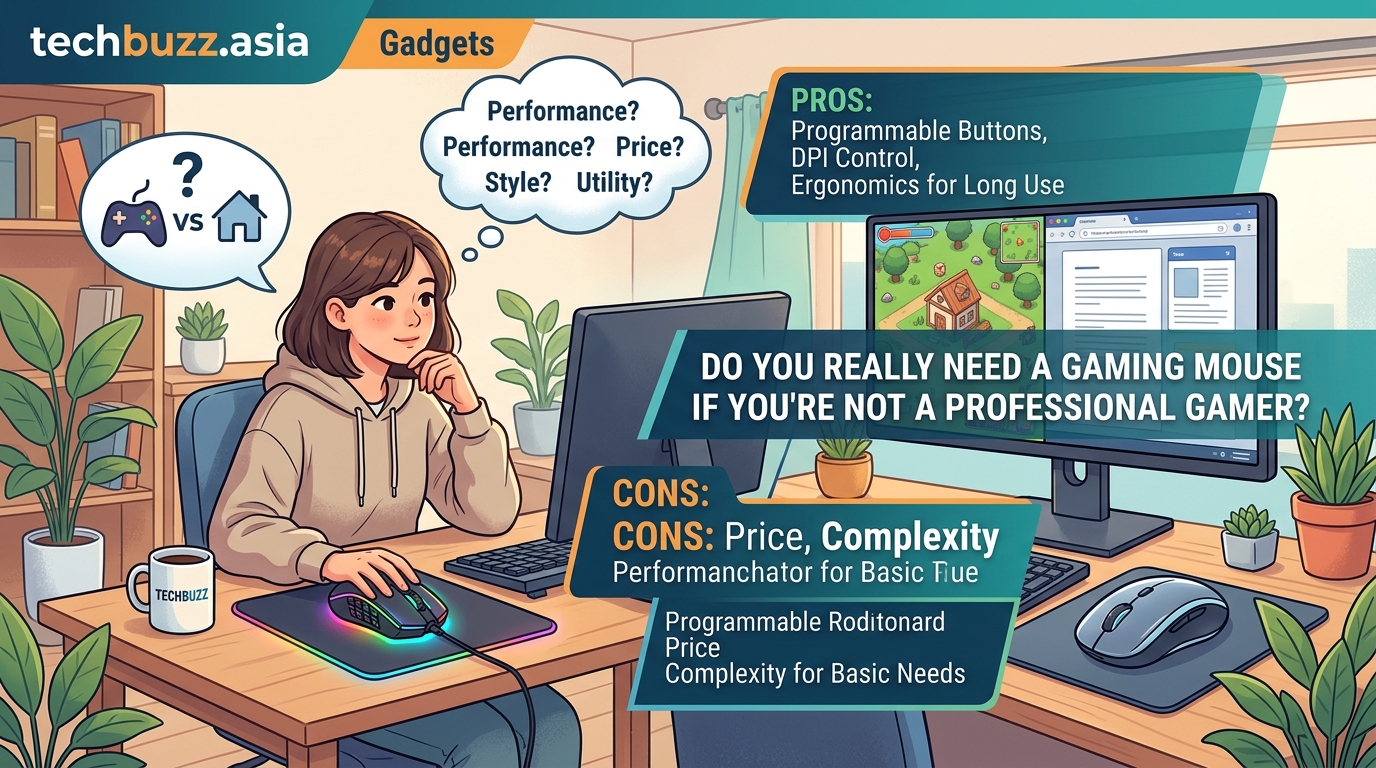
You don’t need to play competitive shooters to benefit from gaming mouse features. Several everyday activities become noticeably better with improved hardware.
Photo and video editing benefits enormously from precision. When you’re selecting specific pixels, adjusting curves, or working with masks, sensor accuracy matters. The ability to adjust DPI on the fly lets you switch between broad movements and fine detail work without changing your hand position. Many editors map common tools to side buttons, eliminating constant trips to the toolbar.
Spreadsheet work gets faster with programmable buttons. Imagine assigning one button to copy, another to paste, and a third to insert rows. Users who spend hours in Excel or Google Sheets report significant time savings. The precise tracking also helps when selecting specific cells in dense data tables.
CAD and design software demands accuracy that standard mice struggle to provide. Whether you’re drafting floor plans, designing circuits, or creating 3D models, better sensors translate to fewer mistakes and less frustration. The extra buttons become essential for switching between tools without interrupting your workflow.
General productivity improves with better ergonomics. Gaming mice come in various shapes designed for different grip styles. If you spend 8 hours a day at your computer, a properly fitted mouse reduces hand fatigue and may prevent repetitive strain injuries. This alone justifies the cost for many office workers.
A comfortable mouse is an investment in your long-term hand health, not just a performance upgrade. If you experience any wrist pain or finger numbness during extended computer use, ergonomics should be your top priority.
Who should stick with their current mouse
Not everyone needs to upgrade. Your basic mouse works perfectly fine if your usage falls into these categories.
Casual browsing and email don’t require precision sensors. If you mainly read articles, watch videos, and check social media, the difference between a $10 and $80 mouse will be imperceptible. Save your money for upgrades that actually impact your experience.
Basic document work rarely benefits from gaming features. Writing emails, creating presentations, and reading PDFs work identically on any functional mouse. The extra buttons won’t speed up your workflow enough to justify the expense.
Laptop users who prefer trackpads might find an external mouse redundant. Many people work comfortably with just their laptop’s built-in pointing device. Adding any external mouse changes your setup, and the benefits of a gaming mouse specifically won’t matter if you’re already happy with trackpad gestures.
Budget constraints make the decision simple. If you’re choosing between a gaming mouse and other tech upgrades, prioritize based on your actual needs. Speeding up your Windows 11 PC or improving your router configuration might deliver more noticeable improvements than a better mouse.
Breaking down the cost versus benefit equation
Gaming mice range from $30 budget options to $150+ flagship models. Understanding what you get at each price point helps you make an informed decision.
| Price Range | What You Get | Who It’s For |
|---|---|---|
| $30-$50 | Basic gaming sensor, 2-4 programmable buttons, decent build quality | Casual users testing whether gaming mice suit them |
| $50-$80 | High-quality sensor, 6-8 programmable buttons, adjustable DPI, better ergonomics | Regular computer users who want noticeable improvements |
| $80-$120 | Premium sensors, extensive customization, wireless options, excellent build quality | Heavy users who spend 6+ hours daily at their computer |
| $120+ | Flagship features, ultra-lightweight designs, cutting-edge technology, brand prestige | Enthusiasts and professionals who demand the absolute best |
Budget gaming mice deliver most of the core benefits. You get better sensors and additional buttons without breaking the bank. The main compromises involve build quality and advanced features like wireless connectivity or infinite scroll wheels.
Mid-range options hit the sweet spot for most users. They include everything you actually need without charging extra for marginal improvements. If you decide a gaming mouse makes sense for you, this price range offers the best value.
Premium mice justify their cost through longevity and refinement. The materials feel noticeably better, the software offers deeper customization, and the sensors perform flawlessly. However, the performance gap between mid-range and premium mice is smaller than the price difference suggests.
How to test whether you’d benefit from an upgrade
Before spending money, evaluate your current mouse situation honestly. This process helps you avoid buyer’s remorse.
-
Track your daily mouse usage for a week. Note which applications you use most and what actions you perform repeatedly. If you’re constantly clicking through menus or selecting precise elements, a gaming mouse might help.
-
Identify your pain points. Does your cursor sometimes jump unexpectedly? Do you experience hand discomfort after long sessions? Does your mouse feel sluggish or unresponsive? These problems indicate hardware limitations that better equipment could solve.
-
Try a gaming mouse before buying. Many electronics stores have display models you can test. Spend 10 minutes using different mice to see if you notice the difference. Some stores even allow returns within 30 days, letting you test at home risk-free.
-
Consider your upgrade cycle. If you replace mice every year because they break, investing in a durable gaming mouse might save money long-term. Quality gaming mice often last 5+ years with heavy use.
-
Calculate your cost per hour. If you use your computer 4 hours daily and a $60 gaming mouse lasts 3 years, that’s roughly 1.4 cents per hour. When framed this way, the investment seems more reasonable for regular users.
Features that matter versus marketing gimmicks
Gaming mouse manufacturers love adding flashy features that sound impressive but rarely matter in practice. Learning to distinguish useful features from marketing fluff saves you money.
RGB lighting looks cool but serves no functional purpose. Some people enjoy the aesthetic, and that’s fine. Just don’t pay extra for lighting if you don’t care about appearance. Many mice let you disable LEDs to save battery life on wireless models.
Extreme DPI numbers exceed what most people can use. Anything above 3200 DPI becomes impractically sensitive on standard monitors. Manufacturers advertise 16,000+ DPI for bragging rights, but you’ll likely use a fraction of that maximum. Focus on whether the mouse offers comfortable DPI settings in the range you’ll actually use.
Adjustable weights help some users but not everyone. The ability to add or remove weight lets you customize how the mouse feels. However, most people find a comfortable mouse and never touch the weights again. Don’t prioritize this feature unless you’re particular about mouse heft.
Software customization varies wildly in quality. Some manufacturers provide intuitive software that makes programming buttons simple. Others offer bloated applications that consume system resources and rarely get updated. Research the software experience before buying, especially if you plan to use programmable buttons extensively.
Wireless connectivity adds convenience at a cost. Modern wireless gaming mice perform identically to wired versions, with no input lag or reliability issues. However, they cost more and require charging. If you hate cables, wireless is worth it. If you don’t mind a cable, save your money.
The ergonomics factor nobody talks about enough
Mouse shape matters more than most people realize. A mouse with perfect sensors and abundant buttons won’t help if it causes hand pain.
Gaming mice come in three basic shapes. Ambidextrous mice work for both left and right-handed users but often feel generic. Right-handed ergonomic mice fit natural hand positions better but exclude lefties. Fingertip mice suit people who control the mouse with their fingers rather than their palm.
Your grip style determines which shape works best. Palm grippers rest their entire hand on the mouse and need larger, more supportive designs. Claw grippers arch their fingers and prefer mice with pronounced humps. Fingertip grippers barely touch the mouse and want lightweight, compact options.
Size matters as much as shape. Someone with small hands will struggle with a mouse designed for large palms. Most manufacturers list dimensions, but the only way to know for sure is testing in person. If you’re ordering online, check return policies carefully.
Weight preference is personal. Some users want heavy mice that feel substantial and resist accidental movement. Others prefer lightweight mice that glide effortlessly and reduce fatigue during extended use. Neither approach is wrong, but choosing incorrectly leads to discomfort.
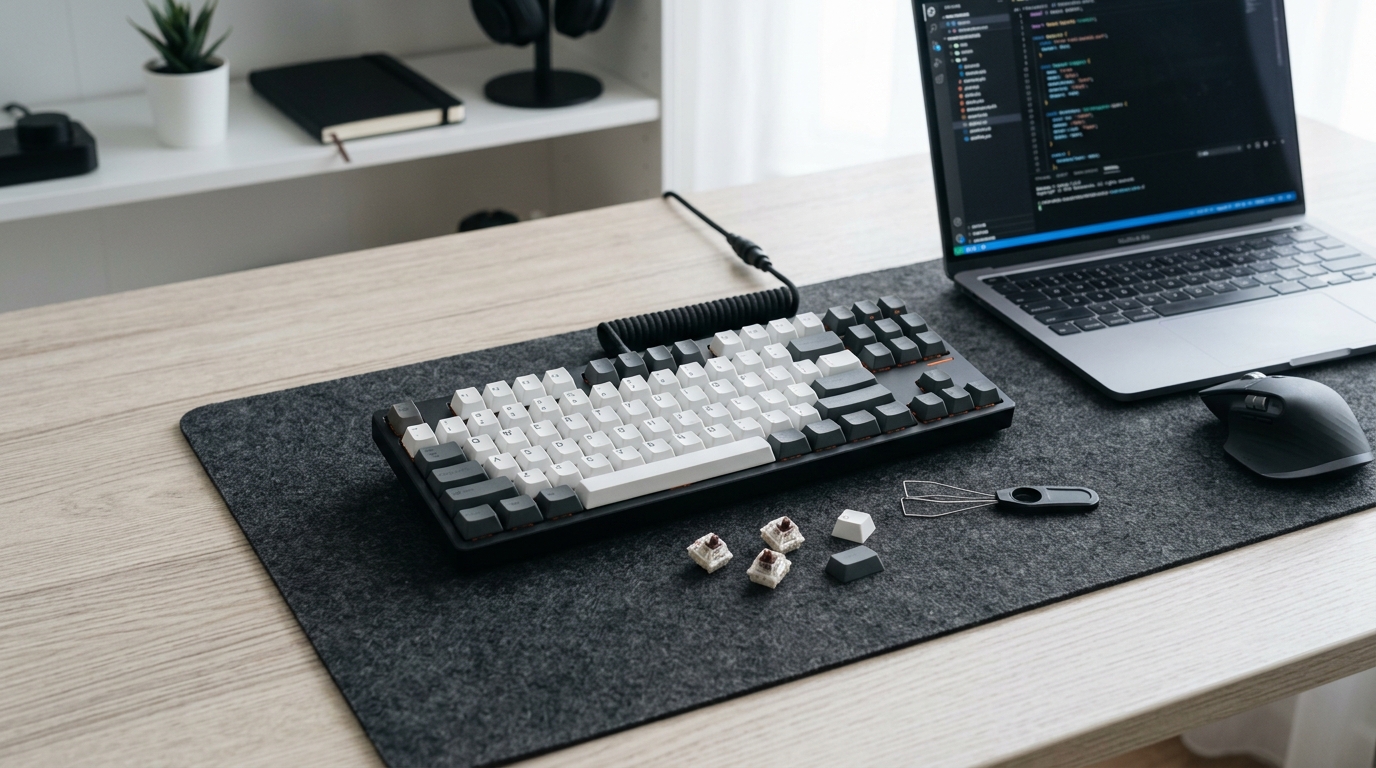
Just like building a custom mechanical keyboard involves finding the right switches and layout for your typing style, selecting a mouse requires matching the hardware to your hand anatomy and usage patterns.
Real user experiences from casual upgraders
People who switched from standard mice to gaming mice report mixed results. Their experiences reveal who actually benefits from upgrading.
Office workers who upgraded for ergonomics generally feel satisfied. Many report reduced wrist pain and hand fatigue, especially those who previously used flat, ambidextrous mice. The investment paid off through improved comfort during long work sessions.
Casual gamers notice improvements in some games but not others. Strategy games and RPGs don’t demand precision, so the better sensor makes little difference. However, even casual shooter players appreciate more accurate aiming. The extra buttons help in MMOs where you need access to many abilities.
Creative professionals almost universally recommend the upgrade. Photographers, video editors, and graphic designers consider gaming mice essential tools. The precision and programmable buttons become indispensable once you adapt your workflow around them.
General users show the most variation. Some people immediately notice smoother cursor movement and wonder how they used standard mice for so long. Others struggle to identify any practical difference and feel they wasted money. Your sensitivity to these improvements depends on factors like eyesight, hand coordination, and how critically you evaluate your tools.
Students and researchers who work with documents report minimal benefits. A few appreciate the extra buttons for navigation, but most find standard mice perfectly adequate for their needs. Unless you’re also gaming or doing creative work, a gaming mouse probably isn’t worth it for academic use.
Making the decision that fits your situation
Whether you need a gaming mouse comes down to honest self-assessment. Ignore the marketing hype and focus on your actual computer usage.
Consider upgrading if you spend significant time doing precision work, experience discomfort with your current mouse, or want programmable buttons for productivity shortcuts. The benefits are real for these use cases, and the cost is reasonable given how many hours you’ll use the device.
Stick with your current mouse if you mainly browse, handle basic office tasks, or can’t identify specific problems with your current setup. You won’t miss features you don’t need, and the money could fund upgrades that actually impact your experience.
If you’re uncertain, start with a budget gaming mouse around $40. This gives you a taste of the improvements without significant financial risk. Many people who try budget gaming mice either decide they don’t need the features or realize they want to upgrade to a better model. Either outcome costs less than immediately buying an expensive flagship mouse you might not appreciate.
Remember that spotting fake tech reviews becomes especially important when researching mice. The market is flooded with sponsored content and paid endorsements that exaggerate benefits and hide flaws.
Finding the right match without overspending
Once you decide a gaming mouse makes sense, smart shopping ensures you get the best value. The market offers hundreds of options at every price point.
Research which sensors manufacturers use. The best gaming sensors come from PixArt and include models like the PMW3360, PAW3370, and newer variants. Mice using these sensors perform excellently regardless of brand. Avoid mice that don’t specify their sensor model, as manufacturers typically hide this information when using inferior hardware.
Read reviews from multiple sources. Professional reviewers test extensively and identify issues casual users might miss. User reviews reveal long-term reliability and common problems. Look for patterns rather than individual complaints.
Check warranty coverage before buying. Reputable manufacturers offer 2-3 year warranties and honor them without hassle. Cheap mice from unknown brands often break within months and offer no recourse. The warranty period signals how long the manufacturer expects their product to last.
Wait for sales if you’re not in a hurry. Gaming peripherals go on sale frequently, especially during major shopping events. Patience can save you 30-50% on the exact mouse you want. Set up price alerts on shopping sites to catch deals.
Buy from retailers with good return policies. Even extensive research can’t predict whether a mouse will feel comfortable in your hand. The ability to return mice that don’t work out eliminates most of the purchase risk.
Your mouse is just one piece of the puzzle
Upgrading your mouse might improve your computer experience, but it’s rarely the most impactful change you can make. Consider it alongside other potential upgrades.
Your monitor affects your experience more than your mouse. A larger screen or higher refresh rate delivers more noticeable improvements for most users. If you’re still using a small, old monitor, prioritize that upgrade first.
Your desk setup matters enormously. Proper chair height, monitor positioning, and keyboard placement prevent fatigue and injury far more effectively than ergonomic peripherals. An expensive gaming mouse can’t compensate for poor posture and bad desk ergonomics.
Your software configuration often limits performance more than hardware. Closing unnecessary background applications, updating drivers, and optimizing settings delivers immediate improvements without spending money. Many people buy new hardware when software tweaks would solve their problems.
Your internet connection impacts responsiveness more than mouse polling rates. If you experience lag during online activities, checking your router settings might deliver better results than buying new peripherals.
When the upgrade makes sense for your wallet
Financial considerations should guide your decision as much as technical factors. A gaming mouse is a discretionary purchase, not a necessity.
If you’re on a tight budget, a gaming mouse ranks low on the priority list. Essential upgrades like adequate RAM, functioning storage drives, and reliable internet connections matter more. Don’t sacrifice practical needs for peripheral improvements.
If you have disposable income and use your computer extensively, a gaming mouse represents good value. The cost per hour of use is minimal, and the comfort and productivity gains justify the expense. This is especially true if your current mouse causes discomfort or limits your work.
If you’re building or upgrading a complete setup, include a decent mouse in your budget. Spending $50-80 on a mouse when you’re already investing in a new computer or monitor makes sense. Just avoid the trap of buying the most expensive mouse because you’re already spending money.
If you’re curious but uncertain, wait for a good sale on a budget model. Testing a $30 gaming mouse on sale costs less than dinner at a restaurant and might reveal benefits you didn’t expect. You can always upgrade later if you enjoy the experience.
What you should actually prioritize
The question isn’t really whether you need a gaming mouse. It’s whether a gaming mouse solves problems you actually have or provides benefits you’ll genuinely appreciate.
For most casual users, the answer is probably no. Your standard mouse works fine, and the improvements wouldn’t justify the cost or effort of switching. Focus your attention and budget on upgrades that deliver more obvious benefits.
For users who do precision work, spend many hours at the computer, or experience discomfort with current equipment, a gaming mouse makes practical sense. The features directly address real problems and provide measurable improvements. The investment pays for itself through increased comfort and productivity.
The good news is that you don’t need to decide right now. Your current mouse will keep working while you research options, read reviews, and wait for sales. When you do decide to upgrade, you’ll make an informed choice based on your actual needs rather than marketing pressure.
Your computer setup should serve your needs, not the other way around. If a gaming mouse helps you work more comfortably or efficiently, it’s worth considering. If it doesn’t, that’s perfectly fine too. The best tech decisions come from understanding what you actually need rather than chasing features you’ll never use.


Post Comment