Is Your Android Phone Listening to You? Here’s What’s Really Happening
You mention needing new running shoes during dinner. Hours later, ads for sneakers flood your Instagram feed. It feels too specific to be coincidence. Your phone must be listening, right?
Your phone probably isn’t recording your conversations, but it doesn’t need to. Advanced tracking through app permissions, location data, browsing history, and social connections creates eerily accurate ad profiles. While constant audio surveillance would drain batteries and generate massive data, legitimate permissions you’ve already granted give advertisers everything they need to predict your interests before you even search for them.
The battery drain problem with constant recording
If your phone recorded everything you said, you’d notice immediately.
Continuous audio recording consumes enormous battery power. Your microphone would need to stay active 24/7, processing every sound in your environment. The data would then upload to remote servers for analysis.
A typical hour of audio creates roughly 30MB of data. Recording constantly would generate over 700MB daily. Most users would spot this spike in their data usage within days.
Battery life would plummet too. Apps running microphones in the background drain power faster than almost any other function. Your smartphone battery degrades faster than it should already, and constant recording would make it far worse.
Tech companies also face legal barriers. Recording without explicit consent violates wiretapping laws in most countries. The lawsuits and regulatory fines would dwarf any advertising revenue.
What’s actually happening with those creepy ads
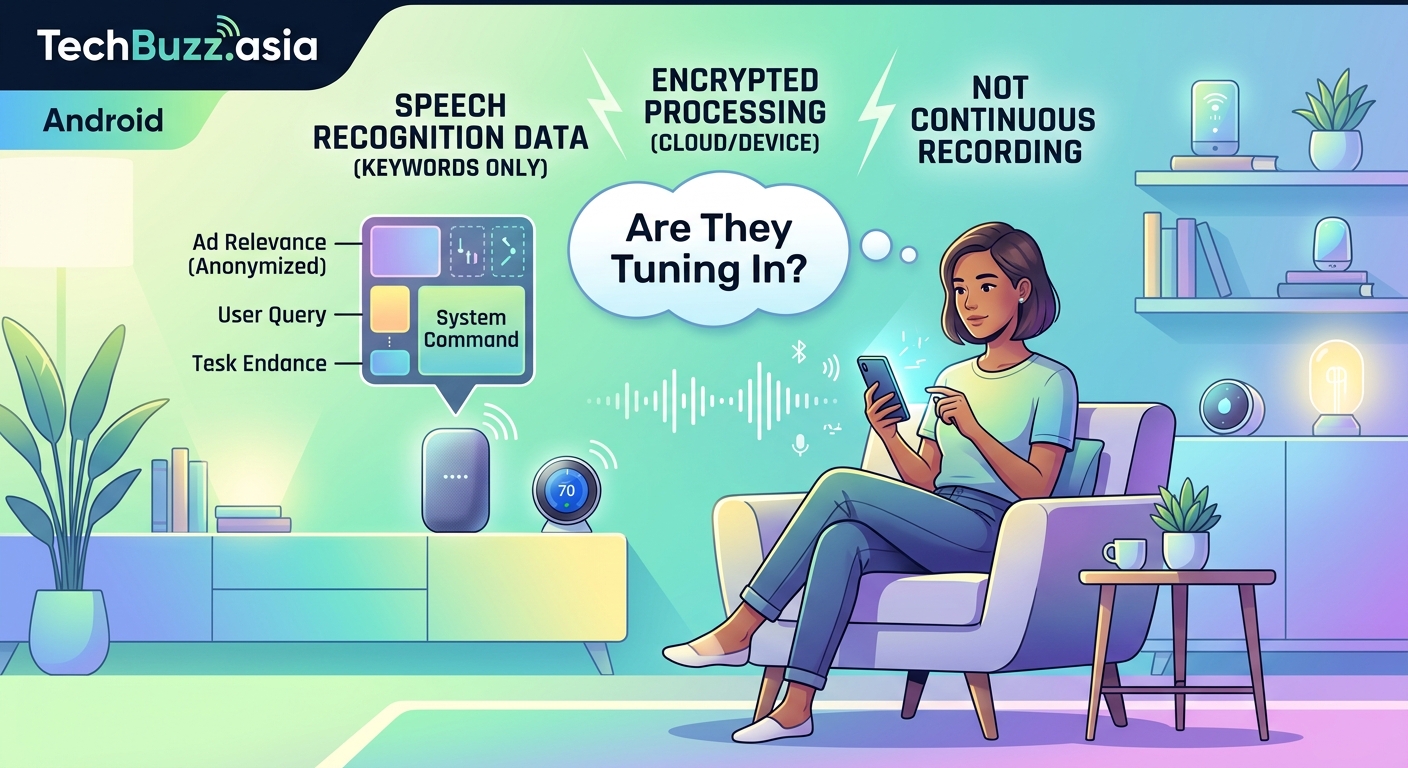
The truth is more sophisticated than simple eavesdropping.
Advertisers build detailed profiles using data you willingly provide. Every app permission you grant, every website you visit, every product you browse feeds into this system.
Here’s how it works in practice:
- You grant microphone access to a legitimate app like Instagram or TikTok
- The app tracks your location, contacts, browsing history, and app usage
- Data brokers combine information from multiple sources to create your profile
- Machine learning algorithms predict what you’ll want before you search for it
- Ads appear at precisely the moment you’re thinking about a purchase
The timing feels like magic because the system knows your patterns. It recognizes when you typically shop for clothes, plan vacations, or research electronics.
“We don’t need to listen to your conversations when we can predict your behavior with 90% accuracy using data you’ve already shared.” – Former Facebook data scientist
The real culprits behind targeted advertising
Several tracking methods work together to create those unsettling ad experiences.
Location tracking reveals more than you think. Visiting a sporting goods store signals interest in athletic gear. Spending time near a gym suggests fitness products. Even driving past a car dealership can trigger automotive ads.
Social connections amplify targeting power. When your friend searches for wedding venues, you might see ads for gifts or formal wear. The algorithm assumes you’ll attend and need related products.
Browsing behavior creates the strongest signals. Viewing product pages, reading reviews, or watching unboxing videos tells advertisers exactly what interests you.
Cross-device tracking follows you everywhere. Search for hiking boots on your laptop, and ads appear on your phone minutes later. Different devices, same advertising profile.
Predictive analytics anticipate needs before you express them. Seasonal patterns, life events, and demographic data help algorithms guess what you’ll want next.
Permissions you’ve already granted
Most people approve dangerous permissions without reading them.
Check what access you’ve given to popular apps:
| Permission Type | What It Reveals | Common Apps Requesting It |
|---|---|---|
| Microphone | Voice commands, ambient audio | Social media, messaging, games |
| Location | Places visited, movement patterns | Maps, delivery, shopping |
| Contacts | Social connections, relationships | Messaging, email, social networks |
| Camera | Photos taken, QR codes scanned | Social media, banking, shopping |
| Storage | Files saved, photos stored | Photo editors, file managers |
These permissions serve legitimate functions. Voice assistants need microphone access. Navigation apps require location data. But the same permissions enable extensive tracking.
Apps can access this data continuously, not just when you’re actively using them. Background processes collect information even when your screen is off.
Testing the listening theory yourself
You can verify whether your phone actually records conversations.
Try this controlled experiment:
- Choose an obscure product you’ve never searched for online (something like “artisanal pickle forks” or “vintage typewriter ribbons”)
- Turn off all voice assistants and close all apps
- Have several conversations near your phone mentioning this specific product
- Don’t search for it, browse related sites, or type it anywhere
- Monitor your ads for the next week
Most people find no ads for their chosen product appear. The conversations alone don’t trigger targeting.
Now run a second test:
- Pick another unusual product
- Search for it once on your phone’s browser
- Visit a few product pages but don’t make conversation about it
- Watch how quickly ads appear across different apps and websites
The difference becomes obvious. Search behavior triggers ads immediately. Conversations alone typically don’t.
Steps to reduce tracking and protect privacy
You can limit data collection without abandoning your smartphone.
Review app permissions regularly. Remove access for apps that don’t need it. A weather app doesn’t require your contacts. A flashlight app doesn’t need your location.
Disable advertising IDs. Both iOS and Android let you reset or disable the unique identifier advertisers use to track you across apps.
For iPhone users, visit Settings > Privacy & Security > Tracking and toggle off “Allow Apps to Request to Track.”
Android users should open Settings > Privacy > Ads and select “Delete advertising ID.”
Use privacy-focused alternatives. Switch to browsers like Firefox or Brave that block trackers by default. Consider DuckDuckGo for searches that don’t build profiles.
Limit location sharing. Set location permissions to “While Using App” instead of “Always.” Many apps don’t need constant location access.
Read privacy policies. Yes, they’re boring. But they reveal exactly what data companies collect and share. Understanding what happens when tech giants stop supporting your device includes knowing how they handle your information.
Use VPNs on public networks. Virtual private networks encrypt your internet traffic, making it harder for third parties to track your browsing.
The voice assistant exception
Voice assistants actually do listen, but with important limitations.
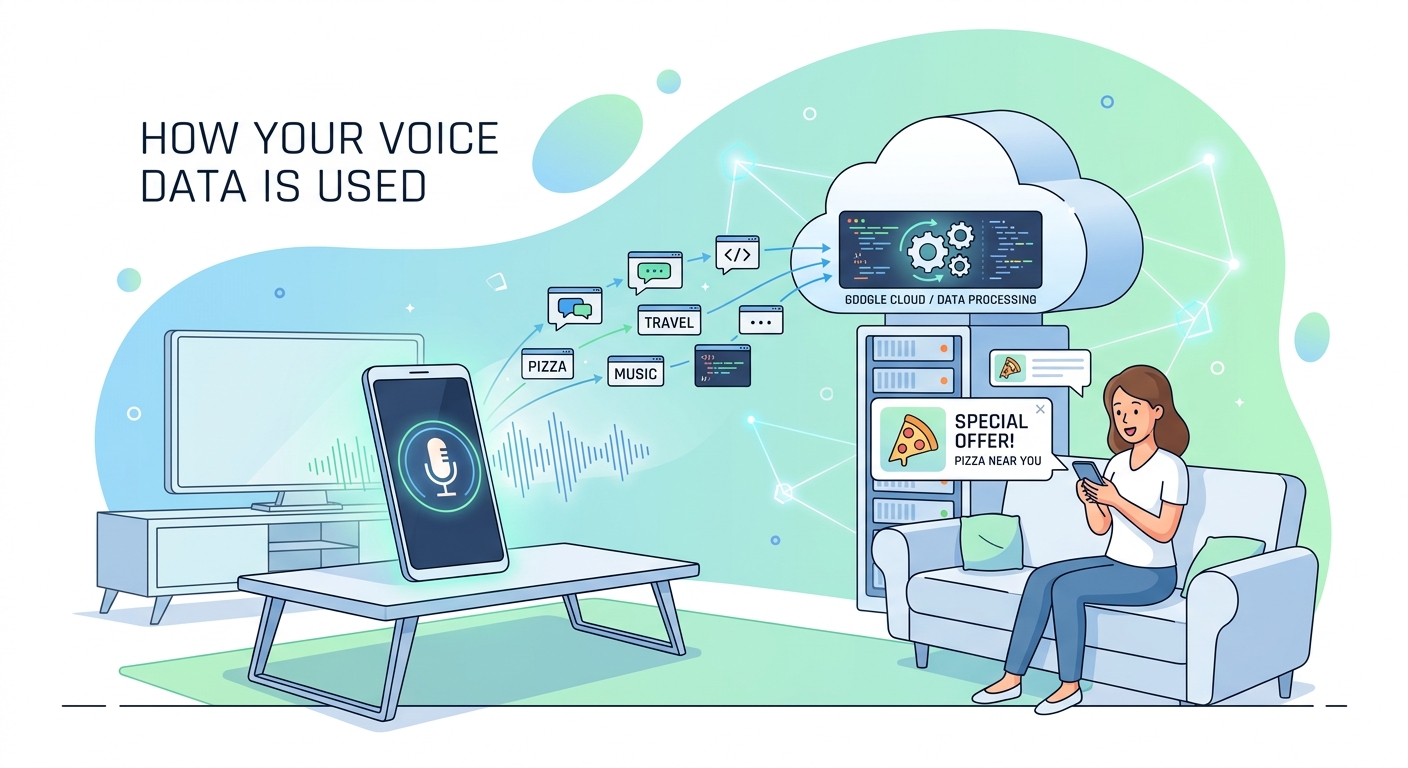
Devices like Alexa, Google Assistant, and Siri use “wake word” detection. They listen for specific phrases (“Hey Siri,” “OK Google”) but don’t transmit audio until they hear the trigger.
This local processing happens on your device. Only after detecting the wake word does recording begin and audio upload to servers.
You can verify this by checking your voice assistant history. Amazon, Google, and Apple all provide tools to review and delete recordings.
The concern isn’t constant recording. It’s accidental activations. Similar-sounding phrases can trigger recording when you didn’t intend it. Background TV audio, conversations with similar cadences, or even random noise sometimes activates assistants.
Review your assistant’s activity log monthly. Delete any recordings you didn’t intentionally create.
What companies actually admit to doing
Major tech platforms have addressed listening concerns directly.
Facebook and Instagram repeatedly deny using microphone data for ad targeting. Their official statements emphasize they don’t need audio when other data sources work better.
Google’s privacy policy states they use microphone access only for specific features like voice search and voice typing, not continuous monitoring.
Apple positions privacy as a competitive advantage, implementing features like App Tracking Transparency that force apps to request permission before tracking.
These denials make business sense too. The reputational damage and legal consequences of secret recording would devastate any company caught doing it.
But “not listening” doesn’t mean “not tracking.” Companies collect enormous amounts of data through legitimate, disclosed methods that most users never fully understand.
The psychology behind the phenomenon
Human brains are wired to notice coincidences and ignore contradictions.
You remember the one time an ad appeared after a conversation. You forget the hundreds of conversations that never triggered relevant ads.
This cognitive bias, called confirmation bias, makes phone listening seem more common than it actually is. The hits feel significant. The misses go unnoticed.
Frequency illusion amplifies the effect. Once you notice a pattern, you see it everywhere. After one creepy ad experience, you become hyperaware of similar occurrences.
The sheer volume of ads you see daily also plays a role. You encounter hundreds of advertisements across apps, websites, and platforms. Some will randomly align with recent conversations purely by chance.
Real privacy violations you should worry about
While your phone probably isn’t recording conversations, genuine privacy threats deserve attention.
Data breaches expose personal information regularly. Companies holding your data get hacked, leaking emails, passwords, and payment details.
Third-party data sharing happens constantly. Apps sell user data to brokers who resell it to anyone willing to pay. Your information circulates through dozens of companies you’ve never heard of.
Stalkerware and spyware can actually record you. Malicious apps disguised as legitimate software sometimes contain hidden recording features. Learning how to spot fake tech reviews helps avoid downloading compromised apps.
Public Wi-Fi snooping lets attackers intercept unencrypted data. Anyone on the same network can potentially see your browsing activity.
SIM swapping gives criminals access to your phone number, bypassing two-factor authentication and accessing accounts.
These threats pose more immediate risks than hypothetical conversation recording.
Platform-specific privacy settings worth changing
Each operating system offers privacy controls most users never adjust.
iPhone privacy improvements:
- Enable “Lockdown Mode” for maximum protection against sophisticated attacks
- Turn on “Hide My Email” to generate unique addresses for each service
- Use “App Privacy Report” to see which apps access your data most frequently
- Enable “Private Relay” if you subscribe to iCloud+ for additional browsing privacy
Android privacy enhancements:
- Activate “Permission Manager” to review all app permissions in one place
- Enable “Auto-delete location history” to limit how long Google stores your movements
- Turn on “Incognito Mode” in Google Maps to prevent location tracking during specific trips
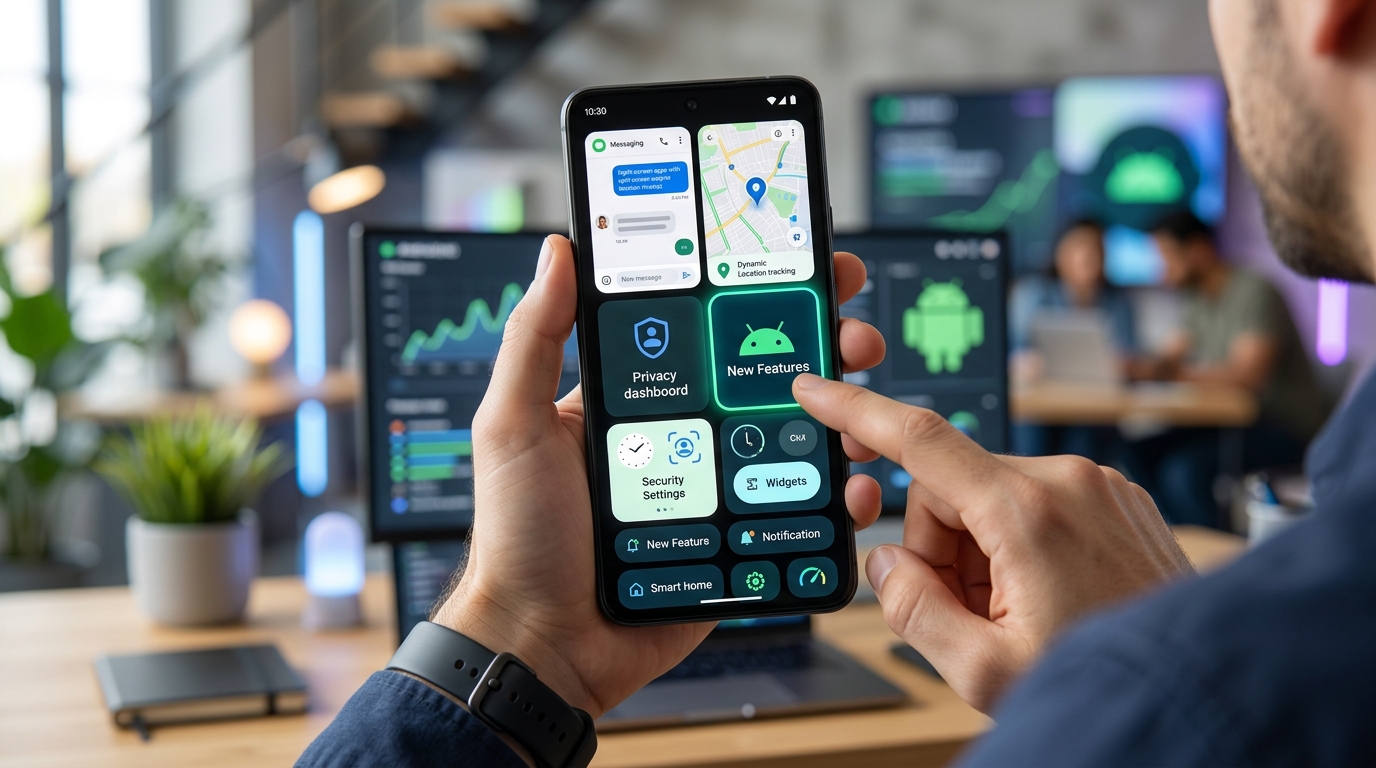
- Use “Privacy Dashboard” to see which permissions apps used recently
Both platforms now show indicators when apps access your camera or microphone. A green dot appears on iPhone. Android displays icons in the status bar.
These visual cues help you catch unexpected access in real time.
The future of privacy and advertising
Advertising technology continues evolving, but so do privacy protections.
Apple’s App Tracking Transparency framework reduced cross-app tracking significantly. Meta reported losing billions in ad revenue after iOS users began opting out.
Google plans to phase out third-party cookies in Chrome, fundamentally changing how web tracking works. Advertisers are developing new methods like “cohort-based” targeting that group users by interests rather than individual tracking.
Privacy regulations like GDPR in Europe and CCPA in California give users more control over their data. Companies face substantial fines for violations.
But new tracking methods emerge constantly. Fingerprinting techniques identify devices without cookies. Ultrasonic beacons in stores track shoppers across physical and digital spaces.
The arms race between privacy advocates and advertisers won’t end soon.
Taking back control of your digital footprint
Your phone isn’t listening to your conversations, but that doesn’t mean your privacy is secure.
The tracking happening right now, with your permission, creates profiles more detailed than any audio recording could achieve. Companies know where you go, who you know, what you buy, and what you’ll want next.
The good news? You control more than you think. Reviewing permissions takes minutes. Adjusting privacy settings requires no technical expertise. Choosing privacy-respecting alternatives costs nothing.
Start small. Pick one app today and review what access it has. Remove permissions it doesn’t need. Next week, tackle another app. Gradually, you’ll reduce your digital footprint without sacrificing functionality.
The creepy ads will still appear sometimes. Coincidences happen. But you’ll know they’re not because your phone is secretly recording your dinner conversations. They’re the result of tracking you can actually control.


Post Comment