Ray Tracing Explained: Is It Actually Worth the Performance Hit?
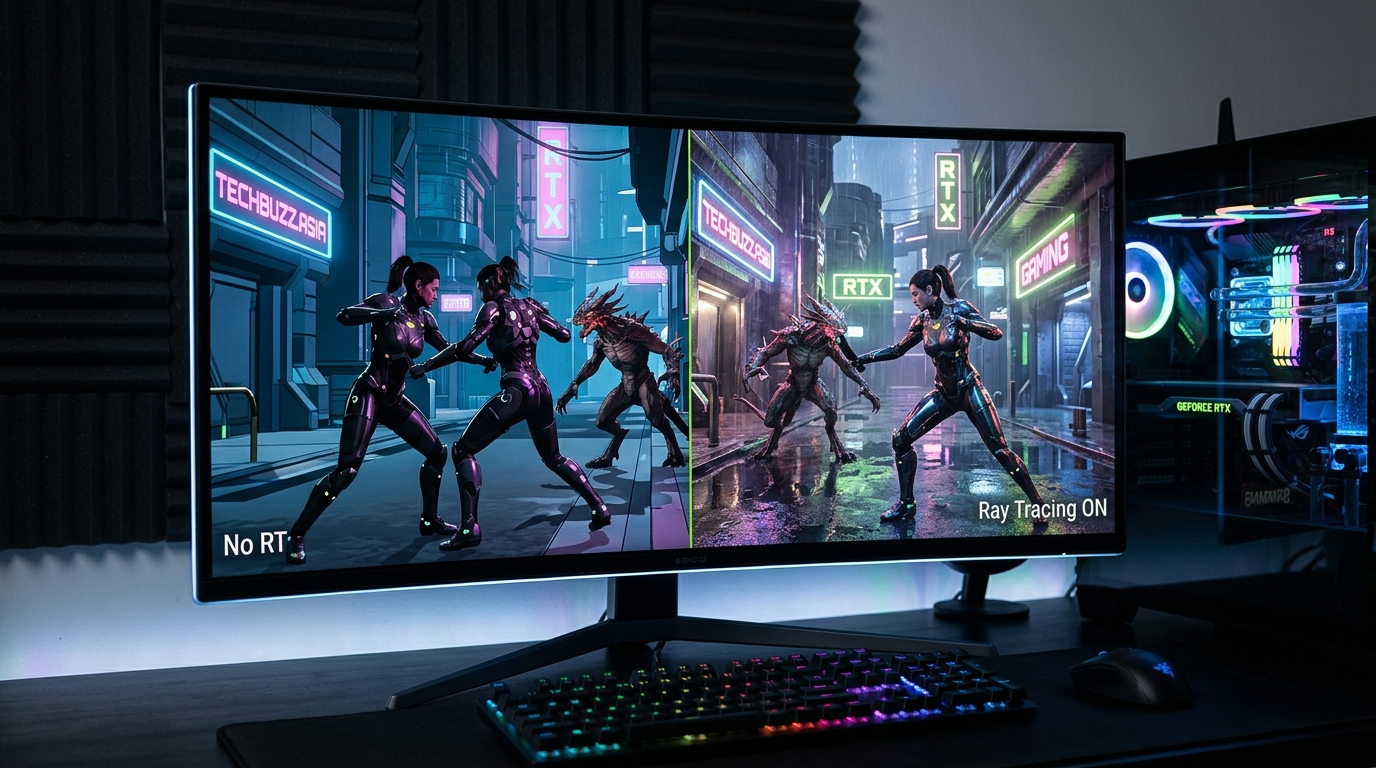
You’ve seen the screenshots. Ray traced reflections in puddles look incredible. Global illumination transforms flat scenes into photorealistic worlds. But then you check your frame counter and watch it plummet from 120 FPS to 45.
That’s the ray tracing dilemma in a nutshell.
Ray tracing delivers realistic lighting and reflections but typically cuts frame rates by 30 to 60 percent without upscaling. It’s worth enabling on RTX 4070 or higher GPUs when paired with DLSS or FSR, especially in single-player games where visuals matter more than competitive edge. Budget cards struggle even with upscaling enabled.
What ray tracing actually does to your games
Traditional rendering fakes lighting. Game engines use pre-baked shadows, reflection maps, and screen-space tricks to approximate how light behaves. It looks good enough most of the time.
Ray tracing simulates actual light rays. Each ray bounces off surfaces, calculates reflections, tracks shadows, and determines how light scatters through a scene. The result? Mirrors actually reflect what’s behind you. Glass refracts light properly. Shadows fall exactly where physics says they should.
The catch is computational cost. Your GPU has to trace millions of rays per frame. Even dedicated RT cores on modern graphics cards take a massive performance hit.
The real performance numbers you need to see
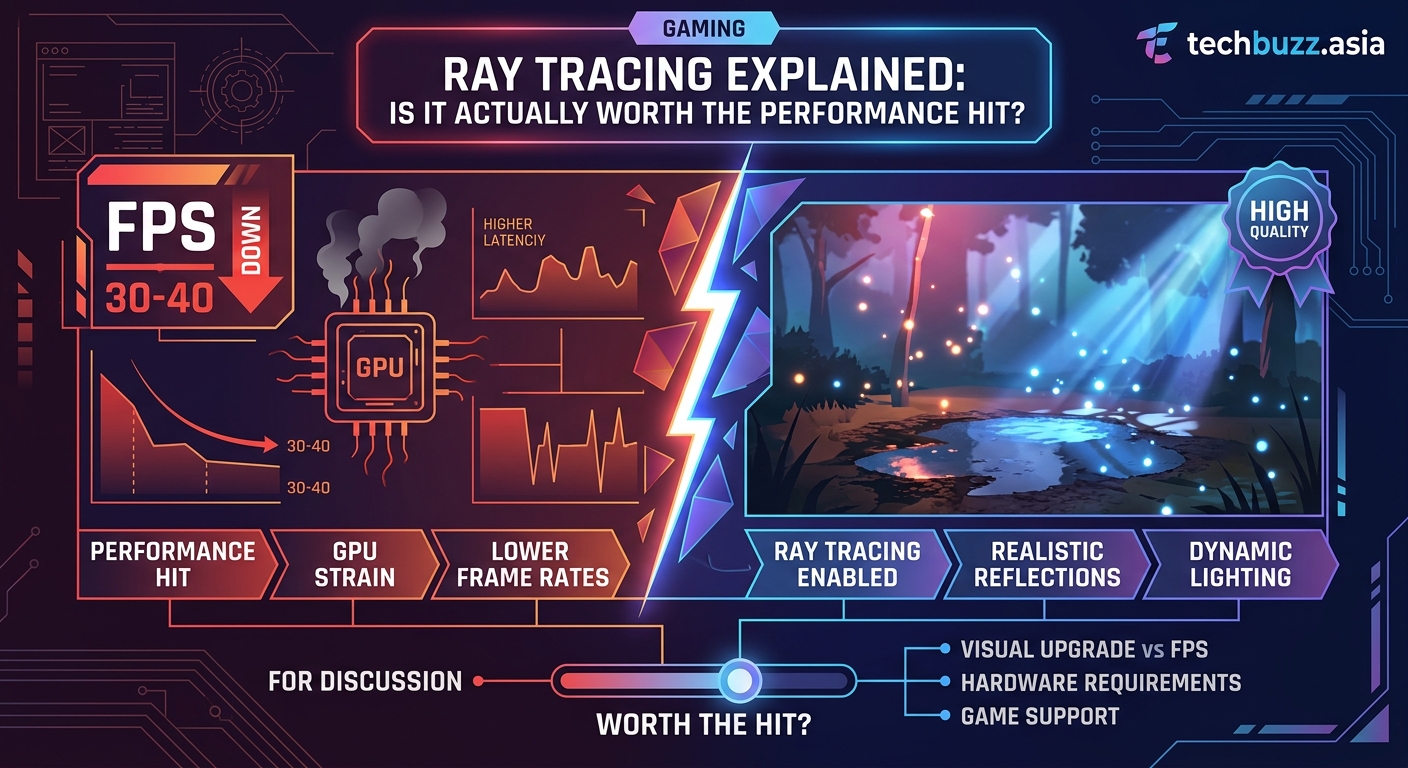
Here’s what enabling ray tracing does to frame rates across different hardware tiers:
| GPU Tier | Native RT Performance Loss | With DLSS/FSR Performance Loss |
|---|---|---|
| RTX 4090 | 40 to 50% | 15 to 25% |
| RTX 4070 / RX 7800 XT | 50 to 60% | 25 to 35% |
| RTX 3060 / RX 6700 XT | 60 to 70% | 40 to 50% |
| Budget cards (under $300) | 70%+ | 55 to 65% |
These numbers come from testing across Cyberpunk 2077, Alan Wake 2, and Portal RTX at 1440p. Your mileage varies by game and RT implementation quality.
The performance hit isn’t uniform. Some games use ray tracing sparingly for shadows only. Others go all-in with path tracing that simulates every light interaction. Why your gaming PC is overheating becomes a real concern when you’re pushing RT to the max.
When ray tracing makes a visible difference
Not all ray traced effects are created equal. Some transform a game’s look. Others are barely noticeable.
High impact RT features:
- Global illumination in dark indoor scenes
- Reflections on wet surfaces and glass
- Soft shadows in complex geometry
- Path traced lighting in confined spaces
Low impact RT features:
- Ambient occlusion in bright outdoor areas
- Distant reflections you rarely look at
- Contact shadows on small objects
- Ray traced audio (yes, that’s a thing)
Cyberpunk 2077’s ray traced reflections in Night City rain are stunning. You notice them constantly. The RT shadows in Fortnite? Most players can’t tell the difference during actual gameplay.
Context matters too. Competitive multiplayer players disable RT immediately. Frame rate consistency beats pretty reflections when you’re trying to hit headshots. Single-player story games benefit most from RT’s visual upgrade.
How to decide if your hardware can handle it
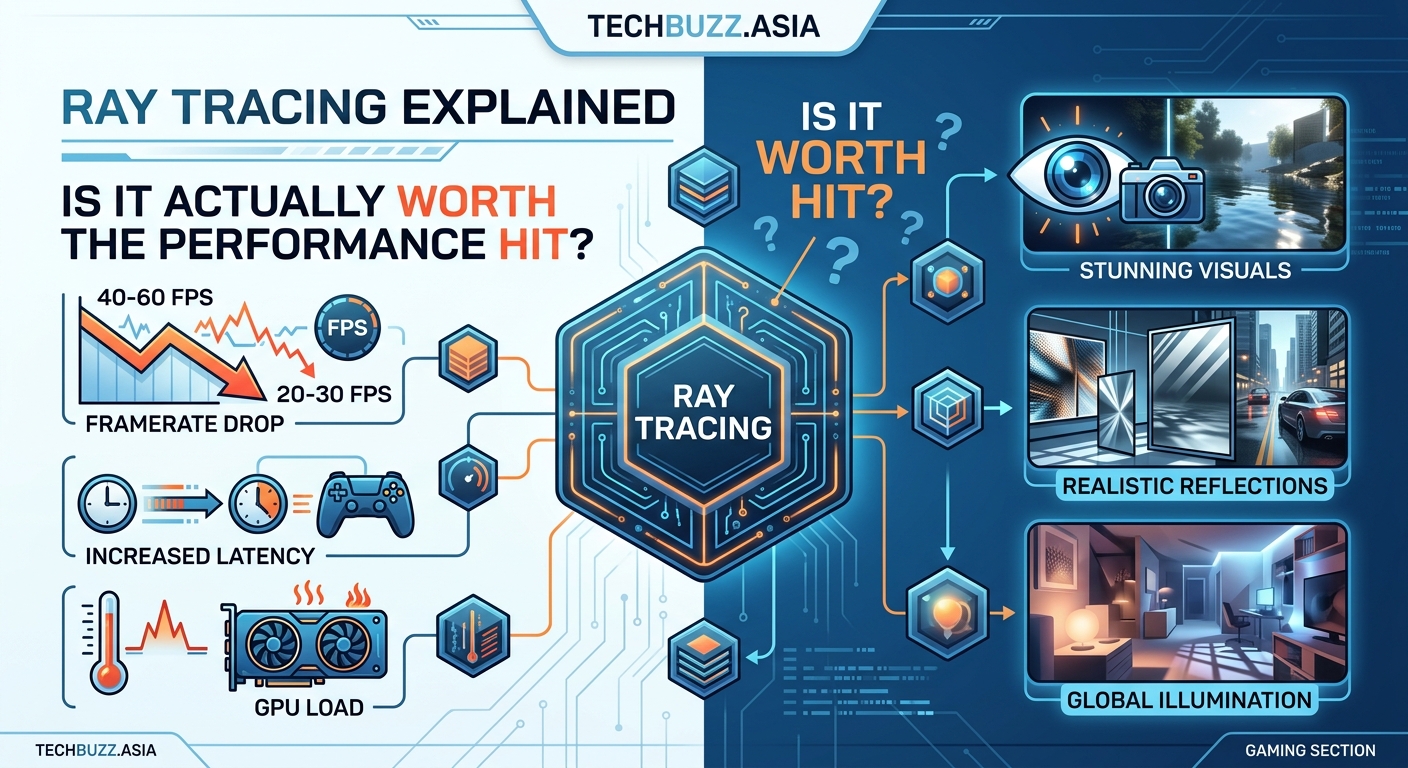
Follow this decision tree to determine if ray tracing makes sense for your setup:
-
Check your GPU generation. RTX 20 series and RX 6000 series are the bare minimum. Anything older lacks dedicated RT cores and will crawl.
-
Test your target frame rate. If you want 60 FPS minimum at 1440p, you need at least an RTX 4060 Ti with DLSS Quality mode enabled.
-
Verify upscaling support. DLSS, FSR, or XeSS are non-negotiable for playable RT performance. Native resolution RT is a slideshow on most hardware.
-
Consider your monitor refresh rate. A 144Hz display with ray tracing locked at 60 FPS feels worse than 144 FPS without RT on the same panel.
-
Evaluate the specific game. Some titles implement RT beautifully. Others add minimal visual improvement for massive performance cost.
Budget gaming laptops under $1000 typically can’t maintain 60 FPS with RT enabled, even with aggressive upscaling. Best budget gaming laptops under $1000 that actually perform well focus on rasterization performance instead.
The upscaling technologies that make RT possible
DLSS, FSR, and XeSS are the only reason ray tracing works on consumer hardware. These technologies render at lower resolution then use AI or temporal data to reconstruct a higher resolution image.
DLSS (Nvidia exclusive):
– Quality mode: 67% internal resolution, minimal quality loss
– Balanced mode: 58% internal resolution, slight softness
– Performance mode: 50% internal resolution, noticeable blur
– Ultra Performance: 33% internal resolution, only for 4K displays
FSR (works on all GPUs):
– FSR 2.0 and 3.0 offer similar quality to DLSS on AMD cards
– Slightly more artifacts on Nvidia hardware
– FSR 3.0 frame generation adds input lag but doubles frame rates
XeSS (Intel Arc GPUs):
– Competitive with DLSS on Intel hardware
– Falls back to slower DP4a mode on other GPUs
– Limited game support compared to DLSS and FSR
Enable DLSS Quality or FSR Quality as your baseline. Only drop to Balanced or Performance if you’re still below your target frame rate. Ultra Performance modes sacrifice too much image clarity except at 4K resolution.
The frame generation features in DLSS 3 and FSR 3 are game changers for RT performance. They interpolate frames between real rendered frames, effectively doubling your frame rate. The tradeoff is increased input latency, which matters in fast-paced games.
Games where ray tracing is absolutely worth it
Certain titles justify the performance cost because RT fundamentally changes how they look and feel:
- Cyberpunk 2077: Ray traced reflections and lighting define Night City’s atmosphere
- Metro Exodus Enhanced: RT-only version with no raster fallback, built around global illumination
- Portal RTX: Full path tracing reveals details the original game hid
- Alan Wake 2: RT shadows and reflections enhance the horror atmosphere
- Minecraft RTX: Transforms blocky graphics into photorealistic scenes
These games were designed with ray tracing as a core visual pillar. Turning RT off feels like playing an inferior version.
Games where you should probably skip RT
Other popular titles add ray tracing as a checkbox feature without meaningful visual improvement:
- Fortnite: Fast-paced gameplay makes RT details invisible
- Call of Duty: Competitive advantage requires maximum frame rates
- Apex Legends: RT reflections don’t justify the performance hit
- Valorant: Doesn’t support RT, and that’s fine
- CS2: Players disable all visual effects anyway
Competitive multiplayer titles prioritize frame rate consistency over visual fidelity. Even professional players with top-tier hardware turn RT off.
Optimizing RT settings for best performance
Most games offer granular RT controls. You don’t have to enable everything at maximum quality.
Start with this optimization hierarchy:
-
Enable RT reflections first. They provide the most noticeable visual upgrade with moderate performance cost.
-
Add RT shadows second. Soft, realistic shadows improve depth perception without massive frame rate loss.
-
Consider RT global illumination third. High impact in dark scenes, minimal difference in bright outdoor areas.
-
Skip RT ambient occlusion. Screen-space AO looks nearly identical with better performance.
-
Avoid full path tracing unless you have an RTX 4080 or better. It’s beautiful but brutally demanding.
Mix RT and raster effects strategically. You can use ray traced reflections with traditional shadows and still get a visually impressive result at playable frame rates.
The hardware sweet spot for RT in 2026
If you’re building or upgrading specifically for ray tracing, these GPUs hit the best performance-per-dollar:
Best overall: RTX 4070 Super ($599) delivers solid RT performance with DLSS 3 support. Handles most games at 1440p with RT enabled and DLSS Quality.
Budget option: RX 7700 XT ($449) offers decent RT with FSR 3, though it trails Nvidia in ray tracing efficiency. Better rasterization performance than competing Nvidia cards.
No compromise: RTX 4080 Super ($999) handles RT at 4K with minimal settings compromise. Overkill for 1440p but future-proof.
Laptop choice: RTX 4070 mobile ($1,400+ laptops) is the minimum for playable RT on the go. Lower-tier mobile GPUs struggle even with aggressive upscaling.
Avoid RTX 3060 and RX 6600 tier cards if RT is a priority. They technically support it but can’t maintain 60 FPS in demanding titles even with upscaling.
Future-proofing considerations
Ray tracing adoption is accelerating. More games ship with RT as a baseline feature rather than an optional extra. Unreal Engine 5’s Lumen brings RT-quality lighting to more titles without the traditional performance penalty.
Console integration matters too. PS5 and Xbox Series X support ray tracing, which means multiplatform games increasingly design around RT capabilities. PC ports benefit from this development work.
The next GPU generation from both Nvidia and AMD promises better RT performance per watt. If you’re on the fence about upgrading, waiting six months might double your RT capability at the same price point.
Making the call for your specific situation
Is ray tracing worth it? The answer depends entirely on your priorities and hardware.
Enable RT if:
– You play primarily single-player story games
– Your GPU is RTX 4070 or better
– You value visual fidelity over frame rate
– Your monitor is 60Hz or you’re comfortable with 60 FPS
– The specific game implements RT well
Skip RT if:
– Competitive multiplayer is your main focus
– Your GPU is weaker than RTX 4060 Ti
– You need 120+ FPS for your high refresh monitor
– The game’s RT implementation is minimal
– You’re already GPU-limited at your target resolution
Testing is free. Enable RT in your favorite game, turn on the frame counter, and play for 30 minutes. If you notice the visual improvements more than the performance loss, keep it on. If you’re constantly checking the frame counter and feeling sluggish, turn it off.
The practical reality of ray tracing today
Ray tracing sits in an awkward middle ground. It’s no longer cutting-edge tech that only enthusiasts care about, but it’s not yet standard enough to assume every GPU handles it well.
The visual upgrade is real. Proper reflections, accurate shadows, and realistic lighting make modern games look significantly better with RT enabled. Screenshots don’t lie.
The performance cost is also real. Even with upscaling magic, you’re sacrificing frames for visual quality. Whether that tradeoff makes sense depends on your hardware, your games, and your preferences.
Start selective. Enable RT in your favorite single-player game with DLSS or FSR on Quality mode. See how it feels. You can always turn it off if the performance hit bothers you more than the visual upgrade impresses you.
Your gaming experience matters more than any benchmark chart or recommendation guide. Trust your eyes and your frame counter equally.

Post Comment