The Best Portable Power Banks for Fast Charging Your Laptop and Phone Simultaneously
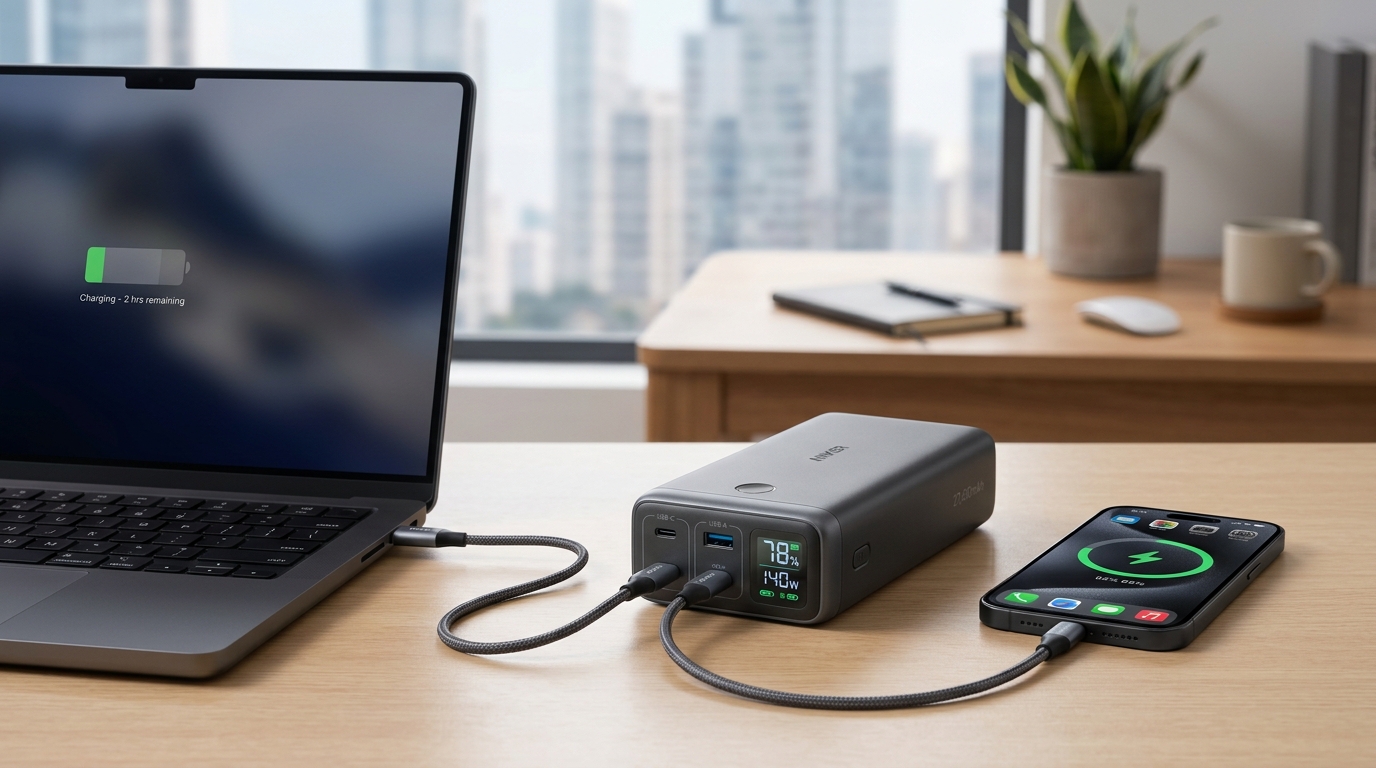
Your laptop battery hits 5% during a video call. Your phone is at 12%. The nearest outlet is three gates away at the airport.
This scenario plays out thousands of times daily for remote workers and travelers. Modern work demands multiple devices running simultaneously, but traditional charging solutions tie you to walls and desks. The best power banks for laptop and phone charging solve this problem by delivering enough power for both devices at once, with fast charging protocols that actually keep pace with your workflow.
The best power banks for laptop and phone charging need 20,000mAh minimum capacity, USB-C Power Delivery at 65W or higher for laptops, and multiple ports for simultaneous charging. Look for models with pass-through charging, airline-safe ratings under 100Wh, and compatibility with your specific laptop’s charging requirements. Premium models cost $80 to $150 but eliminate charging anxiety during travel and remote work sessions.
Understanding power bank capacity for dual device charging
Capacity determines how many full charges you can deliver to your devices before the power bank itself needs recharging.
Battery capacity appears in milliamp hours (mAh). A 20,000mAh power bank contains roughly 74 watt-hours (Wh) of energy. Your laptop might have a 50Wh battery, while your phone holds about 15Wh. Factor in conversion losses of around 20%, and that 20,000mAh unit delivers approximately one full laptop charge plus one phone charge.
Most professionals need at least 20,000mAh for reliable dual device charging. Anything smaller forces you to choose between devices or leaves you hunting for outlets by afternoon. Models with 25,000mAh to 30,000mAh provide better flexibility for long travel days or extended outdoor work sessions.
The 100Wh airline limit matters if you fly frequently. Airlines restrict lithium batteries to 100 watt-hours in carry-on luggage. Calculate watt-hours by multiplying voltage (usually 3.7V for lithium batteries) by amp-hours. A 27,000mAh power bank at 3.7V equals 99.9Wh, just under the limit. Anything larger gets confiscated at security.
Weight increases with capacity. A 20,000mAh unit weighs around 12 to 14 ounces. A 30,000mAh model pushes 18 to 22 ounces. Consider whether you’re carrying this in a backpack or briefcase versus a small messenger bag.
Power delivery standards that actually charge laptops
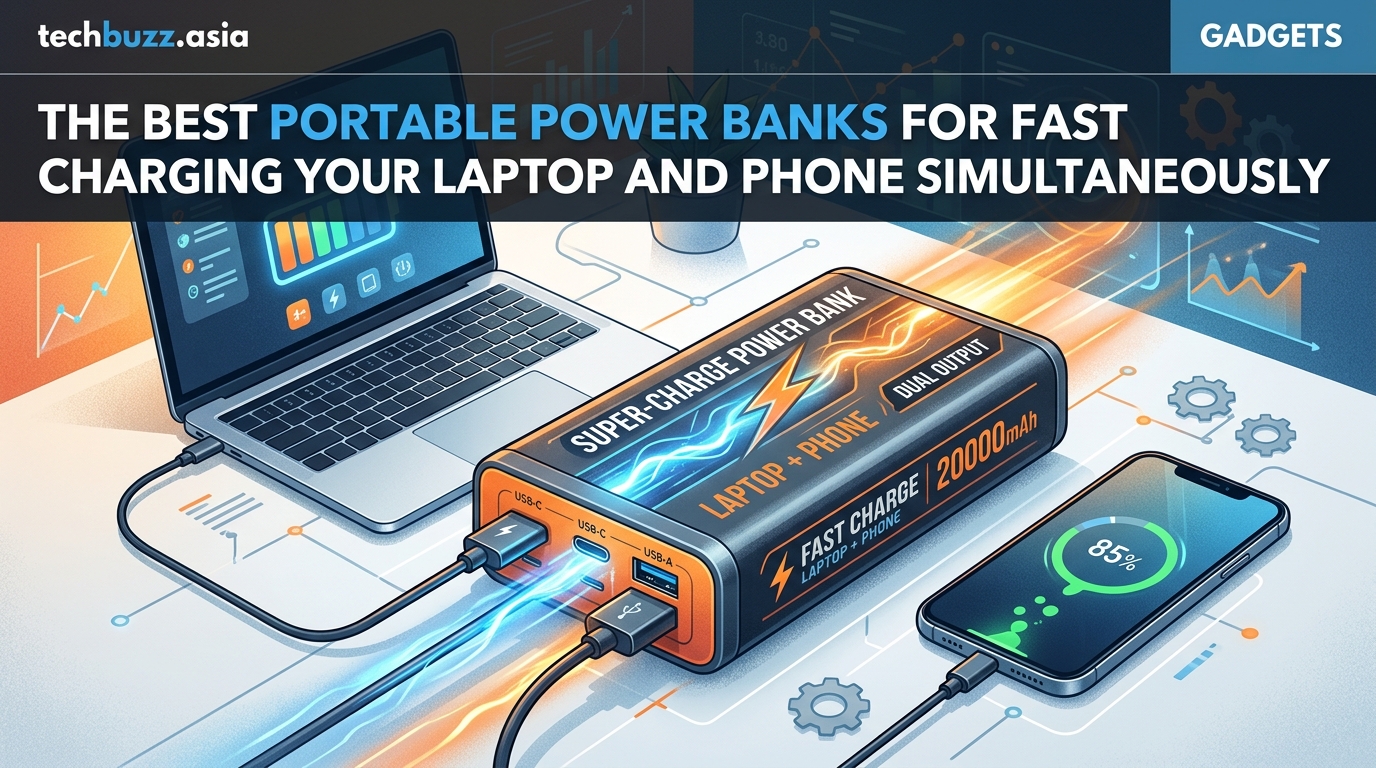
Not all USB ports deliver laptop-level power. Standard USB-A ports max out at 12 watts, enough for phones but useless for laptops.
USB-C Power Delivery (PD) changed portable charging by enabling up to 100 watts through a single cable. Your laptop needs different wattage depending on its size and performance. Ultrabooks typically require 45W to 65W. Performance laptops need 65W to 100W. Gaming laptops often exceed what portable power banks can deliver.
Check your laptop’s original charger for its wattage rating. A power bank must match or exceed this number to charge while you work. A 45W power bank will charge a 65W laptop, but only when the laptop is asleep or off. During active use, the laptop drains faster than the power bank can replenish it.
PD negotiation happens automatically when you connect compatible devices. The power bank and laptop communicate to determine the optimal voltage and amperage. This prevents damage from overpowering smaller devices while maximizing charging speed for larger ones.
A power bank rated for 65W PD can charge most ultrabooks at full speed while simultaneously topping up your phone at 18W through a second port. This dual output capability separates travel-worthy models from single-device chargers.
Some laptops use proprietary charging connectors instead of USB-C. Dell, HP, and Lenovo older models often require barrel connectors. A few power banks include adapter tips for these ports, but compatibility varies wildly. Verify your specific laptop model works before purchasing.
Port configuration for simultaneous charging
Multiple ports enable charging several devices at once, but total output matters more than port count.
A power bank might advertise three USB ports, but check the combined maximum output. If total output caps at 65W, and you’re charging a laptop at 60W, only 5W remains for your phone. That’s slower than a basic wall charger.
Look for models with at least 80W to 100W total output. This provides headroom for a laptop at 65W and a phone at 18W to 20W simultaneously. Some premium models offer 140W total output, allowing fast charging for power-hungry laptops while still serving multiple accessories.
Port types to prioritize:
- At least one USB-C port with 60W+ Power Delivery for laptop charging
- A second USB-C port with 18W+ PD for phone fast charging
- Optional USB-A ports for older accessories like wireless earbuds or smartwatches
- Avoid models with only USB-A ports, as they cannot deliver laptop-level power
Pass-through charging lets you charge the power bank while it charges your devices. Plug the power bank into a wall outlet, then connect your laptop and phone to the power bank’s output ports. Everything charges simultaneously. This feature proves invaluable during short layovers or coffee shop stops when you need to top up multiple devices but only have access to one outlet.
Some power banks disable output during input charging. This limitation forces you to wait for the power bank to charge before you can use it, wasting precious time when you’re racing against a deadline.
Choosing the right power bank for your specific laptop
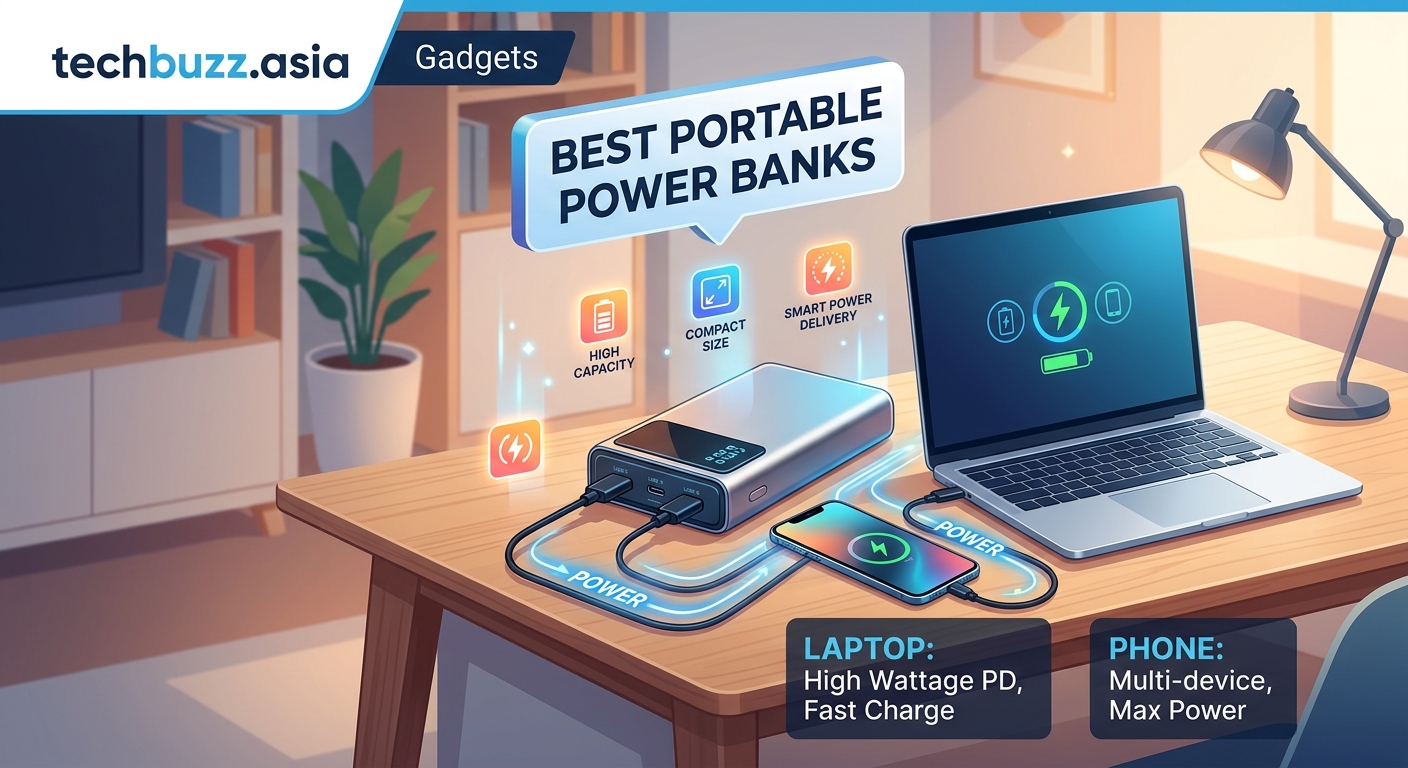
Laptop compatibility depends on charging port type, voltage requirements, and power consumption patterns.
Modern laptops with USB-C charging work with any PD-compatible power bank that meets their wattage needs. MacBook Air models charge at 30W to 45W. MacBook Pro 13-inch needs 61W. MacBook Pro 16-inch requires 96W to 140W depending on the model year.
Windows ultrabooks from Dell XPS, HP Spectre, and Lenovo ThinkPad lines typically charge via USB-C at 45W to 65W. Performance models like the Dell Precision or Lenovo ThinkPad P-series may need 90W to 135W.
Understanding why your smartphone battery degrades faster than it should helps you make better charging decisions that extend both your phone and power bank lifespan.
Check your laptop’s specifications before buying. The manufacturer’s website lists charging requirements under technical specifications. Match the power bank’s maximum PD output to this number or higher.
Cable quality affects charging speed dramatically. The cable that came with your phone probably can’t handle laptop-level power. Use cables rated for at least 100W (20V/5A) when charging laptops. Cheaper cables limit power delivery to 60W or less, even if your power bank and laptop support higher wattage.
| Device Type | Typical Wattage | Recommended Power Bank | Charging Time |
|---|---|---|---|
| Ultrabook (13-inch) | 45W to 65W | 20,000mAh with 65W PD | 1.5 to 2 hours |
| Performance Laptop (15-inch) | 65W to 90W | 25,000mAh with 100W PD | 2 to 3 hours |
| Smartphone | 18W to 30W | Any 20,000mAh+ with 18W+ PD | 1 to 1.5 hours |
| Tablet | 18W to 45W | 20,000mAh with 45W PD | 1.5 to 2.5 hours |
How to evaluate build quality and safety features
Cheap power banks pose fire risks and damage devices through voltage irregularities.
Certification marks indicate independent testing. Look for UL, CE, or FCC marks on the product and packaging. These certifications mean the power bank passed safety tests for temperature control, short circuit protection, and overcharge prevention.
Battery cell quality separates reliable units from dangerous ones. Premium power banks use lithium polymer cells from LG, Samsung, or Panasonic. Budget models often use generic cells with inconsistent performance and shorter lifespans. Manufacturers rarely advertise cell brands, but product reviews and teardowns reveal this information.
Temperature management prevents fires and extends battery life. Quality power banks include temperature sensors that reduce output or shut down when internal temperatures exceed safe limits. This protection activates during fast charging sessions or when the power bank sits in direct sunlight.
Physical construction matters for durability. Aluminum housings dissipate heat better than plastic and survive drops more reliably. Rubberized corners protect against impact damage. Reinforced USB ports resist the wiggling and stress from daily cable connections.
Display screens show remaining capacity, current output wattage, and charging status. This information helps you plan charging sessions and verify that devices are receiving expected power levels. Power banks without displays leave you guessing about remaining capacity until your devices stop charging.
Short circuit and overcharge protection prevents damage to connected devices. These circuits monitor voltage and current continuously, cutting power if irregularities occur. Cheap power banks skip these protections to reduce costs, risking your expensive laptop and phone.
Practical steps to maximize power bank performance
Proper usage extends power bank lifespan and ensures reliable performance when you need it most.
-
Charge the power bank to 100% before first use. Factory charges typically sit at 30% to 50% for storage safety. A full initial charge calibrates the battery management system.
-
Store the power bank at 40% to 60% capacity for long-term storage. Full charges or complete depletion during storage degrades lithium batteries faster. If you won’t use the power bank for a month or more, charge it to half capacity.
-
Recharge after each use rather than waiting for complete depletion. Lithium batteries last longer with frequent partial charges than occasional deep discharge cycles. Top up your power bank whenever you have wall outlet access.
-
Keep the power bank away from extreme temperatures. Heat above 95°F or cold below 32°F reduces capacity and damages cells. Don’t leave power banks in cars during summer or winter.
-
Use the original cables or certified replacements rated for your devices’ maximum charging speeds. Mismatched cables create bottlenecks that waste the power bank’s fast charging capabilities.
-
Clean USB ports monthly with compressed air to remove pocket lint and debris. Dirty ports cause poor connections that interrupt charging or reduce power delivery.
The relationship between emerging technologies that will change how we work by 2026 and portable power solutions continues evolving as devices demand more energy for AI processing and enhanced displays.
Common mistakes that waste capacity and damage devices
Several charging habits reduce power bank effectiveness and potentially harm your electronics.
Leaving devices connected after they reach 100% wastes power bank capacity on trickle charging. Phones and laptops consume small amounts of power maintaining full charge, draining your power bank for no benefit. Disconnect devices once they hit 100% or use power banks with auto-shutoff features.
Using the power bank while it charges (pass-through charging) generates extra heat. This convenience comes at the cost of increased internal temperatures that degrade battery cells faster. Reserve pass-through charging for emergencies rather than daily use.
Charging incompatible devices damages both the power bank and device. Some older laptops with barrel connectors require specific voltages that USB-C PD cannot provide. Forcing connections with adapters creates voltage mismatches that fry charging circuits.
Ignoring capacity degradation leads to unexpected shutdowns. Power banks lose 10% to 20% capacity per year with regular use. A two-year-old 20,000mAh unit might only deliver 16,000mAh. Replace power banks every two to three years for reliable performance.
Buying undersized power banks for your actual needs creates frustration. A 10,000mAh unit cannot effectively charge a laptop. It might deliver 30% to 40% charge before depleting, leaving you hunting for outlets anyway. Match capacity to your actual device battery sizes plus conversion losses.
Features that separate premium from budget models
Price differences reflect capabilities beyond basic charging functions.
Premium power banks include laptop-specific features like adjustable voltage output, allowing compatibility with more devices. Budget models stick to standard PD voltage levels that work with common devices but miss edge cases.
Wireless charging pads built into the power bank’s surface charge Qi-compatible phones without cables. This convenience adds cost but eliminates one cable from your bag. Wireless charging delivers 10W to 15W, slower than wired connections but acceptable for overnight charging.
Digital displays provide real-time information about input/output wattage, remaining capacity percentage, and estimated time to full charge. Budget models use four LED dots that give rough capacity estimates in 25% increments.
Multiple device memory allows the power bank to remember optimal charging profiles for different devices. When you connect your laptop, it automatically delivers 65W. Connect your phone, and it switches to 20W. Budget models require manual switching or use generic profiles.
Rugged designs with IP ratings resist water and dust. An IP65-rated power bank survives rain, splashes, and dusty environments. Standard models fail when exposed to moisture, limiting their usefulness for outdoor work or adventure travel.
Fast recharge capabilities matter if you have limited wall outlet time. Premium power banks accept 45W to 65W input, recharging in 2 to 3 hours. Budget models accept 18W input, requiring 6 to 8 hours for full recharge.
The decision between budget smartwatches that actually compete with premium models mirrors the power bank choice, where understanding your actual needs prevents overspending on unnecessary features.
Real world capacity expectations and charging cycles
Marketing claims often exceed actual usable capacity due to conversion losses and efficiency limitations.
A 20,000mAh power bank at 3.7V nominal voltage contains 74Wh of energy. Your laptop charges at 20V through USB-C PD. Voltage conversion from 3.7V to 20V loses 15% to 20% to heat and inefficiency. This reduces usable capacity to roughly 60Wh.
Your laptop’s 50Wh battery won’t receive a full charge from that 60Wh because the laptop’s charging circuit adds another 10% loss. Actual delivered charge might be 54Wh, giving you about 108% of a laptop charge, or one full charge plus a small top-up.
Temperature affects capacity. Cold weather reduces lithium battery output by 10% to 30%. A power bank that delivers one laptop charge at 70°F might only manage 70% to 80% of that charge at 32°F. Keep power banks in inside jacket pockets during winter to maintain performance.
Age degrades capacity permanently. After 300 to 500 charge cycles, expect 20% capacity loss. A two-year-old power bank used daily might retain only 75% to 80% of its original capacity. Factor this degradation into purchase decisions for long-term reliability.
Simultaneous charging reduces efficiency further. Charging a laptop and phone at the same time generates more heat than single-device charging, increasing conversion losses. Expect 5% to 10% lower total capacity when charging multiple devices versus charging them sequentially.
Reading specifications to avoid marketing traps
Manufacturers emphasize impressive numbers while hiding important limitations in fine print.
“30,000mAh” capacity claims sometimes refer to total cell capacity at 3.7V rather than actual deliverable capacity at USB voltages. Calculate watt-hours by multiplying mAh by voltage, then dividing by 1,000. A legitimate 30,000mAh power bank at 3.7V contains 111Wh, which exceeds airline limits. If a manufacturer claims 30,000mAh and airline compliance, they’re using misleading math.
“100W output” doesn’t guarantee 100W to a single port. Check whether that’s total combined output across all ports or maximum single-port output. A power bank with 100W total output might split that as 65W + 30W + 5W across three ports, not 100W available to your laptop.
“Fast charging” lacks standardization. Some manufacturers call any charging above 10W “fast.” True fast charging for phones starts at 18W with USB-C PD or equivalent proprietary standards. Laptop fast charging begins at matching the original charger’s wattage.
“Universal compatibility” often means the power bank has multiple port types, not that it actually charges every device optimally. A power bank might physically connect to your laptop but only deliver 30W when it needs 65W.
Learning how to spot fake tech reviews before making your next purchase helps you separate genuine user experiences from manipulated ratings when researching power banks.
Warranty terms reveal manufacturer confidence. Premium brands offer 18 to 24-month warranties. Budget brands provide 6 to 12 months or no warranty at all. Longer warranties indicate better quality control and cell selection.
Balancing portability with power requirements
Size and weight trade-offs affect daily carrying comfort and travel convenience.
A 20,000mAh power bank measures roughly 6 x 3 x 1 inches and weighs 12 to 14 ounces. That’s similar to carrying a thick paperback book. It fits in most laptop bag pockets but adds noticeable weight to small messenger bags or purses.
Increasing to 25,000mAh or 30,000mAh adds 4 to 8 ounces and another half-inch of thickness. This extra capacity matters for multi-day trips without outlet access but becomes burdensome for daily commutes where you’ll have evening charging opportunities.
Slim designs sacrifice capacity for portability. A 10,000mAh power bank might be only half an inch thick and weigh 6 ounces, perfect for pockets. But it cannot meaningfully charge laptops, limiting usefulness to phone top-ups.
Consider your actual usage patterns. Daily office commuters with evening outlet access need less capacity than digital nomads working from cafes and coworking spaces all day. Weekend travelers flying to conferences need different capacity than road warriors on week-long trips.
Multiple smaller power banks versus one large unit presents trade-offs. Two 10,000mAh units provide redundancy and easier pocket carrying but cannot charge laptops. One 25,000mAh unit handles everything but concentrates weight in one bag pocket.
TSA screening goes faster with airline-compliant power banks. Models clearly marked with watt-hour ratings under 100Wh pass through security without questions. Unmarked or oversized units trigger additional screening and potential confiscation.
Maintaining your power bank for maximum lifespan
Proper care extends usable life from two years to four or more.
Avoid complete discharge cycles. Lithium batteries last longest when kept between 20% and 80% charge. Completely draining to 0% stresses cells and reduces total lifetime cycles. Recharge when the power bank hits 20% to 30% remaining capacity.
Store unused power banks in cool, dry locations. Heat accelerates chemical degradation inside lithium cells. A power bank stored at 77°F retains 80% capacity after two years. The same unit stored at 95°F retains only 60% capacity.
Clean contacts and ports every few months. Corrosion and debris create resistance that reduces charging efficiency and can prevent connections entirely. Use isopropyl alcohol on a cotton swab for metal contacts and compressed air for ports.
Cycle the power bank monthly if you don’t use it regularly. Lithium batteries degrade faster sitting at full charge than cycling between 40% and 80%. If your power bank sits in a drawer for weeks, charge it to 50% monthly to maintain cell health.
Replace cables when you notice slower charging speeds or intermittent connections. Cables degrade from repeated bending and strain. A damaged cable limits power delivery even if the power bank and device support higher wattage.
Update firmware if your power bank supports it. Some premium models include firmware updates that improve charging algorithms and device compatibility. Check the manufacturer’s website quarterly for updates.
Your portable power strategy starts now
The best power banks for laptop and phone charging transform how you work away from desks and outlets.
Choose capacity based on your actual device battery sizes plus 30% for conversion losses. Match the power bank’s maximum PD output to your laptop’s charging requirements. Verify the total combined output supports simultaneous fast charging for all your devices.
Prioritize safety certifications, quality battery cells, and adequate warranty coverage over minor price savings. A failed cheap power bank costs more in damaged devices than you saved on the purchase.
Start with one quality 20,000mAh to 25,000mAh power bank with 65W+ PD output. This covers most professionals’ daily needs without excessive weight or cost. Add specialized units later if you identify specific gaps in coverage.
Your productivity no longer depends on finding the nearest outlet. Charge anywhere your work takes you.



Post Comment