Why Your Smartphone Battery Degrades Faster Than It Should
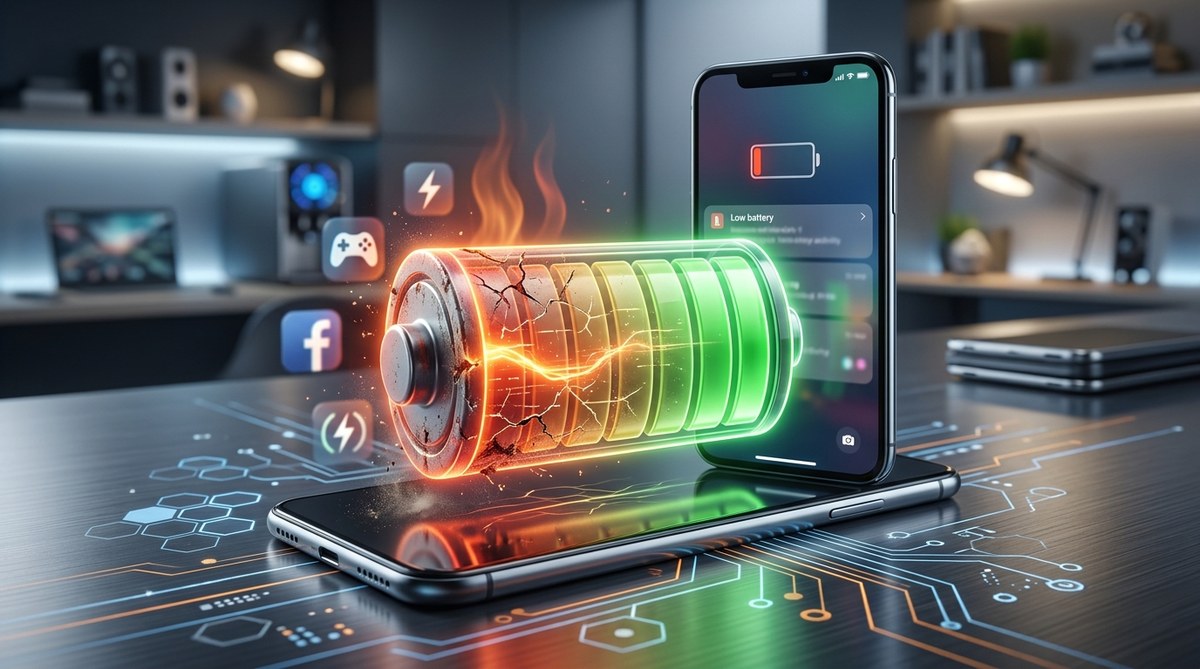
You charged your phone to 100% this morning. By lunchtime, it’s already at 40%. A year ago, the same usage would have left you with 60% or more. Your battery isn’t just draining faster during the day. It’s actually holding less charge than it did when you first unboxed your device.
Lithium-ion batteries degrade through chemical reactions accelerated by heat, charge cycles, and voltage stress. Keeping your phone between 20% and 80%, avoiding extreme temperatures, and minimizing fast charging can significantly extend battery lifespan. Most batteries retain only 80% of original capacity after 500 full charge cycles, but smart habits can push that number higher and delay replacement for years.
How lithium-ion batteries actually age
Every smartphone battery uses lithium-ion technology. These batteries work by moving lithium ions between two electrodes through an electrolyte solution. Each time you charge and discharge, ions travel back and forth.
This movement isn’t perfectly reversible. Some ions get trapped. Others cause tiny structural changes in the electrode materials. The electrolyte slowly breaks down. Metal deposits form on internal surfaces.
These changes are permanent. They reduce the battery’s ability to store and deliver energy. This process happens every single time you use your phone, but certain conditions make it happen much faster.
The battery management system in your phone tries to hide this degradation. It recalibrates what “100%” means based on the battery’s current maximum capacity. That’s why your phone might still show 100% when fully charged, even though it holds far less energy than it did new.
Charge cycles eat away at capacity
Battery manufacturers measure lifespan in charge cycles. One cycle equals using 100% of the battery’s capacity, but not necessarily all at once.
If you drain your phone from 100% to 50% one day, then charge it back to 100% and use another 50%, that counts as one complete cycle. Most modern smartphone batteries are rated for 300 to 500 cycles before dropping to 80% of original capacity.
Here’s what that means in real terms:
- 300 cycles at one full cycle per day equals less than a year
- 500 cycles at one full cycle per day equals about 16 months
- Partial charging extends this timeline significantly
The depth of each discharge matters enormously. Draining from 100% to 0% causes more damage than going from 60% to 40%. Shallow cycles preserve battery chemistry better than deep ones.
“Partial discharge cycles are significantly less stressful on lithium-ion batteries than full discharge cycles. Keeping the battery between 20% and 80% can double or even triple the total number of cycles before significant degradation occurs.” – Battery University research team
Heat destroys batteries faster than anything else
Temperature might be the single biggest factor in battery degradation. Lithium-ion batteries are designed to operate best between 20°C and 25°C (68°F to 77°F).
Higher temperatures accelerate every degradation mechanism. The electrolyte breaks down faster. Unwanted chemical reactions speed up. Internal resistance increases.
Your phone generates heat during normal use. Gaming, video recording, navigation, and video calls all create significant thermal load. Combine that with a hot summer day or leaving your phone in a car, and you’re cooking your battery from the inside.
Cold isn’t great either, but it’s less permanently damaging. Batteries perform poorly in cold weather, but they typically recover when warmed up. Heat causes permanent chemical changes that can’t be reversed.
Common heat sources that damage batteries:
- Fast charging (especially above 80%)
- Wireless charging (less efficient, generates more heat)
- Using the phone while charging
- Direct sunlight exposure
- Hot car interiors
- Processor-intensive apps and games
- Poor ventilation (thick cases, charging on soft surfaces)
Voltage stress at high charge levels
Keeping your battery at 100% seems logical. You want maximum runtime, right? But holding a lithium-ion battery at full charge creates voltage stress that accelerates aging.
At 100%, the battery operates at maximum voltage. This high voltage state promotes unwanted chemical reactions. The electrolyte oxidizes faster. Lithium plating can occur on the anode. These effects compound over time.
The same principle applies at very low charge levels, though to a lesser degree. Letting your battery sit at 0% for extended periods can cause deep discharge damage and make it harder for the battery to accept a full charge later.
| Charge Level | Stress Factor | Recommended Action |
|---|---|---|
| 0% to 20% | Medium stress, risk of deep discharge | Charge soon, don’t leave here |
| 20% to 80% | Minimal stress, ideal range | Stay here as much as possible |
| 80% to 100% | High voltage stress | Avoid staying here for hours |
| 100% while plugged in | Maximum stress, heat buildup | Unplug when full |
Many newer phones include battery protection features that stop charging at 80% overnight and top up to 100% just before your usual wake time. These features exist specifically to reduce time spent at high voltage.
Fast charging trades convenience for longevity
Fast charging technology has improved dramatically. Modern phones can charge to 50% in 15 minutes. But this speed comes with a cost to battery health.
Fast charging works by pushing more current into the battery. More current means more heat. More heat means faster degradation. The battery management system tries to mitigate this by slowing down as you approach 100%, but damage still accumulates.
The first 80% charges relatively quickly with manageable heat. The last 20% requires much slower charging to prevent damage. That’s why your phone seems to crawl from 90% to 100%.
If you want to maximize battery lifespan:
- Use standard charging whenever you’re not in a hurry
- Remove thick cases during fast charging sessions
- Stop charging around 80% if you don’t need the full capacity
- Avoid fast charging in hot environments
Calendar aging happens even without use
Batteries age even when you’re not using them. This process, called calendar aging, occurs because the chemical reactions inside the battery never completely stop.
A brand new phone sitting in a warehouse is slowly losing capacity. The rate depends on storage temperature and charge level. Batteries stored at 100% and high temperatures age fastest. Those stored at 40% to 60% charge in cool conditions age slowest.
This explains why phones that sit unused for months often have worse battery health than their charge cycle count would suggest. It also means that buying last year’s model at a discount might come with a battery that’s already degraded, even if it’s “new.”
For typical users, calendar aging becomes noticeable after two to three years. Combined with charge cycle degradation, this is why most people feel the need to replace their phone or battery around the three-year mark.
Software and background activity compound the problem
Your battery doesn’t just power the screen and processor. Dozens of apps and services run constantly in the background. Each one draws power and contributes to charge cycles.
Location services are particularly draining. Apps that constantly check your GPS location keep the phone awake and prevent deep sleep states. Push notifications, background app refresh, and automatic updates all chip away at battery life.
More drain means more frequent charging. More charging means more cycles. More cycles mean faster degradation. It’s a compounding effect that many users don’t consider.
Modern operating systems include battery usage statistics. Check yours regularly. You might be surprised which apps consume the most power. A misbehaving app can drain 20% to 30% of your battery without you actively using it.
Wireless charging creates extra heat
Wireless charging is incredibly convenient. Place your phone on a pad and walk away. But the technology is less efficient than wired charging, converting only 70% to 80% of electrical energy into battery charge. The rest becomes heat.
That extra heat accelerates battery degradation. Wireless charging pads also keep the battery at 100% for extended periods if you leave your phone on them overnight. This combines two degradation factors: heat and high voltage stress.
Some wireless chargers include cooling fans to mitigate heat buildup. These help but don’t eliminate the efficiency gap. If battery longevity is your priority, wired charging is still the better choice for regular use.
Save wireless charging for situations where convenience outweighs the longevity cost. Use it at your desk during the workday when you’re frequently picking up your phone. Avoid it for overnight charging when your phone sits stationary for eight hours.
Practical steps to slow battery degradation
You can’t stop battery aging completely, but you can significantly slow it down. These habits make the biggest difference:
- Keep your battery between 20% and 80% most of the time
- Avoid leaving your phone in hot environments (cars, direct sunlight, radiators)
- Remove your case during charging if the phone gets warm
- Use standard charging overnight instead of fast charging
- Enable optimized battery charging features in your phone settings
- Close or restrict background activity for power-hungry apps
- Store phones you’re not using at 40% to 60% charge in a cool place
The 20% to 80% rule is the single most effective habit. It reduces voltage stress and typically allows for shallower charge cycles. You might need to charge more frequently during the day, but your battery will maintain healthy capacity far longer.
Temperature control comes second. Never leave your phone in a hot car, even for a few minutes. Avoid gaming or video recording while fast charging. Let your phone cool down before charging if it feels warm.
When battery replacement makes sense
Even with perfect habits, batteries eventually degrade to the point where replacement makes sense. Most manufacturers recommend replacement when capacity drops below 80% of original.
You can check battery health in your phone settings. iPhones show this under Battery > Battery Health. Android methods vary by manufacturer, but most include it in Settings > Battery or through diagnostic codes.
Signs that replacement is overdue:
- Battery percentage drops rapidly during normal use
- Phone shuts down at 20% to 30% remaining
- Charging takes much longer than when new
- Phone gets unusually hot during charging or use
- Battery is physically swollen (stop using immediately)
Battery replacement costs $50 to $100 for most phones at authorized service centers. Third-party shops may charge less but use lower-quality batteries. For phones older than three years, consider whether replacement makes sense compared to upgrading to a new device.
Your battery’s lifespan is in your hands
Battery degradation is inevitable, but the rate of decline depends heavily on how you treat your phone. Heat, full charge cycles, and voltage stress at high charge levels all accelerate aging.
Most people can extend useful battery life from two years to three or even four by following the practices outlined here. That’s an extra year or two before you need to replace your battery or upgrade your phone.
Start with the easy changes. Enable optimized charging in your settings. Try to charge before dropping below 20%. Avoid leaving your phone in hot places. These small adjustments compound over months and years into significantly better battery health and a phone that actually lasts through your full day, just like it did when you first bought it.

Post Comment