The Hidden Features in Popular Apps That Most Users Never Discover
You probably use the same five apps every single day. But chances are, you’re only scratching the surface of what they can actually do. Most popular apps hide their best features behind menus you’ve never opened, gestures you’ve never tried, and settings you didn’t know existed.
Popular apps like WhatsApp, Instagram, Google Maps, Spotify, and Gmail contain dozens of hidden features that most users never activate. From scheduling messages and editing sent texts to offline maps and advanced search operators, these overlooked tools can dramatically improve your productivity and save hours each week. Learning just five of these features can transform how you use your smartphone daily.
WhatsApp tricks that change how you communicate
WhatsApp has over two billion users, yet most people only send messages and make calls. The app hides some genuinely useful features that can save you time and embarrassment.
You can edit messages after sending them. Just long-press any message you sent in the last 15 minutes, tap the three dots, and select Edit. No more sending follow-up corrections or living with typos forever.
Want to send a message later? WhatsApp now lets you schedule messages. Type your text, long-press the send button, and choose when you want it delivered. Perfect for birthday wishes or reminders you want to send during business hours.
Here’s something most people miss: you can mute videos before sending them. Record a video, tap the speaker icon before hitting send, and the audio gets removed. Great for sharing clips where the background noise is terrible.
The app also lets you search by date. Tap someone’s name, select Search, then use the calendar icon to jump to messages from specific dates. Much faster than scrolling endlessly through old conversations.
“The most powerful WhatsApp feature is probably disappearing messages. Set conversations to auto-delete after 24 hours, 7 days, or 90 days. Your chat history stays clean without manual deletion.” – Tech privacy expert
Instagram features hiding in plain sight
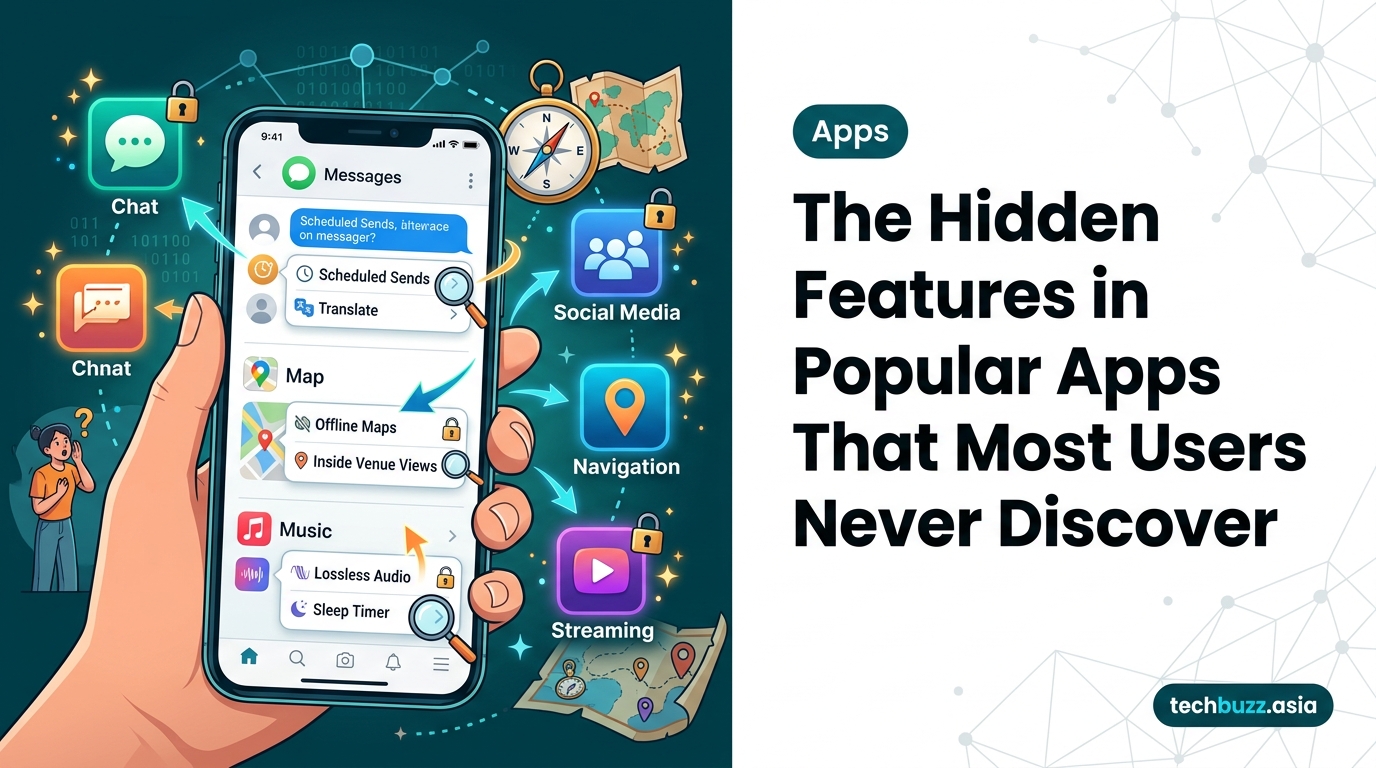
Instagram wants you to keep scrolling, but several hidden features can actually make the app more useful and less addictive.
You can mute people without unfollowing them. Go to their profile, tap Following, and select Mute. You’ll stop seeing their posts and stories, but they’ll never know. Your relationship stays intact while your feed gets cleaner.
The app includes a built-in time management tool. Go to Settings > Your Activity > Time Spent, and you can set daily reminders to take breaks. You can also see exactly how many hours you’ve wasted scrolling this week.
Instagram lets you download all your data, including every photo, video, message, and comment you’ve ever posted. Settings > Security > Download Your Information gives you a complete archive. Useful before switching phones or protecting your data if tech companies stop supporting your device.
Want to share posts without cluttering your main feed? Use the Close Friends feature for Stories, or create a secondary grid using the Archive function. Archive posts to hide them from your profile without deleting them permanently.
Google Maps secrets that work offline
Google Maps is more than navigation. Several hidden features work even without an internet connection.
Download offline maps before traveling. Search for your destination, tap the place name at the bottom, select Download, and choose your area. The map works completely offline, including turn-by-turn directions. Your smartphone battery will thank you since GPS uses less power than constant data streaming.
Here’s the process for maximum offline functionality:
- Open Google Maps and search for your destination city
- Tap the location name, then select Download offline map
- Adjust the area to include your hotel, attractions, and surrounding neighborhoods
- Name the map something memorable like “Tokyo Trip 2026”
- Update the map before your trip if you downloaded it weeks earlier
The app remembers where you parked. After parking, tap the blue dot showing your location, then select “Save your parking.” Add notes about the parking level or nearby landmarks. Never wander a parking garage for 20 minutes again.
Google Maps includes a speedometer and speed limit display. Enable it in Settings > Navigation > Map display. The feature isn’t available everywhere, but it works in most countries and helps you avoid tickets.
You can report road hazards, accidents, and speed traps while navigating. Tap the plus icon and select what you want to report. Other drivers see your updates in real time, and you’re helping everyone avoid problems.
Spotify features most subscribers ignore

Spotify Premium costs money, but most subscribers never use half the features they’re paying for.
The app includes a sleep timer buried in the playback screen. Tap the three dots while playing anything, select Sleep Timer, and choose when you want the music to stop. Perfect for falling asleep to podcasts without draining your battery all night.
Spotify lets you block artists completely. Find an artist you can’t stand, tap the three dots on their page, and select “Don’t play this artist.” Their songs disappear from your playlists, radio stations, and recommendations.
| Feature | Location | What It Does |
|---|---|---|
| Crossfade | Settings > Playback | Blends songs together smoothly |
| Gapless Playback | Settings > Playback | Removes silence between tracks |
| Canvas | Settings > Playback | Shows short video loops on song screens |
| Normalize Volume | Settings > Playback | Keeps all songs at similar volume levels |
| Offline Backup | Happens automatically | Caches recent songs for offline listening |
The Enhance feature adds recommended songs to your playlists. Open any playlist, tap the Enhance button at the top, and Spotify inserts suggestions between your existing tracks. They appear slightly dimmed until you decide to keep them permanently.
You can see what your friends are playing in real time. Go to Settings > Social and enable friend activity. A feed appears on the desktop app showing what everyone’s listening to right now.
Gmail tools that filter your inbox automatically
Gmail’s best features live in the settings menu that most people never open.
Create filters to automatically organize incoming mail. Click the search box, enter criteria like sender or subject keywords, select “Create filter,” and choose actions like applying labels, archiving, or marking as read. Set it once and your inbox maintains itself.
The Undo Send feature gives you up to 30 seconds to cancel an email after hitting send. Go to Settings > General > Undo Send and set your cancellation period. Default is 5 seconds, but you can extend it to 30.
Gmail includes smart compose and smart reply, but you can turn them off if they annoy you. Settings > General lets you disable both features. Some people find them helpful. Others find them creepy and intrusive, especially when apps start asking for more permissions than they actually need.
Schedule emails to send later. Write your message, click the arrow next to Send, and pick a date and time. Great for sending work emails during business hours even if you’re writing them at midnight.
The app can automatically sort your inbox into categories. Settings > Inbox > Inbox type offers options like Default, Important first, Unread first, Starred first, and Priority Inbox. Each one changes how Gmail organizes your messages.
YouTube settings that improve your viewing experience
YouTube hides quality-of-life features that make watching videos much better.
You can adjust playback speed on any video. Tap the settings gear, select Playback speed, and choose anything from 0.25x to 2x. Great for watching tutorials faster or slowing down complex instructions.
The app remembers where you stopped watching. But if you want to clear your history, go to Library > History and remove individual videos or clear everything at once. Your recommendations improve when you remove videos you accidentally clicked.
YouTube Premium subscribers can download videos for offline viewing, but there’s a hidden setting that controls quality. Settings > Background & downloads > Download quality lets you choose between Higher quality (uses more storage) and Lower quality (saves space).
Double-tap the left or right side of the video to skip backward or forward 10 seconds. You can customize this interval in settings. Some people prefer 5-second skips, others want 15 or 30.
Turn on captions by default in Settings > Captions. You can customize the text size, color, background, and font. Useful in noisy environments or when watching content in other languages.
Common mistakes people make with app features
Most users never change default settings, which means they miss features designed to save time.
- Leaving all notifications enabled drains battery and attention
- Never clearing cache makes apps slower over time
- Ignoring privacy settings shares more data than necessary
- Using default keyboards instead of trying alternatives
- Not organizing apps into folders wastes time searching
- Keeping location services on 24/7 kills battery life
- Never updating apps means missing security patches and new features
The biggest mistake is assuming you know everything an app can do. Developers add new features constantly. Spending ten minutes in settings every few months reveals tools you didn’t know existed.
Android-specific hidden features worth knowing
Android phones include system-level features that work across all apps.
Split-screen mode lets you use two apps simultaneously. Open your recent apps, tap an app icon, and select Split screen. Perfect for watching videos while texting or comparing information between apps. Hidden Android features like this can completely change your workflow.
Digital Wellbeing tracks your screen time and lets you set app timers. When you hit your limit, the app grays out until the next day. Settings > Digital Wellbeing & parental controls shows everything.
Android’s built-in screen recorder works without installing anything. Swipe down from the top, find Screen Record in your quick settings, and tap it. The feature records everything on your screen with optional audio.
Guest mode protects your privacy when lending your phone. Swipe down, tap your profile icon, and select Add guest. The person gets a clean version of your phone without access to your apps, messages, or photos.
iPhone tricks that Apple doesn’t advertise
iPhones hide features in unexpected places throughout iOS.
Back Tap turns the back of your phone into a button. Settings > Accessibility > Touch > Back Tap lets you assign actions to double-tap or triple-tap gestures. Launch apps, take screenshots, or trigger shortcuts without touching the screen.
Focus modes do more than silence notifications. Settings > Focus lets you create custom modes that change your home screen, allow specific apps, and auto-reply to messages. Different focus modes for work, sleep, and personal time keep you present.
The iPhone keyboard includes a hidden trackpad. Press and hold the space bar, and the keyboard becomes a cursor controller. Editing text becomes much easier when you can position the cursor precisely.
Live Text works in the Camera app before you even take a photo. Point your camera at text, and you can copy, translate, or call phone numbers without saving the image. Works with printed text, handwritten notes, and screens.
Getting the most from these hidden features
The apps you use every day contain tools designed to make your life easier. But features don’t help if you never activate them.
Start with one app. Pick the one you use most and spend fifteen minutes exploring its settings. You’ll find at least three features you didn’t know existed. Then move to the next app.
Some features require setup time upfront but save hours later. Downloading offline maps takes five minutes but prevents getting lost without signal. Creating email filters takes ten minutes but keeps your inbox organized forever.
Not every feature will matter to you. That’s fine. The goal isn’t using every hidden feature. The goal is finding the three or four tools that actually solve problems you have right now.
Your apps are more powerful than you think. You just need to look past the obvious buttons and menus to find what’s hiding underneath.



Post Comment