The Apps Draining Your Battery Faster Than You Think
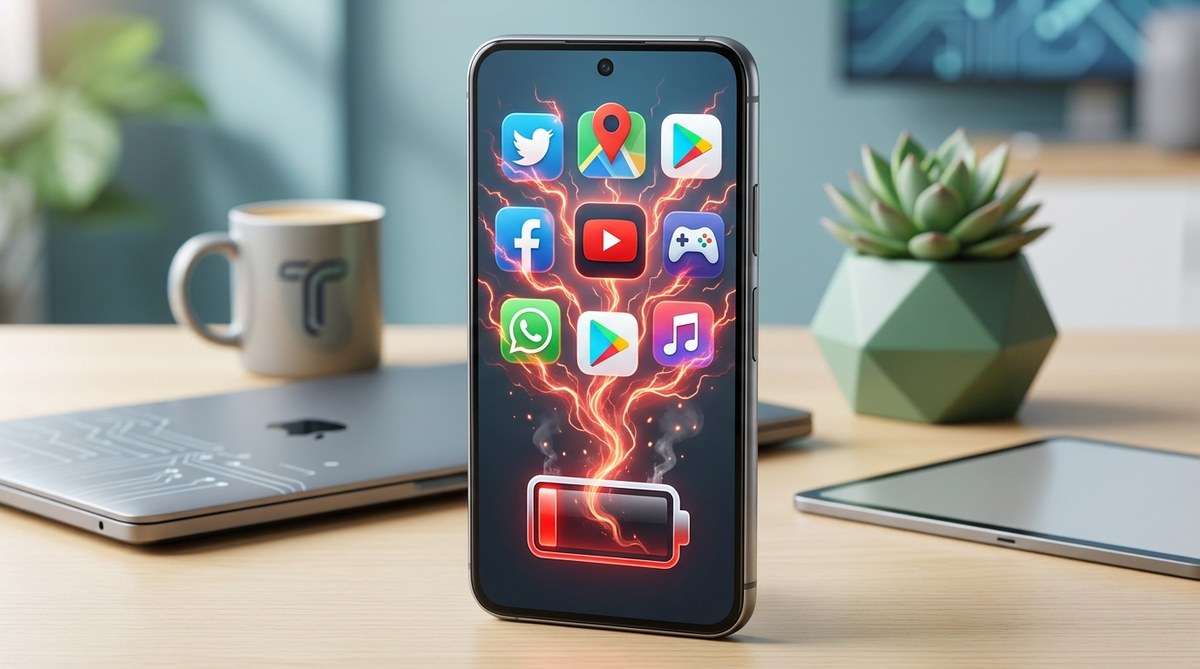
Thinking your phone’s battery drains faster than it should? Many apps silently chip away at your device’s power without you realizing it. From social media to streaming apps, some are more aggressive than others in consuming battery life. Luckily, you can take control and extend your phone’s usage time with a few simple steps. Knowing which apps are responsible and how to manage them can save you frustration and keep your phone running longer.
Apps draining your phone battery often run in the background, use location services excessively, or push notifications constantly. Managing these settings and monitoring app usage can significantly improve battery life and keep your device performing at its best.
The main apps that drain your phone’s power
Certain types of apps are notorious for consuming a large portion of your battery. Recognizing these can help you decide which ones to limit or use more thoughtfully.
Social media and messaging apps
Apps like Facebook, Instagram, WhatsApp, and TikTok are designed to keep you engaged. They often run background processes to fetch new messages, update feeds, and load multimedia content. This constant activity can lead to rapid battery drain, especially if notifications are enabled for multiple apps.
Video and music streaming apps
Platforms like YouTube, Spotify, and Netflix stream high-quality content that requires significant power. Playing videos or music, especially over cellular networks, keeps your screen active and your device working hard.
Navigation and map apps
Navigation tools, including Google Maps and Waze, rely heavily on GPS and data. When used extensively, they can drain batteries quickly, particularly if you keep your screen on for navigation guidance.
Gaming apps
Games are resource-intensive by design. They push your GPU and CPU to their limits, and if left open in the background, they continue to consume power, reducing overall battery life.
Dating and shopping apps
While not as heavy as gaming or streaming apps, dating and shopping apps often run background activities to refresh content and send notifications. Over time, this background activity can add up.
Why do these apps use so much battery?
Apps drain your phone battery for several reasons. Understanding these can help you make smarter choices about app usage.
Experts agree that background activity, location tracking, and constant notifications are the main culprits behind rapid battery drain. When an app fetches data, updates content, or uses GPS continuously, it keeps your device working harder than necessary.
Background activity
Many apps update in the background to keep content fresh. This ongoing process consumes power, especially if you have multiple apps doing this simultaneously.
Excessive location tracking
Location services are energy hogs. Apps that track your position constantly, like ride-sharing or mapping services, can significantly reduce your battery life.
Push notifications and background sync
Notifications keep your apps alerting you about new content. While useful, frequent notifications and background data synchronization can keep your device active longer than needed.
Unoptimized or buggy apps
Some apps are poorly designed or have bugs that cause them to use more power. Keeping apps updated can reduce this issue.
How to find out what’s draining your battery
Knowing which apps are the biggest power consumers is the first step toward fixing the issue.
-
Check your device’s battery usage stats
Most smartphones have built-in battery monitors. On Android, go to Settings > Battery to see a breakdown of app activity. iPhones show this in Settings > Battery under battery usage by app. -
Identify the top offenders
Look for apps that use a disproportionate share of power. If an app is draining more than 10 percent of your battery in a short period, it deserves attention. -
Assess background activity
Some apps may not seem active but still run in the background. Use your device’s app management tools to see which apps are always running.
Practical fixes to stretch your phone’s battery
Once you’ve identified problem apps, you can take steps to reduce their impact. Here are some easy fixes:
1. Stop apps from working in the background
| Technique | Mistake |
|---|---|
| Use your device’s settings to restrict background activity | Forgetting to disable background refresh can lead to unnecessary battery drain |
| Close apps manually when not in use | Leaving apps open can cause them to run in the background without your knowledge |
2. Control which apps use your location
- Turn off location services for apps that don’t need real-time tracking
- Set location access to ‘While Using’ rather than ‘Always’
3. Turn off notifications you don’t need
- Disable unnecessary push notifications to prevent apps from waking your device constantly
- Use Do Not Disturb mode during periods when you want to conserve power
4. Adjust your screen settings
| Technique | Mistake |
|---|---|
| Lower screen brightness | Using maximum brightness drains power quickly |
| Enable screen timeout sooner | Keeping the screen on longer than necessary consumes energy |
5. Use battery saver or low power mode
Activating these modes reduces background activity and limits power-hungry features. They’re especially useful when your battery is running low and you need longer usage time.
Additional tips for battery longevity
- Keep your device and apps updated. Developers often optimize power use in updates.
- Turn off Bluetooth and Wi-Fi when not in use.
- Avoid leaving your device in hot environments. Heat accelerates battery degradation.
- Limit background app refresh on iOS or background data on Android.
Techniques and common mistakes table
| Technique | Common mistake |
|---|---|
| Monitoring battery usage regularly | Ignoring apps that suddenly start draining power |
| Restricting background activity | Forgetting to re-enable essential apps after updates |
| Managing location permissions | Allowing all apps to access location ‘Always’ when not needed |
| Turning on power saving modes | Relying solely on these modes without optimizing app settings |
When apps drain your battery, it’s not always their fault
In many cases, poorly optimized apps or excessive background activity are the main issues. Sometimes, just updating your apps and adjusting settings can make a big difference. If you suspect an app is behaving badly, try uninstalling and reinstalling it. Also, consider using alternative apps that are more battery-friendly.
Remember that your device’s overall health influences how long your battery lasts. If your battery is old or degraded, even well-behaved apps may cause faster drain. For persistent issues, check out https://techbuzz.asia/why-your-smartphone-battery-degrades-faster-than-it-should/ to learn more.
Taking control of your device’s power
Managing app behavior is key to extending your battery life. Regularly review your usage and tweak your settings accordingly. With a little effort, you can keep your phone running longer, even on days packed with your favorite apps.
Keep your phone alive longer with smarter app management
Being aware of how apps drain your battery can empower you to make smarter choices. Limit background activity, control location access, and turn off unnecessary notifications. These small steps add up to a noticeable difference. Your device will thank you with longer-lasting power, and you’ll spend less time hunting for chargers.
Take the time to review your app permissions and settings periodically. You’ll be surprised how much extra juice you can squeeze out of your device. After all, a well-managed phone is a happier, more reliable companion every day.




Post Comment