How to Set Up for GTA 6 So You Don’t Waste Your First Weekend
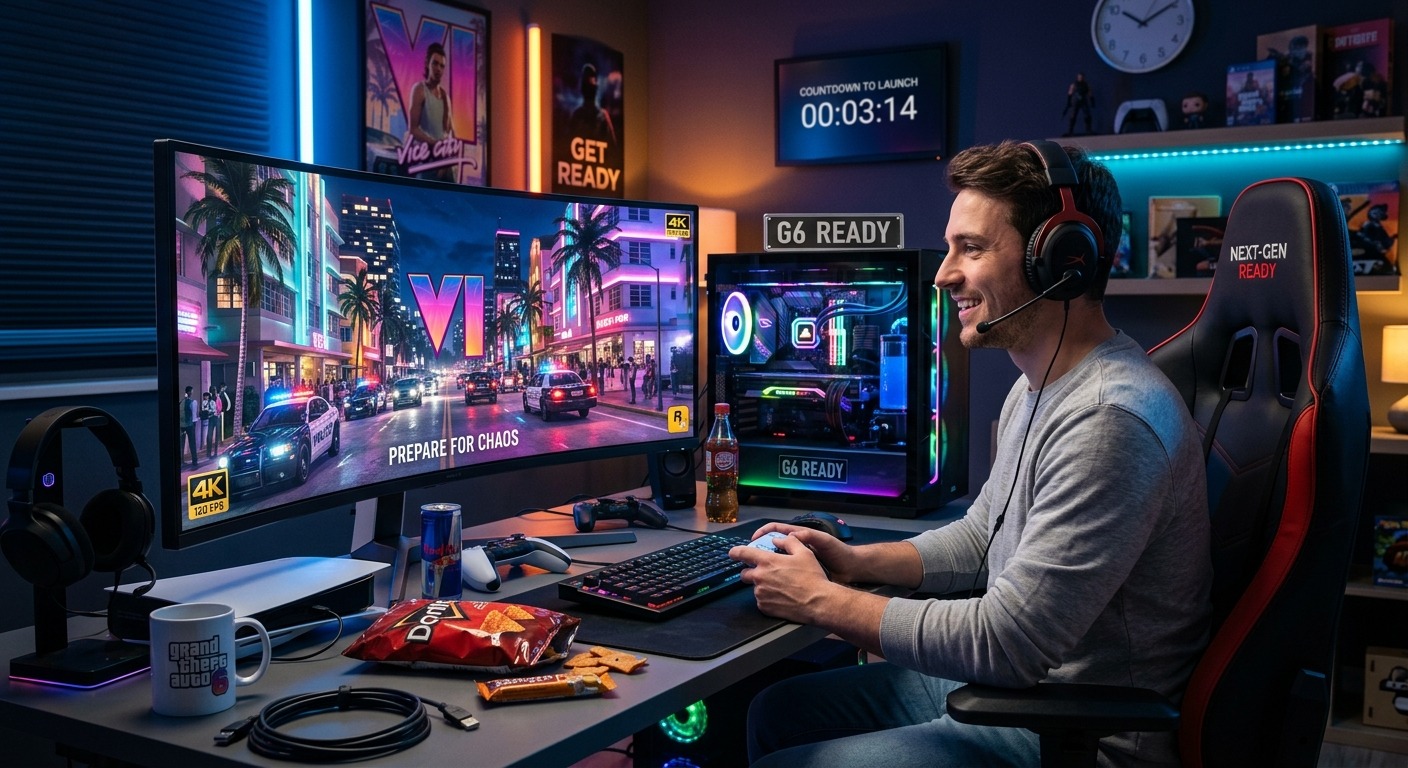
GTA 6 is one of those releases that will define the year. Anticipation has been building for a long time, and when the game finally drops, millions of players are going to hit download at the same time. The ones who walk in prepared will spend that first weekend actually playing. The ones who did not bother will spend it troubleshooting storage, waiting on patches, and wondering why their connection is crawling. This guide is about making sure you are in the first group.
Before You Buy
GTA 6 is shaping up to be the biggest game release in years. Before it lands, you need a platform decision that aligns with regional pricing, enough storage to hold a game that easily exceeds 100 GB, and a connection that can handle a launch-day patch. Having a sense of your playthrough approach before day one is what separates a focused first weekend from one spent staring at menus and second-guessing everything.
PC vs PS5: Which Platform Makes Sense in This Region
The platform question matters more in Asia than most gaming articles acknowledge. In markets like the Philippines, Indonesia, and Thailand, the PlayStation 5 launched at prices that stung given local income levels. Physical game prices followed. A single new release can cost the equivalent of two to three days of wages in some markets. That context shapes the decision in ways a simple spec comparison cannot capture.
GTA 6 is confirmed as a PlayStation and Xbox release first. Based on confirmed details about the title, a simultaneous PC launch looks unlikely given Rockstar’s track record with major releases. Red Dead Redemption 2 hit consoles in October 2018. The PC version arrived in November 2019. A gap of 12 months or more between a PS5 launch and a PC release would not be surprising at all.
If you want to play GTA 6 at launch and on the earliest possible date, PS5 is the only realistic path for most players. If you are willing to wait and would rather invest in PC hardware with longer-term value, that trade-off makes genuine sense. PC does not require a subscription for online access, handles game sales better over time, and gives you the option to mod the game once support matures.
There is no objectively correct answer here. The right call depends on your budget, your existing setup, and how much the day-one experience matters to you personally. Both paths are valid. What matters is that you make the choice before launch week, not during it.
How Much Storage You Actually Need
Game file sizes have been climbing for years, and GTA 6 will almost certainly set a new benchmark for the series. GTA 5 sits at around 100 GB on PC after updates. Industry estimates for GTA 6 frequently land in the 150 GB range before launch-day patches, and that number grows over time as updates roll in across months of post-launch support.
PS5 owners need to audit their storage right now. The console ships with 825 GB of internal SSD space, but after the operating system and system software take their cut, the usable figure drops closer to 650 to 700 GB. If you have a full library of games installed, you may already be near the limit without realizing it.
PS5 supports M.2 NVMe SSD expansion, and M.2 drive compatibility requirements cover the read speed thresholds a compatible drive needs to meet. The minimum recommended read speed is 5,500 MB/s. Drives hitting that spec are available across Southeast Asian retailers at reasonable prices right now, and installing one before launch is far better than scrambling for space at midnight on release day.
PC players should check whether they are running games off an NVMe SSD or a mechanical hard drive. Load times in an open-world game of this scale will be noticeable on a spinning disk. If you are still using an HDD as your primary game drive, upgrading to an NVMe SSD is the single most impactful hardware change you can make before GTA 6 arrives.
Checking Your Internet Before Launch Day
Launch-day patches are standard practice now. You will need to download one before the game is fully playable, and depending on how much content was held back from gold, it could be substantial. Ten gigabytes is not unusual. Some games have shipped with patches close to that figure on day one, and a title at this scale has every reason to follow the same pattern.
Test your actual download speed, not the figure your ISP quotes. Run a speed test during peak evening hours, which is when launch-day traffic will hit hardest. If your real-world speed runs around 20 Mbps, a 10 GB patch takes roughly an hour. At 50 Mbps, that drops to around 25 minutes. Knowing your realistic figure prevents unpleasant surprises.
Fiber broadband in Singapore, Malaysia, and urban parts of Thailand and Vietnam makes these timelines manageable. Players on older ADSL connections or shared building internet should set realistic expectations and start downloading the moment the game unlocks, even if they plan to sleep through the launch window and play in the morning.
Mobile tethering works in a pinch, but watch your data cap closely. Pulling down a full 150 GB game over mobile is not practical unless you are on a genuinely unlimited plan and have patience for the wait.
Planning Your Story Before You Start
Open-world games have a failure mode that almost nobody talks about before they experience it. You sit down to play, get handed a map full of icons, and cannot figure out what to prioritize. Three hours in, you have started two story missions, done a handful of random side activities, and completed none of them. By Sunday evening, you feel vaguely frustrated despite having played all weekend. That cycle is avoidable.
GTA 6 is going to be enormous. Rockstar has confirmed multiple protagonists and a Florida-based map reportedly larger than GTA 5. Walking in without any kind of plan is a reliable way to feel overwhelmed by that scale rather than energized by it. The content volume is a feature, but only if you approach it with some intention.
Before the game releases, think through what kind of player you are. Story-first players will want to push the main missions forward and save side content for later runs. Completionists will need to manage their time very differently. Across gaming communities in Asia, players have been mapping out their priorities using GTA 6 story planner, flagging side content they want to hit early before the main story carries them in a different direction entirely.
A rough plan does not constrain your experience. It focuses it. Having a general sense of your priorities going into a game of this scale makes the first weekend dramatically more satisfying than wandering between activities and feeling like you accomplished nothing.
What to Have Ready the Night Before
The night before launch is not the time for troubleshooting. Get the following sorted in the 24 hours before the game goes live:
- Pre-load the game as soon as it becomes available, to avoid sitting through a full download on launch morning
- Update your console firmware or GPU drivers beforehand, since driver updates in the middle of a launch session are avoidable friction
- Clear storage space in advance rather than scrambling to delete games at midnight when the queue is already running
- Calibrate your HDR settings if your display supports it, as a game built with HDR in mind will look noticeably better with proper calibration from the start
- Charge your controller or confirm that your PC peripherals are working correctly and recognized by the system
None of this is complicated. But each item on that list has derailed someone’s launch morning at some point. Handle it in advance and your Saturday starts with actual gameplay.
Hardware Notes for Mid-Range Setups in Southeast Asia
Mid-range gaming setups across Southeast Asia tend to cluster around a recognizable spec tier. A CPU in the Ryzen 5 5600 or Core i5-12400 range, a GPU around the RTX 3060 or RX 6700 XT, and 16 to 32 GB of RAM. These builds hit a pricing sweet spot in the region at the time they were assembled and remain capable rigs today across most titles.
GTA 6’s PC requirements are not officially confirmed yet. Based on the technical demands of GTA 5 and Red Dead Redemption 2, a reasonable estimate would put the recommended spec for 1080p at 60 frames per second roughly in line with that mid-range tier. High settings at 1440p will likely need a step up toward the RTX 4070 range or an AMD equivalent. Ultra at 4K is a different budget tier entirely, one that most players in the region are not targeting for a day-one experience.
A few specifics are worth checking on older mid-range builds. If you are running 8 GB of total RAM, expanding to 16 GB before launch is a worthwhile move. RAM prices in the region have dropped considerably over the past two years, and 8 GB single-channel will likely become a bottleneck in a game of this scale. Two matched sticks in a dual-channel configuration is the target, and the cost to get there has never been lower.
Thermal management matters more than most players realize. A mid-range CPU running GTA 6 for a sustained four-hour session under a stock cooler will thermal throttle, and that hurts real-world performance more than the raw spec sheet suggests. A budget aftermarket cooler is a low-cost upgrade that pays off immediately and keeps your system stable across long gaming sessions.
First Weekend Done Right
The players who enjoy GTA 6’s launch weekend are not necessarily the ones with the best hardware. They are the ones who showed up ready.
Platform settled with actual budget in mind. Storage sorted before the download starts. Internet checked during peak hours rather than assumed. A rough plan for how to approach the story. Firmware and drivers updated in advance. That is a two-hour investment spread across a week that pays back across an entire weekend of uninterrupted play.
GTA 6 will be a long game. Your first weekend shapes how you feel about it for months. Put in the prep now, and let the game do the rest.


Post Comment