Top Android Apps You Should Download Today to Boost Productivity
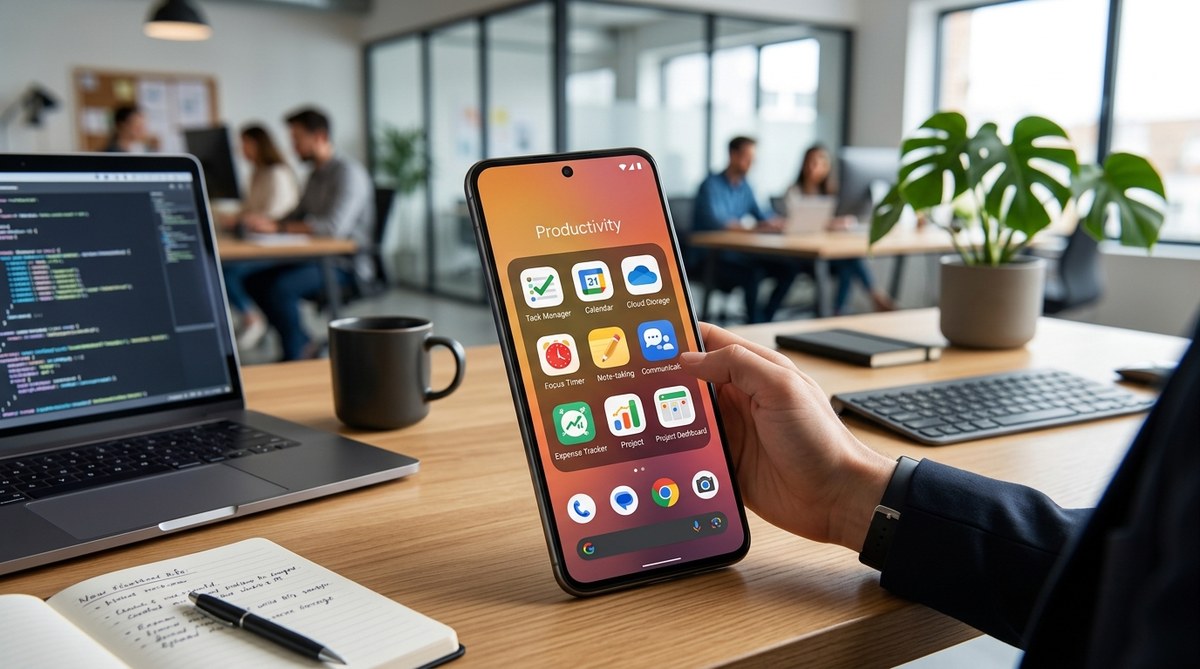
Getting things done on your Android device has never been easier. With countless apps vying for your attention, finding the right tools can transform your daily routine. Whether you’re juggling work projects, personal goals, or study schedules, the best Android productivity apps help you stay focused and organized. These apps are designed to fit into your workflow, making sure nothing slips through the cracks.
Choosing the right Android productivity apps can greatly improve your efficiency. Focus on task management, note-taking, automation, and time tracking to build a personalized workflow that keeps you on top of everything daily.
Why investing in the best Android productivity apps makes a difference
In today’s fast-paced world, staying organized is more than just a habit; it’s a necessity. The best Android productivity apps streamline your tasks, help prioritize what matters most, and free up mental space for creativity and problem-solving. They turn your smartphone from a distraction device into a powerful tool that propels you forward.
Top categories of Android productivity apps
To maximize your workflow, focus on core categories that cover planning, execution, and review. Here are some essential types:
- Task management apps
- Note-taking tools
- Calendar and scheduling apps
- Automation and shortcuts apps
- Focus and time-tracking apps
Let’s explore the top apps in each category.
The best Android task management apps
Managing your to-do list efficiently is key. These apps allow you to organize tasks, set deadlines, and track progress.
1. Todoist
Todoist remains a favorite for many Android users. Its intuitive interface and powerful features make task organization straightforward. You can create projects, set priorities, and even add labels to tasks. Its natural language input lets you add due dates quickly. Integration with email and calendar apps means your tasks stay synchronized across platforms.
2. TickTick
TickTick offers similar features with extra perks. Its built-in habit tracker, Pomodoro timer, and calendar view make it a versatile choice. Plus, it supports task sharing, perfect for collaborative projects. Its smart reminders ensure you never forget important deadlines.
3. Microsoft To Do
If you prefer a simple yet effective app, Microsoft To Do is a solid option. It seamlessly integrates with Microsoft 365, making it ideal for work environments. The My Day feature helps you focus on daily priorities without losing sight of longer-term goals.
Note-taking apps for quick capture and detailed documentation
Notes are the backbone of productivity. The best note apps for Android combine speed, organization, and security.
4. Notion
Notion is more than just a note app; it’s an all-in-one workspace. You can create notes, databases, calendars, and even project boards. Its flexibility means you can design your workspace to match your workflow, whether it’s tracking project tasks or jotting down ideas.
5. Google Keep
For quick note-taking, Google Keep shines. Its simple interface and sticky-note style make capturing ideas fast. Color-coding and labels help keep notes organized. Integration with Google Drive allows easy access across devices.
6. Standard Notes
If privacy is a concern, Standard Notes offers encrypted note-taking. Its minimal interface ensures distraction-free writing. Plus, you can extend its functionality with plugins, turning it into a powerful journaling or coding tool.
Calendar and scheduling apps to stay ahead of your day
Time management becomes effortless with the right calendar apps.
7. Google Calendar
Google Calendar remains the go-to app for scheduling. Its integration with Gmail and other Google services makes adding events seamless. You can set reminders, create recurring meetings, and share calendars with colleagues or family.
8. Microsoft Outlook
Outlook combines email and calendar in one app. Its focused inbox helps you prioritize messages, while its calendar syncs appointments with Outlook or other services. The snooze feature ensures you don’t forget critical meetings.
9. aCalendar
For those seeking more customization, aCalendar offers multiple views, color-coded events, and widgets. Its user-friendly interface makes managing busy schedules simple.
Automation apps to streamline repetitive tasks
Automation saves mental bandwidth for creative work.
10. Tasker
Tasker is a powerhouse for Android automation. You can create profiles to control settings, send messages, or launch apps based on location, time, or event. For example, set your phone to silence during meetings automatically.
11. IFTTT
If This Then That (IFTTT) connects your apps and devices with simple recipes. Automate backups, social media posts, or smart home controls without lifting a finger.
12. Automate
Automate provides a more visual approach to creating automated workflows. Its flowchart interface makes complex automations accessible even to beginners.
Focus and time tracking for sustained productivity
Staying focused requires awareness of how time is spent.
13. Forest
Forest gamifies focus sessions. Plant a virtual tree when you start working, and it grows as you stay off your phone. Over time, your forest flourishes, motivating you to keep distractions away.
14. Toggl Track
Toggl Track makes time logging effortless. Its simple interface tracks your work hours across tasks and projects. Use its reports to identify time-wasting activities.
15. RescueTime
RescueTime runs silently in the background, analyzing your app usage. It provides weekly reports, helping you understand when you’re most productive.
Practical steps to integrate these apps into your routine
Follow these steps to build a productivity ecosystem that works:
- Identify your priorities: List daily, weekly, and monthly goals.
- Select core apps: Pick a task manager like Todoist or TickTick, and a note-taking tool such as Notion or Google Keep.
- Schedule your day: Use Google Calendar or Outlook for time blocking.
- Automate repetitive tasks: Set up automations with Tasker or IFTTT.
- Track your focus: Use Forest or RescueTime to monitor how well you stick to your plans.
- Review weekly: Adjust your system based on what’s working or not.
Techniques to maximize your Android productivity setup
| Technique | Mistake to Avoid | Explanation |
|---|---|---|
| Consistent review | Ignoring progress | Regularly check your task list and time reports to stay on track. |
| Clear categorization | Overloading one project | Break tasks into manageable chunks, and assign labels or tags. |
| Automation testing | Using too many automations | Start small, then expand automations slowly to avoid confusion. |
| Focus sessions | Multi-tasking during focus time | Commit fully to one task, and set boundaries for interruptions. |
“A well-structured app ecosystem can turn your smartphone into a serious productivity partner. Focus on building habits around these tools, not just installing them.” — Productivity expert Jane Doe
Building your ideal Android work toolkit
The key to a successful setup lies in choosing apps that suit your workflow. Avoid cluttering your device with too many tools. Instead, pick a few reliable apps for each category and learn their features deeply. Regularly update your apps and stay open to trying new ones that could fit your evolving needs.
Remember, the goal is to make your Android device work for you. With the right apps and habits, you’ll find yourself accomplishing more while feeling less stressed.
Your next step towards smarter productivity
Start small. Choose one app from each category and incorporate it into your routine. Over time, fine-tune your setup to match your work style. Mobile productivity is a journey, not a destination. Keep experimenting, and don’t hesitate to replace tools that no longer serve you.
Harness the power of these best Android productivity apps to make your days more efficient and less chaotic. Your future organized self will thank you.




Post Comment