7 Must-Have Apps for Managing Your Digital Life in 2026
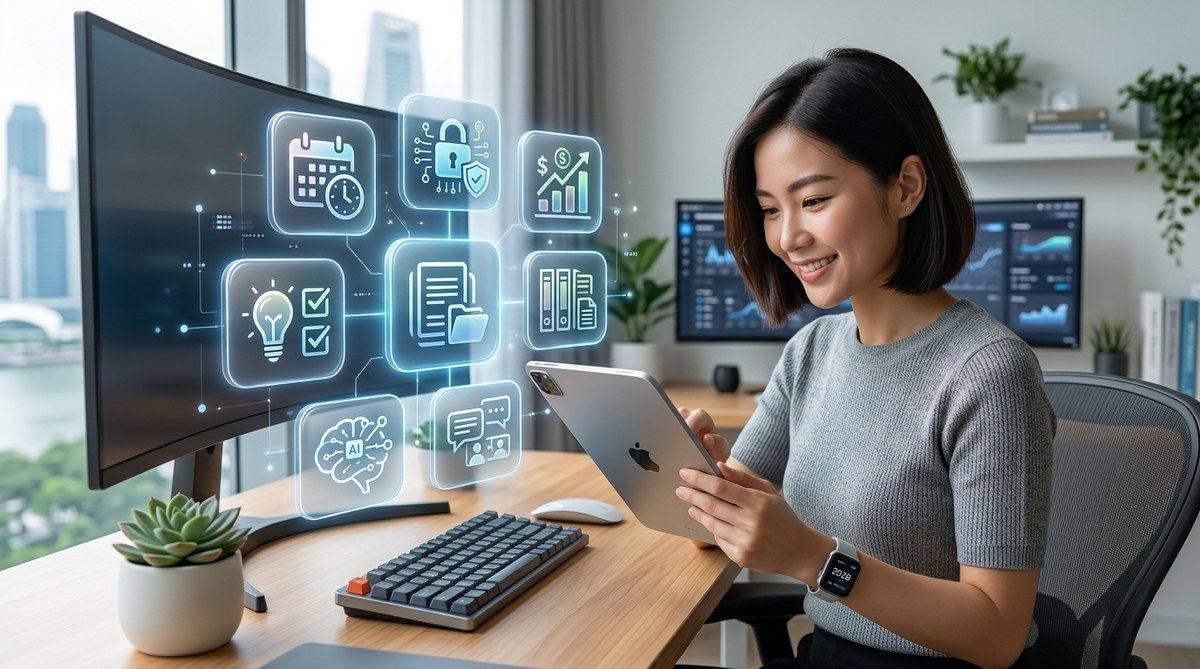
Between the endless notifications, scattered files, and overlapping calendars, your digital life can feel like a second job. But 2026 is the year the tech industry finally started building apps that work the way you actually think. No more switching between 15 tools just to move a task from your phone to your laptop. The best apps for digital life management 2026 are smarter, more integrated, and surprisingly easy to adopt. They don’t just organize your data; they protect your time, your focus, and your sanity. Whether you’re a freelance designer juggling client work or a project manager with three different messaging apps, the right stack can cut your daily overhead by hours. Let’s look at the seven tools that actually deliver on that promise.
The best apps for digital life management 2026 combine AI automation with deep cross-platform sync. The seven apps highlighted here tackle task management, note-taking, scheduling, file organization, password security, habit tracking, and email triage. Picking just three of them can already transform how you work across devices, reduce decision fatigue, and save you from the app sprawl that slows most professionals down.
Why Your Digital Life Needs a Refresh in 2026
The average professional now toggles between 11 apps before 10 a.m. That data comes from a 2025 survey by RescueTime, and the number hasn’t dropped this year. Worse, many of those apps duplicate features. Your calendar app can set reminders. Your note app can set reminders. Your task manager can also set reminders. The result is notification chaos and a constant feeling that you forgot something.
2026 is also the year of AI agents that don’t just suggest actions but actually execute them. Tools like Akiflow and Motion automatically reschedule tasks when meetings run long. Notion now generates meeting notes from voice recordings. The best apps for digital life management 2026 lean into this shift. They don’t add noise; they filter it.
If you’re still using four separate apps for tasks, notes, projects, and documents, you’re carrying a weight that modern tools can shed. Let’s see what separates the essential from the expendable.
What Makes an App Essential for Digital Life Management?
Not every popular app deserves a spot in your daily workflow. Here are the criteria I used to pick the seven below:
- Cross-platform availability: It must work on iOS, Android, macOS, Windows, and the web.
- Real-time sync: No manual “save and sync” buttons.
- AI that respects your schedule: The app should learn from your habits, not just dump notifications on you.
- Privacy that doesn’t require a law degree: Clear data policies and end-to-end encryption where it matters.
- A design that fades into the background: If you spend time organizing your organizing tool, it’s failing.
With those filters, the list gets short. Here are the seven apps that pass the test in 2026.
The 7 Must-Have Apps for 2026
1. Akiflow: The Command Center for Your Time
Akiflow started as a calendar/task hybrid and became a full-blown time orchestration tool. You type or speak a task, and it appears on your timeline with an AI-estimated duration. If a meeting runs over, Akiflow automatically shifts everything else. It integrates with Zoom, Slack, Gmail, and Notion. The result is a unified timeline that actually reflects reality.
| Feature | What it solves |
|---|---|
| AI time blocking | No more guessing how long tasks take |
| Auto rescheduling | Meetings spillover handled instantly |
| Unified inbox | Messages, tasks, and events in one view |
| Focus mode | Blocks distractions during deep work |
2. Notion: The All-in-One Workspace (But Now Smarter)
Notion has been around, but 2026 brought a major update: AI-powered project briefs. You type a goal, and Notion drafts milestones, assignees, and deadlines based on your past projects. It also learns your most used templates and surfaces them automatically. For professionals managing both personal and work life, Notion’s flexibility means you can keep a single source of truth for everything from grocery lists to product roadmaps.
Why it’s essential: It replaces Evernote, Trello, and Google Docs for most users. Pair it with a good task manager like Akiflow, and you have the core of your digital life covered.
3. 1Password: The Silent Guardian of Your Digital Identity
Password managers are not glamorous, but they are non-negotiable. 1Password in 2026 added Travel Mode, which hides selected vaults when you cross borders. It also integrates with authenticator apps, so you don’t need a separate 2FA tool. Your digital life is only as secure as the weakest password. 1Password creates strong ones, fills them automatically, and audits your vault for reused credentials.
4. Todoist: The Task Manager That Finally Understands “Later”
Todoist’s natural language input has been great for years. In 2026, it added smart deferrals: you can ask “remind me about this when I’m near the grocery store” and it triggers a geofence reminder. It also suggests project templates based on your recurring tasks (like “Weekly report” or “Monthly budget”). For people who hate rigid systems, Todoist is forgiving yet powerful.
5. Obsidian: The Knowledge Base That Grows With You
Obsidian uses local Markdown files, meaning your notes live on your device, not in a proprietary cloud. In 2026, its graph view got a major upgrade: it now shows you connections between notes based on semantic similarity, not just links. If you write a note about “meeting prep” and another about “client feedback,” Obsidian will suggest linking them. This is huge for researchers, writers, and anyone who needs to connect ideas across months.
6. Streaks: The Habit Tracker That Actually Sticks
Digital life management isn’t just about work. It’s about sleep, exercise, and boundaries. Streaks for iOS and watchOS (with a strong Android alternative in Habitica) uses a simple formula: you pick up to 12 habits, and it tracks your streak. The 2026 update added a “skip pass” feature that lets you miss a day without breaking the streak, as long as you complete the habit twice in a row afterward. This reduces the all-or-nothing mentality that kills most habit attempts.
7. Spark Mail: The Email Client That Thinks for You
Spark’s AI now categorizes emails by “Requires Action,” “For Your Eyes Only,” and “Notification.” It can also draft replies in your voice based on past emails. The killer feature for 2026 is “Send Later with Follow-up”: you schedule a reply, and if the recipient doesn’t respond in three days, Spark nudges them automatically. That’s one less thing to track.
How to Choose the Right Combination of Apps
The best apps for digital life management 2026 work together. Here’s a simple framework to build your stack:
- Identify your biggest friction point (calendar chaos? note sprawl? forgotten tasks?).
- Pick the app from the list that directly addresses it.
- Add a second app only if it fills a gap the first one can’t cover.
- Test the pair for one week. If you still feel overwhelmed, remove one.
Most people only need three apps: a time orchestrator (Akiflow or Motion), a note/knowledge base (Notion or Obsidian), and a password manager (1Password). Email and habits can often be handled by the time orchestrator’s built-in features.
Common Mistakes When Building Your Digital Toolkit
- Installing too many apps at once: Digital life management becomes a project itself.
- Ignoring cross-platform sync: If it doesn’t work on your phone and desktop equally well, skip it.
- Relying on free tiers that limit features: Free tiers often lack AI and sync. Paying $5-10/month for a tool that saves you 30 minutes a week is a no-brainer.
- Not reviewing your stack quarterly: Apps update, your needs change. Set a calendar reminder to audit your tools every three months.
A Step-by-Step Process to Declutter Your Digital Life
- Audit your current apps: List every app you used in the last 30 days that claims to improve productivity. Delete any you haven’t opened in two weeks.
- Choose your anchor app: This is the one that holds your schedule and tasks. Akiflow or Todoist works well.
- Connect it to your calendar: Sync with Google Calendar or Outlook to see all events.
- Import your tasks: Move everything from sticky notes, reminders, and other apps into your anchor app.
- Set up one automation: For example, automatically archive emails from old projects using Spark rules.
- Use the new system for 48 hours: Don’t tweak settings yet. Just trust the defaults.
- Reassess and customize: After two days, adjust labels, priority levels, and notification settings.
“The goal is not to have the most organized app. It’s to spend less time thinking about organization and more time doing the work. If an app requires a daily ‘inbox zero’ ritual, it’s a time vampire, not a time saver.”
Carlos Hernandez, productivity coach and author of “Flow Over Tools”
Build a Digital Life That Works for You
Your phone, laptop, and tablet should serve you, not the other way around. The best apps for digital life management 2026 share one trait: they adapt to your behavior rather than demanding you adapt to them. Akiflow learns your work pace. Obsidian reveals patterns in your thinking. 1Password removes friction from security.
Start small. Pick one app from the list that you haven’t tried yet. Use it for a week. Notice how much mental energy you free up. Then add a second only if you truly need it. The goal is a toolkit that feels invisible, a set of quiet assistants that handle the background noise so you can focus on what matters most.
Your digital life in 2026 can be calm, organized, and even a little boring. And boring, in this context, is a compliment.


Post Comment