Why Traditional Antivirus Is Becoming Obsolete in 2026
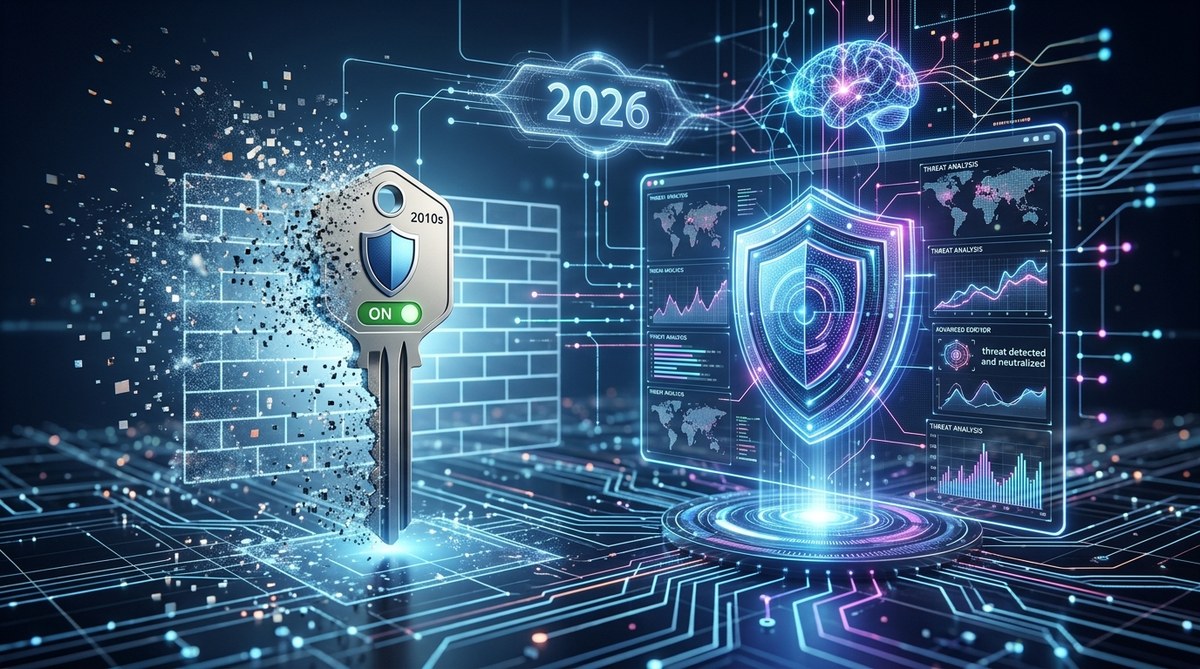
You are probably still paying for a Norton subscription or letting Windows Defender run in the background and hoping it is enough. But in 2026, the game has changed. Cybercriminals are using AI to write malware that mutates faster than any signature database can track. Ransomware attacks hit a record 679 victims in January 2026 alone, a 30% jump from the previous year. The truth is simple: the antivirus model you trusted in 2015 is no longer enough. Let me explain why and, more importantly, what actually protects you now.
Traditional antivirus relies on signature databases that can’t keep up with AI-generated malware, fileless attacks, and zero-day exploits. Modern security tools like endpoint detection and response (EDR) and built-in OS protections use behavior analysis to stop threats before they execute. Home users can often rely on Windows Defender or macOS XProtect, while businesses need dedicated EDR solutions. The shift from signature matching to behavior monitoring is the only defense that works in 2026.
Why Traditional Antivirus Fails in 2026
Antivirus software works by comparing files against a database of known malware signatures. That approach is like trying to catch a shape-shifter by memorizing its face from last year. Hackers now use generative AI to create unique variants of malware for each victim. These new strains have no signature on file, so they slip right past traditional tools.
Fileless malware is another blind spot. It lives entirely in memory and never touches the hard drive. Traditional antivirus scanners check files on disk, so they never see the threat. Once the malware runs in RAM, it can steal credentials, deploy ransomware, or exfiltrate data without ever being written to a file.
Ransomware gangs have also learned to disable antivirus processes before encrypting files. They exploit legitimate tools like PowerShell and Windows Management Instrumentation (WMI) to carry out attacks. Since those tools are trusted by the operating system, signature-based scanners give them a free pass.
Three Modern Threats That Bypass Antivirus
Here are the most common attacks that laugh at your old antivirus:
- AI-generated polymorphic malware changes its code every few seconds. No signature database can keep up.
- Fileless attacks run entirely in memory. They never write a file, so there is nothing to scan.
- Zero-day exploits target vulnerabilities that security vendors don’t even know about yet. Antivirus has no signature to match.
Each of these methods exploits the fundamental weakness of signature matching. The attacker only needs to be right once; the defender has to be right every time.
What Replaced Antivirus? Modern Endpoint Protection
The security industry has moved from signature databases to behavior analysis. Endpoint Detection and Response (EDR) continuously monitors the behavior of every process, file, and network connection on a device. Instead of asking “is this file known to be bad?” it asks “is this process acting suspiciously?”
For example, if a word processor suddenly tries to encrypt thousands of files and connect to a server in an unknown country, EDR blocks the action immediately. It doesn’t matter whether the malware has ever been seen before. The behavior is enough to trigger a response.
Extended Detection and Response (XDR) goes further by correlating alerts across endpoints, network traffic, and cloud services. Many businesses are also adopting Managed Detection and Response (MDR), where a team of human analysts monitors alerts 24/7 and responds to incidents.
Built-in operating system protections have also improved dramatically. Windows Defender in Windows 11 now uses cloud-delivered machine learning and behavior monitoring. Apple’s XProtect on macOS does the same. For many home users, these tools are sufficient when combined with safe browsing habits.
How to Secure Your Devices Without Traditional Antivirus
You do not need to buy a separate antivirus suite to be safe in 2026. Follow this numbered process instead:
-
Enable built-in OS protections. Make sure Windows Defender or macOS XProtect is active and receiving updates. On Windows, turn on tamper protection to prevent malware from disabling Defender. On macOS, enable Gatekeeper to block unsigned apps.
-
Use a modern EDR tool if you run a business. Solutions like CrowdStrike Falcon, SentinelOne, or Microsoft Defender for Business provide behavior-based detection and automated response. These tools are designed to stop attacks that traditional antivirus misses.
-
Adopt good cyber hygiene. Keep your operating system and apps updated. Use a password manager and enable multi-factor authentication everywhere. Avoid downloading software from shady sites. Be skeptical of email attachments, even from known senders.
If you are a home user with up-to-date Windows Defender and you practice safe browsing, you are likely well protected without paying for extra software. But if you run a small business, investing in an EDR solution is one of the most cost-effective security decisions you can make.
Should You Still Buy Antivirus in 2026?
The answer depends on your situation. Here is a simple comparison:
| User type | Recommended approach | Why |
|---|---|---|
| Home user (single device) | Windows Defender or macOS XProtect | Built-in protections are now very strong; free and updated automatically. |
| Home user (family, kids) | A modern security suite like Bitdefender or Norton 360 (with behavioral detection) | These suites add parental controls and phishing protection while using modern detection methods. |
| Small business (5-50 employees) | Microsoft 365 Business Premium (includes Defender for Business) or a dedicated EDR tool | Traditional antivirus leaves you exposed; EDR stops ransomware and credential theft. |
| IT professional managing many endpoints | Enterprise EDR/XDR platform with 24/7 SOC monitoring | You need visibility, automated response, and threat hunting capabilities. |
A good rule of thumb: if you are still using a product that relies primarily on signature updates, you are not protected against the threats of 2026. Check the vendor’s website or ask their support whether they use behavior analysis and EDR capabilities.
Expert Advice: Focus on Behavior, Not Signatures
“Signature-based antivirus is like checking a guest list at the door while the party is already on fire inside. Modern security watches what people do after they get in. That is the only way to catch someone who shows up without a mask.”
– Sarah Chen, Lead Threat Analyst at CyberGuard Labs
This advice sums up the entire shift. You cannot block every piece of malware from entering your system. Sophisticated attackers will find a way in. What matters is whether your security tools can detect malicious behavior and stop it before damage is done.
The New Security Mindset for 2026 and Beyond
The days of installing one app and forgetting about security are over. But the news is not all bad. Modern tools are smarter, faster, and often free. Windows Defender has come a long way since its early days, as we discussed in our test of The biggest change is a shift in mindset: stop relying on signatures and start paying attention to behavior.
For home users, that means keeping your operating system updated and being careful about what you click. For small business owners, it means investing in an EDR service or a premium business plan that includes it. For IT professionals, it means migrating away from legacy antivirus solutions and adopting tools that understand context and intent.
The threat landscape will only get more complicated as AI tools become cheaper and more accessible. But with the right approach, you can stay ahead. Ditch the signature scanner, embrace behavior monitoring, and you will be far safer than you were with any old antivirus suite.

Post Comment