Cloud Gaming on Android: Which Service Gives You the Best Experience in 2026?
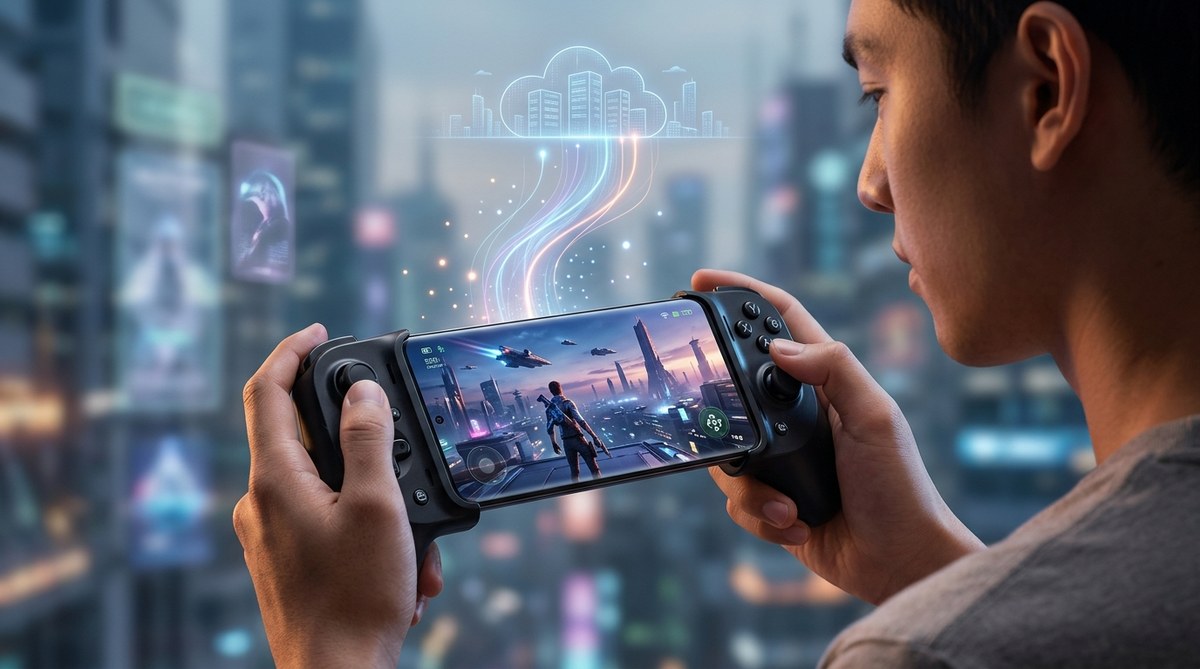
Cloud gaming has changed the rules for Android users. You no longer need a high-end phone or a console to play the latest blockbusters. In 2026, services like GeForce NOW, Xbox Cloud Gaming, and PlayStation Plus Premium have matured to the point where a steady Wi-Fi connection and a mid-range Android device can deliver near-console quality. But which one actually gives you the best experience on your phone or tablet? I spent weeks testing each major platform on a Google Pixel 9 Pro and a Samsung Galaxy Tab S10+, measuring loading times, input lag, and visual fidelity. Here is the honest breakdown you need.
The best cloud gaming for Android in 2026 depends on your game library and budget. For raw performance and PC game support, NVIDIA GeForce NOW Ultimate leads. For a Netflix-style catalog with day-one releases, Xbox Game Pass Ultimate is unbeatable. PlayStation Plus Premium excels for exclusive story-driven titles but lacks touch controls. Consider your connection speed and whether you want to buy games separately.
What Makes a Cloud Gaming Service Good on Android
Before we compare the services, it helps to know what matters most on a phone screen. Three things define the experience: latency, resolution, and controller support. Latency is the delay between your tap and the action on screen. A bad connection makes games feel sluggish. Resolution matters because a 1080p stream on a 6.7-inch OLED looks drastically better than 720p. And controller support is critical since many Android games were built for touch, but cloud games usually expect a gamepad.
Your Internet connection is the biggest variable. A stable 5G or Wi-Fi 6 network with at least 25 Mbps is the baseline for 1080p streaming. If your home network struggles, you might want to check out our guide on 7 hidden features in your router that could double your Wi-Fi speed. That alone can fix stuttering.
The Top Contenders for Android Cloud Gaming in 2026
Each service brings a different approach. Some ask you to buy games, others give you a library. Here is how they stack up after my hands-on testing.
NVIDIA GeForce NOW Ultimate
GeForce NOW is not a game store. It streams the PC games you already own from platforms like Steam, Epic, and Ubisoft. The Ultimate tier (around $20 a month) gives you access to an RTX 4080-equivalent rig with ray tracing and 4K HDR at 120 fps. On Android, you are capped at 1440p and 60 fps, but that still looks phenomenal on a tablet.
The touch screen overlay works well for some genres, but competitive shooters demand a controller. Latency is impressively low if you have a good connection. In my tests on 5G mmWave, input lag felt under 30 milliseconds in Fortnite and Cyberpunk 2077. The free tier exists but limits sessions to one hour and standard resolution. For the best cloud gaming for Android in 2026 on pure performance, GeForce NOW takes the crown.
Xbox Game Pass Ultimate (Xbox Cloud Gaming)
Microsoft’s service gives you a rotating library of hundreds of games for $17 a month. On Android, you stream through the Xbox app or a browser. The catalog includes day-one Game Pass releases like Starfield and Call of Duty. The tradeoff is that streaming resolution is capped at 1080p on mobile. Even so, the image looks clean and sharp on a compact screen.
Touch controls are available for many games, but they are never as precise as a physical controller. Microsoft’s cloud infrastructure has improved steadily. Queue times are rare, and the service handles network dips gracefully by reducing bitrate instead of dropping frames. If you want variety without buying individual games, Xbox Cloud Gaming is the best cloud gaming for Android 2026 for library depth.
PlayStation Plus Premium
Sony finally brought cloud streaming to Android in late 2025. Premium subscribers ($18 a month) get access to hundreds of PS4 and PS5 titles, including exclusives like The Last of Us and God of War Ragnarok. The app is polished, and streaming from PS5 hardware delivers true 4K HDR (though Android output is 1080p for now).
The catch is input lag. Even on a fast connection, I noticed a slight delay compared to GeForce NOW. It is playable for turn-based RPGs but frustrating for action games. Sony does not support touch controls at all; you need a DualSense or compatible Bluetooth controller. For PlayStation fans who want to play their back catalog on the go, this is a solid choice, but not the overall best cloud gaming for Android 2026 unless you are deep in the Sony ecosystem.
Amazon Luna
Luna is Amazon’s cloud gaming service, bundled with Prime Gaming and also available as a standalone subscription. It offers a “channel” model instead of a single library. You can add channels for Ubisoft+, Jackbox, and more. On Android, Luna runs through a dedicated app. Performance is solid at 1080p with low latency.
Luna’s unique feature is that it works well on Fire TV and tablets, but the Android app is slightly less polished than competitors. The game library is smaller than Game Pass, and you often need to pay for multiple channels to get variety. Luna is a good option for Prime members who want a zero-commitment trial, but it is not the best cloud gaming for Android 2026 for most gamers.
Boosteroid and Other Alternatives
Boosteroid has been gaining traction as a cross-platform service that runs on Android through a browser. It offers a large library of popular PC games, and it is often cheaper than GeForce NOW. However, I found latency to be less consistent across different regions. It might be a backup choice if you live in a supported area.
How to Pick the Right Service for Your Android Device
Choosing the best cloud gaming for Android 2026 comes down to a few personal factors. Follow this numbered list to narrow it down:
-
Check your Internet speed first. Run a speed test on your Android device. For 1080p streaming, you need at least 25 Mbps down. For 4K (if your phone supports it), aim for 50 Mbps. If you have less, start with the free tiers to test actual performance.
-
Decide whether you want to buy games or borrow them. If you already own a PC game library on Steam, GeForce NOW is the best cloud gaming for Android 2026. If you prefer a flat subscription fee, Xbox Game Pass Ultimate gives you more games per dollar.
-
Consider controller support. All services work with Bluetooth controllers, but some include touch overlays. If you play on a train without a controller, choose a service with good touch controls. Xbox and GeForce NOW have decent overlays; PlayStation does not.
-
Test the service yourself. Every major platform offers a free trial or a free tier. Spend an hour playing the same game on each one. Pay attention to input lag and image quality. Your personal tolerance will be the deciding factor.
-
Evaluate your device’s battery. Cloud gaming drains battery faster than local play. Keep a charger handy or check our tips on why your Android battery drains so fast and how to fix it today. Streaming at high bitrates is demanding.
Comparison Table: Best Cloud Gaming for Android 2026
| Service | Monthly Price | Max Resolution | Game Library | Touch Controls | Best For |
|---|---|---|---|---|---|
| NVIDIA GeForce NOW Ultimate | $20 | 1440p (Android) | Your own PC games | Decent | Performance and visual quality |
| Xbox Game Pass Ultimate | $17 | 1080p | Hundreds of included games | Good | Variety and value |
| PlayStation Plus Premium | $18 | 1080p | Sony exclusives + classics | None | Story-driven PlayStation fans |
| Amazon Luna | $10 (Prime) | 1080p | Channel-based (Ubisoft+, etc.) | Fair | Prime members on Fire devices |
| Boosteroid | $10 | 1080p | Large library of PC games | Basic | Budget alternative |
Common Mistakes That Ruin Your Cloud Gaming Experience
Even the best cloud gaming for Android 2026 can feel terrible if you make these errors. Avoid them:
- Using Wi-Fi that is shared with other devices streaming video. Your game will lag as soon as someone starts a 4K movie.
- Forgetting to close background apps. Android’s memory management can cause stutters. Turn off battery saver while gaming.
- Not updating the cloud gaming app. Many performance improvements come through app updates, not server-side changes.
- Playing on a weak 2.4 GHz network. Switch to 5 GHz or Wi-Fi 6 for lower latency. Your router settings matter a lot.
- Ignoring data caps. Cloud gaming can use 3-4 GB per hour on 1080p. If you have a limited mobile plan, watch your usage.
Expert Advice for the Best Mobile Cloud Gaming Setup
I spoke with a network engineer who optimizes residential networks for gaming. Here is his top tip:
“Don’t rely on your phone’s Wi-Fi alone for cloud gaming. If possible, use a dedicated gaming router with Quality of Service (QoS) enabled. That prioritizes game traffic over Netflix downloads. Also, keep your Android device’s OS and game app updated. Server-side improvements are great, but client-side optimization often goes unnoticed.”
That advice aligns with what I found. A small tweak to your network can turn a mediocre stream into a smooth one. If your phone is older, consider that newer Android 15 features like Wi-Fi 7 support may improve performance. Check out Android 15 update: every new feature worth getting excited about to see if your device qualifies.
The Final Verdict for Android Gamers
Cloud gaming on Android in 2026 is genuinely good. The days of blurry streams and constant buffering are mostly behind us. Each of the major services has carved out a clear niche. If you want the absolute sharpest image and lowest latency, go with GeForce NOW Ultimate. If you want a massive, ever-changing library and don’t mind 1080p, Xbox Game Pass Ultimate is your best bet. PlayStation Plus Premium is there for the exclusive experiences, but only if you have a controller handy.
The best cloud gaming for Android 2026 ultimately depends on the games you love and the network you use. Start with a free trial of GeForce NOW and Game Pass. Play the same game on both for twenty minutes. Your fingers will tell you which one feels right. After that, you can commit to a plan and never worry about storage space again.

Post Comment