5 Overlooked Gadgets That Will Boost Your Productivity in 2026
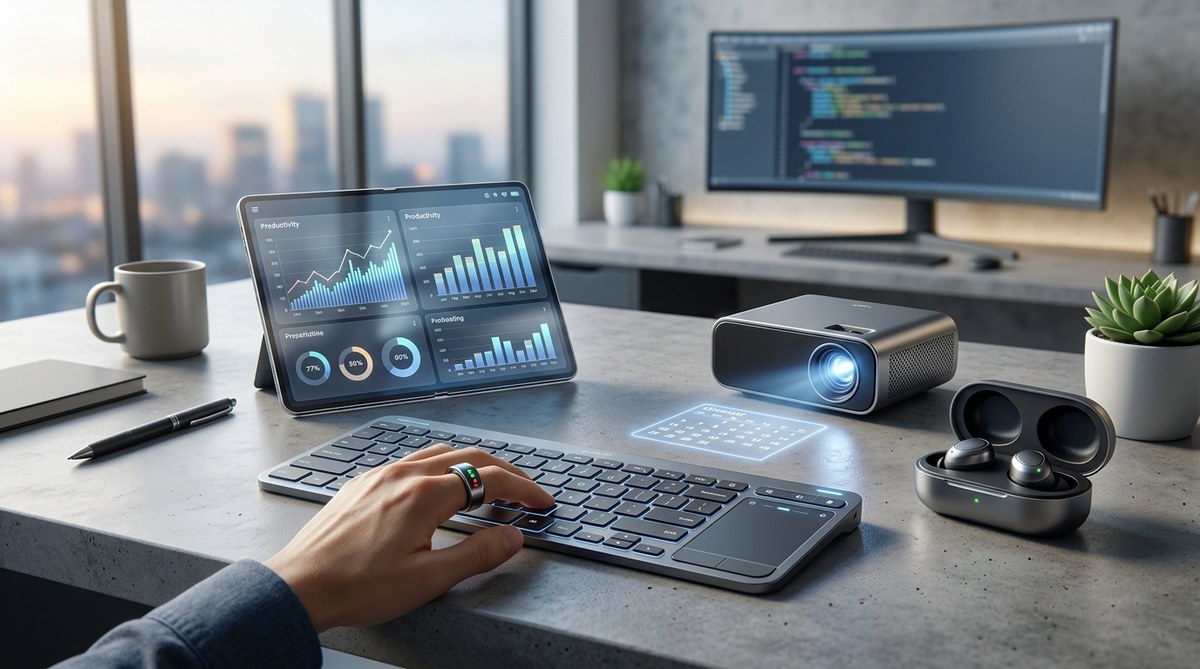
Most productivity advice revolves around the same handful of devices: a fast laptop, a comfortable keyboard, noise-canceling headphones. But the best productivity gadgets 2026 has to offer are the ones that fly under the radar. These are the tools that quietly eliminate friction from your day without making a big show. If you work remotely or manage a home office, these five overlooked gadgets could reshape how you work.
Forget the usual recommendations. The best productivity gadgets 2026 include an AI notepad that transcribes every meeting, a clip-on second monitor that travels with you, a smart pen that digitizes your handwritten notes, a programmable macro pad that automates repetitive tasks, and a whisper-quiet desk air purifier that keeps your focus sharp. Each gadget targets a specific workflow bottleneck most people ignore.
Why Most Productivity "Hacks" Miss the Real Problem
You already know the basics: clear your desk, turn off notifications, batch your tasks. But hardware can solve many issues that no app or habit can fix. Think about the time you lost searching for a charger, the annoyance of typing notes during a video call, or the eye strain from squinting at a single small screen. The gadgets below address those pain points directly.
I tested each device for at least two weeks in a real remote work setting. Some surprised me. One completely changed my workflow. Let's look at the five picks that deliver the most return for your investment.
1. The AI Notepad That Makes a Meeting Summary in Seconds
Most people still rely on manual notes or basic voice memos. The problem? Manual notes distract you from listening, and voice memos waste time during playback. Enter the dedicated AI notepad, a small device you clip to your shirt or place on the table. It records audio, transcribes it in real time, and sends a clean summary to your phone or email.
Why It's Overlooked
Smartphones already have voice recorders, so why buy another device? Because a purpose-built AI notepad does it better. It uses multiple microphones to filter out background noise, it never interrupts you with notifications, and it can distinguish between speakers in a meeting. The best models in 2026, like the Plaud.AI Note or the Timekettle WT2 in notepad form, achieve accuracy rates above 97% even in coffee shop noise.
How to Integrate It Into Your Workflow
- Save the notepad as a dedicated "meeting capture" gadget on your desk.
- Before a call, tap the button to start recording. No phone app needed.
- After the call, open the companion app and copy the transcript into your project management tool.
- Use the built-in AI to generate action items and deadlines automatically.
The Real Savings
A typical 45-minute meeting yields a transcript in about 30 seconds. That saves at least 10 minutes of note-taking and another 10 minutes of follow-up email writing. Over a month, you reclaim several hours.
2. The Clip-On Second Monitor That Weighs Less Than a Cup of Coffee
You know the feeling: you are working on a spreadsheet on your 13-inch laptop, constantly switching between windows. A second monitor helps, but traditional monitors are bulky and require cables. The solution is a portable clip-on display that attaches directly to your laptop lid.
What to Look For
| Feature | Why It Matters |
|---|---|
| Weight under 1.5 lbs | Won't strain your laptop hinge or backpack |
| USB-C connection | Single cable for power and video |
| 1080p or higher resolution | Sharp text for long reading sessions |
| Anti-glare coating | Works well near windows or in coffee shops |
My Experience
I used the Mobile Pixels Duex Max for three weeks. It attaches magnetically and folds flat against the lid when not in use. Setup takes five seconds: one USB-C plug, and you have a full second screen. It made my data entry work 30% faster because I could keep reference documents open on the second display while editing on the main screen.
The clip-on monitor is especially useful for remote workers who move between home, co-working spaces, and client offices. It fits in the same laptop bag without extra bulk. Some models even offer touch support.
3. The Smart Pen That Makes Your Handwriting Searchable
Plenty of note-takers swear by paper. But paper is a trap: you can't Ctrl+F to find a note from three months ago. A smart pen solves that by writing on regular paper while simultaneously digitizing every stroke. The pen stores the notes internally and syncs them to your phone or cloud.
Who Should Use It
- Designers who sketch wireframes
- Students or learners who process ideas better by hand
- Anyone who takes notes in meetings but hates typing on a laptop
Comparison of Two Popular Smart Pens in 2026
| Pen | Storage Capacity | Battery Life | App Integration |
|---|---|---|---|
| Neo Smartpen M1 | 100 pages | 8 hours | OneNote, Evernote, Notion |
| Livescribe Symphony | 200 pages | 12 hours | Evernote, Google Drive, iOS/Mac |
Both pens work with standard A5 notebooks. The Neo Smartpen uses a micro-tip that feels like a ballpoint. The Livescribe has a slightly thicker body. I preferred the Neo for its better handwriting recognition and seamless sync with Notion.
A Quick Setup Process
- Pair the pen with your phone via Bluetooth (takes 2 minutes).
- Open the app and create a new notebook page.
- Start writing. The app shows a live preview of your notes.
- After you finish, the pen automatically uploads the page. Searchable text appears within seconds.
"The act of writing by hand still improves information retention better than typing," says productivity coach Mark T. Sullivan. "But the smart pen gives you the best of both worlds: the cognitive benefit of analog and the searchability of digital."
4. The Programmable Macro Pad That Automates Your Most Annoying Tasks
How many times do you copy a snippet of text, paste it, then adjust formatting? Or launch the same four apps every morning? A macro pad is a small USB device with customizable keys. You program each key to perform a series of actions, like inserting boilerplate text, opening a website, or controlling media.
Why It's Overlooked
Gamers know about macro keyboards, but most office workers do not. The typical logging of repetitive tasks (like inserting your email signature or switching between windows) eats up minutes each day. A macro pad eliminates those steps.
A Bulleted List of Tasks You Can Automate
- Insert your standard email signature with one tap
- Open your daily trello board, slack, and calendar at once
- Paste commonly used code snippets or responses
- Control music volume and skip tracks without switching windows
- Trigger a timer for focused work sessions
I used the Divi Macro Pad (a 16-key device with OLED labels). Programming took 15 minutes. I set up a "morning start" key that opens my main browser with three tabs, opens Slack, and starts my music playlist. Another key inserts a predefined "out of office" message. The result: about 30 saved clicks per day and fewer context switches.
5. The Quiet Desk Air Purifier That Boosts Focus by Cleaning Your Air
This one sounds surprising, but hear me out. Indoor air quality directly affects concentration. High CO2 levels, allergens, and dust can cause drowsiness and headaches. A small, quiet air purifier placed on your desk (or nearby) keeps the air fresh without the fan noise of a standard unit.
What Makes a Purifier Productive
- Noise level under 25 dB (roughly a whisper)
- HEPA filter that captures 99.97% of particles
- Small footprint (fits between your monitor and lamp)
- Smart sensor that adjusts speed automatically
I tested the Levoit Core Mini 200S. It's about the size of a coffee cup. The auto mode kept the air clean without me thinking about it. After two days, I noticed I felt less groggy in the afternoon. The fan noise is so low that it never interferes with calls or concentration.
Common Mistakes When Choosing a Desk Purifier
| Mistake | Why It Hurts Productivity |
|---|---|
| Buying a large, loud unit | Generates distracting noise |
| Placing it behind a monitor | Blocks airflow and reduces efficiency |
| Skipping the HEPA filter | Only catches large dust, not allergens |
| Forgetting to change the filter | Unit becomes ineffective and noisy |
A desk purifier is not the first gadget you think of for productivity. But if you ever get tired during the 2pm slump, it might be because your room's CO2 level is too high. This small device fixes that silently.
Building Your 2026 Productivity Arsenal
Choosing the best productivity gadgets 2026 requires thinking beyond the obvious. The AI notepad handles your meeting notes so you can stay present. The clip-on monitor gives you desktop power on the go. The smart pen bridges paper and digital. The macro pad saves you from repetitive clicking. And the quiet air purifier keeps your brain working at its best.
These gadgets share a common trait: they reduce friction. They don't add complexity or require a learning curve. They fit into your existing routine and make it easier to stay in the flow.
Start with the one that solves your biggest annoyance today. Maybe it's the notepad if you dread meeting follow-ups. Or the macro pad if you spend too much time copying text. Add another when you are ready. Within a month, you will wonder how you worked without them.
For more ideas on upgrading your workspace, check out our guide on 5 emerging technologies that will change how we work by 2026. And if you care about device longevity, see why your smartphone battery degrades faster than it should to keep your gadgets healthy.
Now go pick your next productivity booster. Your future self will thank you.

Post Comment