What Happens When Apple Stops Supporting Your Device?
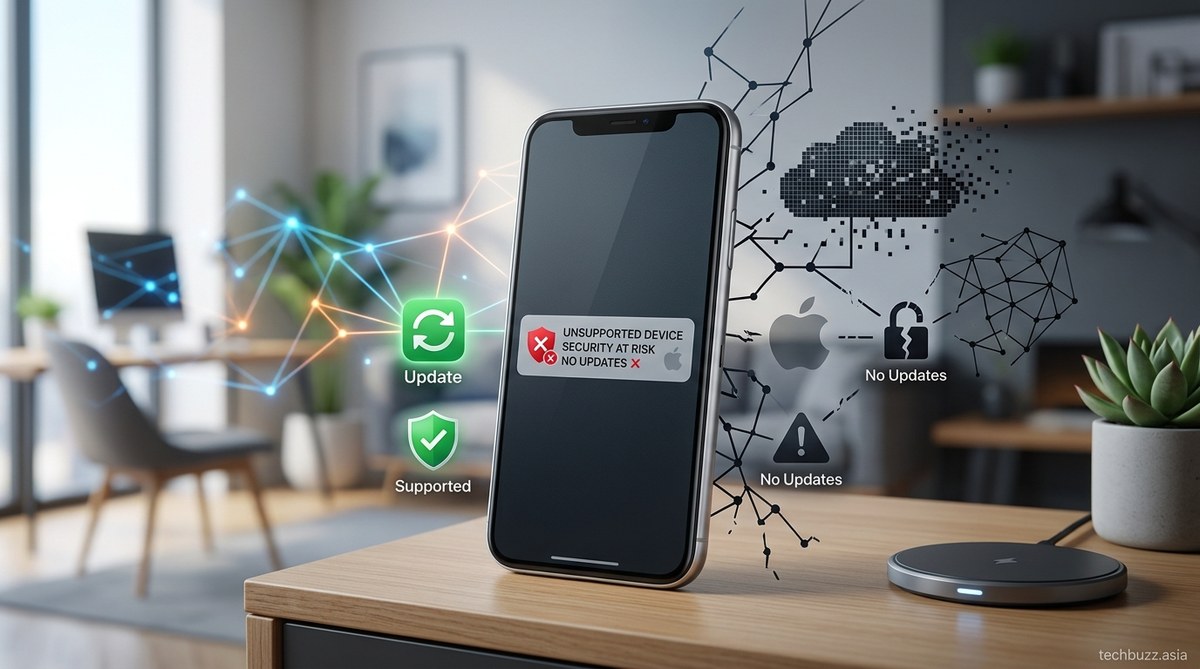
When Apple stops supporting your device, it can feel like a sudden change. Your once-fast, reliable smartphone or tablet might start to show signs of aging. Apps may become outdated or stop working altogether. Security becomes a concern, and your device may no longer receive critical updates. Knowing what to expect helps you plan ahead, whether that means upgrading or learning how to keep your current device functional longer.
When Apple ceases support for your device, it typically stops providing software updates and security patches. This can leave your device vulnerable to threats, cause app compatibility issues, and reduce its overall lifespan. However, understanding the process allows you to take steps to extend usability or plan for a replacement before critical problems arise.
The Lifecycle of Apple Devices and Support Policies
Apple is known for its relatively long support periods compared to many other tech companies. Typically, Apple provides software updates for iPhones and iPads for about five to six years after their initial release. MacBooks tend to receive support for around seven years. During this time, your device gets regular iOS, macOS, or iPadOS updates, including security patches, new features, and bug fixes.
Support duration depends on the device model and the hardware’s compatibility with newer software versions. As hardware ages, it may no longer meet the technical requirements for the latest operating systems. Once Apple stops supporting your device, it no longer receives updates, which marks the beginning of its decline.
What Exactly Happens When Support Ends
When Apple discontinues updates, several key issues can appear. Here’s what you can expect:
Security vulnerabilities increase
Without regular security patches, your device becomes more vulnerable to malware and hacking attempts. Cybercriminals often exploit outdated software to access personal data or take control of devices.
App compatibility drops
Developers update their apps to take advantage of the latest iOS or macOS features. After support stops, newer app versions may no longer work on your device. Over time, this can lead to a dwindling app ecosystem.
Performance and usability issues
Older hardware may struggle with newer software demands. You might notice slower performance, reduced battery life, or unexpected crashes. Some features may also become unavailable if your device can’t run the latest OS.
Limited access to new features
Once support ends, your device misses out on new features introduced in future updates. This can impact your user experience, especially if you rely on the latest tools for productivity or entertainment.
No more official repairs or parts
Apple often discontinues parts for older models once support ends. Repair options become limited, and replacing hardware components might become difficult or expensive.
Practical Steps When Apple Stops Supporting Your Device
Knowing what happens is helpful, but acting proactively is even better. Here are steps to consider:
1. Check the support timeline
Visit Apple’s official support page to see the specific end-of-support date for your device. This helps you plan upgrades or repairs in advance.
2. Backup your data
Before support ends, ensure all your data is securely backed up. Use iCloud or your computer to save photos, contacts, and app data.
3. Update to the latest supported version
If your device can still run a newer iOS or macOS version, update it now. The latest supported software will give you the most recent security patches and features until support officially ends.
4. Consider security enhancements
Install reputable security apps or use VPN services to protect your device from threats, especially if you plan to keep using it after support ceases.
5. Explore repair options
If hardware issues arise, check authorized repair centers or third-party specialists. Sometimes, repairs can extend the life of your device significantly.
6. Prepare for a replacement
If your device is approaching end of support, start researching new models. Apple often releases new iPhones and Macs annually, so timing your upgrade can save money and ensure compatibility.
7. Use workaround solutions
Advanced users can install custom firmware or third-party security patches, but this involves risks and can void warranties. Proceed only if you’re comfortable with technical modifications.
How to Extend Your Device’s Usability
Even after official support ends, some techniques can help keep your device functional:
- Limit app updates: Avoid downloading new apps or updates that require newer OS versions.
- Disable unnecessary features: Turn off background app refresh, location services, or Bluetooth to conserve resources.
- Install security patches manually: Some third-party communities develop patches for older devices, but they come with risks.
- Use alternative app stores or web versions: Access web-based versions of apps that no longer support your device.
Expert advice: “While it’s tempting to keep using an unsupported device, the security risks often outweigh the benefits. It’s wise to upgrade before vulnerabilities become a real threat,” advises cybersecurity specialist Laura Chen.
The Cost of Ignoring Support Endings
Ignoring the signs that support has ended can lead to:
| Technique | Potential Mistake | Result |
|---|---|---|
| Continuing to use outdated software | Relying on unsupported OS | Security vulnerabilities, app incompatibility |
| Ignoring hardware issues | Delaying repairs | Hardware failure, data loss |
| Not backing up data | Assuming support lasts forever | Data loss during failures or replacements |
When It’s Time to Say Goodbye
Eventually, your device will reach a point where maintaining it isn’t practical. The best approach is to stay informed about support timelines and act before critical issues emerge. Upgrading might seem costly, but it ensures security, stability, and access to the latest features.
Embracing Change and Moving Forward
Transitioning to a new device can be a smooth process when you plan ahead. Transfer your data, explore the new features, and enjoy the improved performance. Remember that technology advances rapidly, and staying updated helps you make the most of your digital experience.
By understanding what happens when support ends, you empower yourself to make informed decisions. Whether you choose to extend your current device’s life or upgrade, being proactive ensures your tech remains safe and functional.
Keeping Your Digital Life Secure and Up-to-Date
Taking control of your device’s lifecycle is a smart move. Regular backups, timely updates, and early planning can prevent stress when support ends. Staying aware of support timelines allows you to upgrade seamlessly, ensuring your digital world stays protected and efficient. Your future self will thank you for making these small but impactful choices today.


Post Comment